29
Sec on 7 Analyzer Setup
The Reac f Touch Urine Analyzer is capable of changing se ngs to suit workplace requi-
rements.
Note: If there is no change of se ngs desired, the analyzer will automa cally be pro-
grammed to its default se ngs.
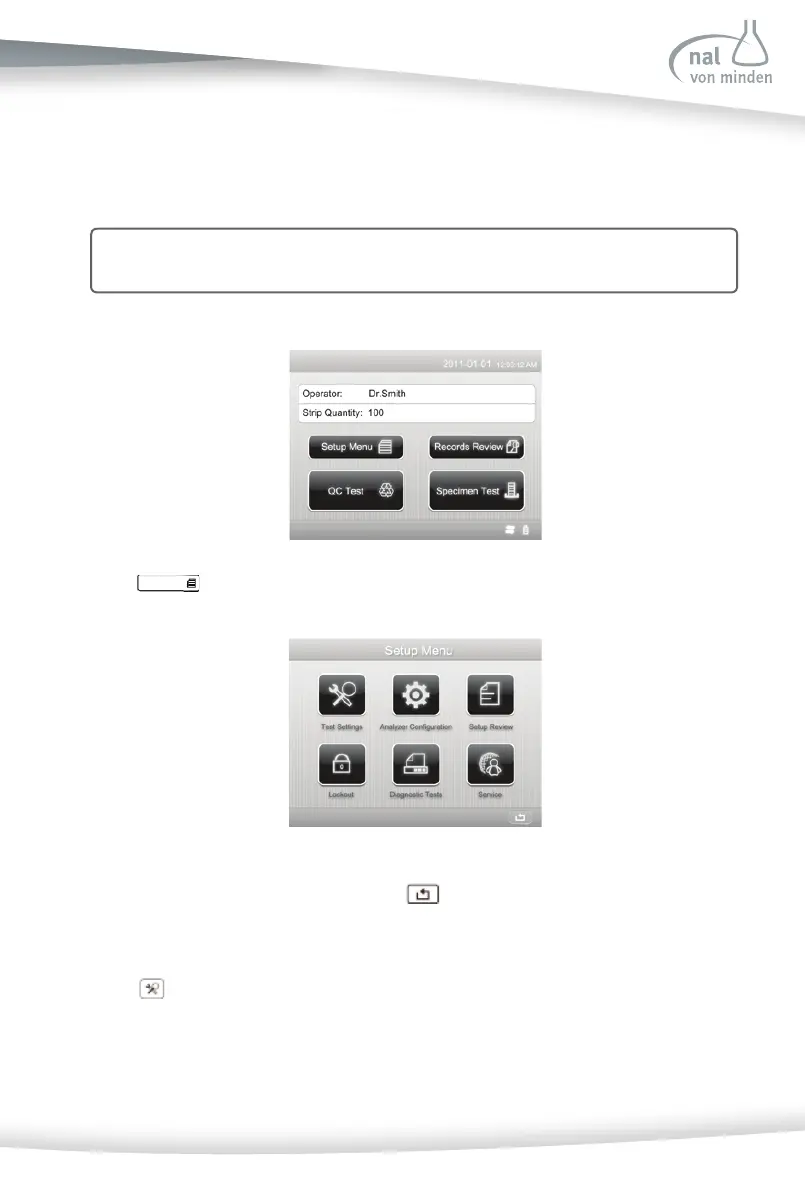
Press
on the ini al screen, the Setup Menu screen is displayed.
Press the relevant op on to change. Press
to return to the ini al screen.
Test Se ngs
Press to display the Test Se ngs screen used to confi gure test se ngs.
If User Login is enabled (refer to Sec on 7 Analyzer Setup: Lockout), the operator, except
for administer, can only view the se ngs and reset the test number and the test mode.



 To Next Page