30
nal von minden GmbH · Manual
Reac f Touch
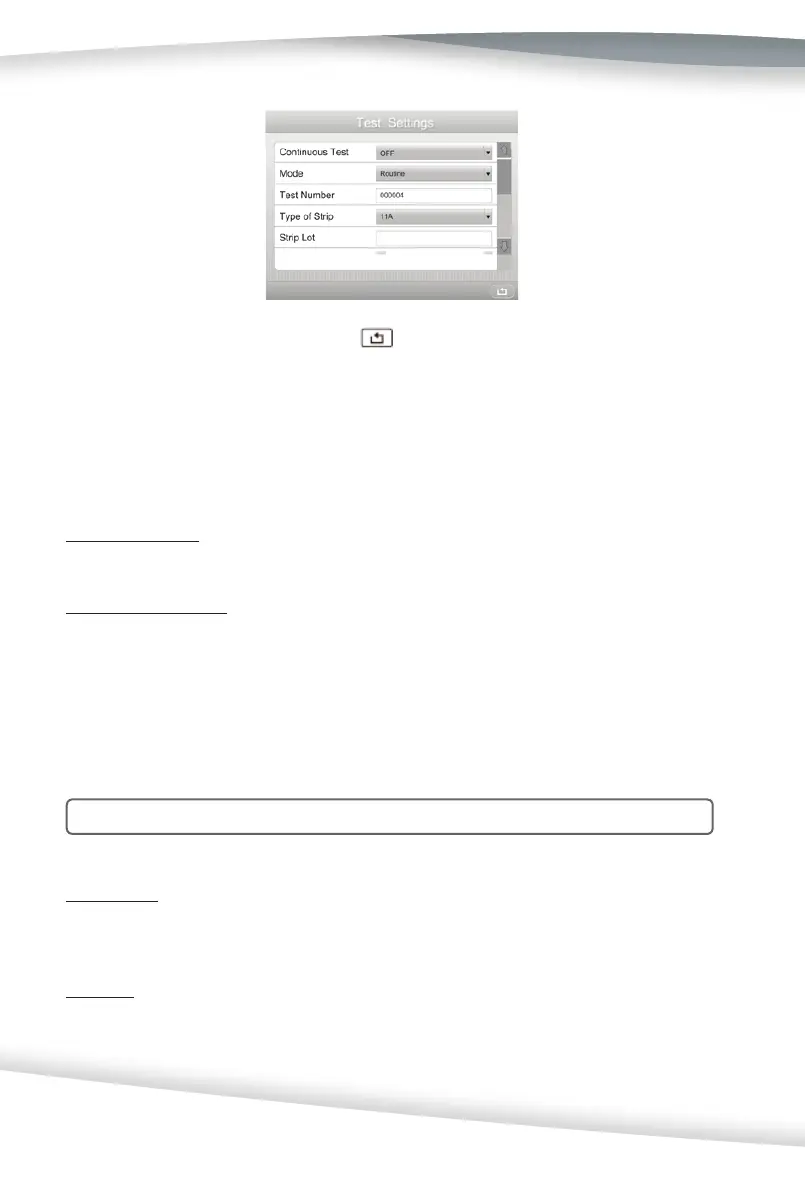
Once all selec ons are complete, press to save the selec ons and show the Setup
Menu screen.
Con nuous Test
Select the Con nuous Test op on and press the Drop-Down Arrow to change the set-
ngs to ON or OFF.
Con nuous Test - OFF (Single Test Mode)
Test one strip at a me. Single Test Mode performs 55 tests per hour hour.
Con nuous Test - ON
Tests many strips, one a er another. Con nuous Test Mode performs up to 120 tests per hour.
Mode
There are two test mode op ons. Select the Mode op on and press the Drop-Down
Arrow to change the se ngs to Rou ne or STAT.
Note: The Mode can be changed during Rou ne tes ng for STAT tests.
Rou ne Test
Use for normal urine tes ng. Default Test Number ranges from 1 to 99999. It resets to 1
automa cally every day if Auto Number Reset is set to ON.
STAT Test
Use for emergency urine tes ng. The default Test Number is from 100001 to 199999. It
resets to 100001 automa cally every day if Auto Number Reset is set to ON. The analyzer
will automa cally switch to STAT test and can not be changed if the QC Test has failed.



 To Next Page