62
nal von minden GmbH · Manual
Reac f Touch
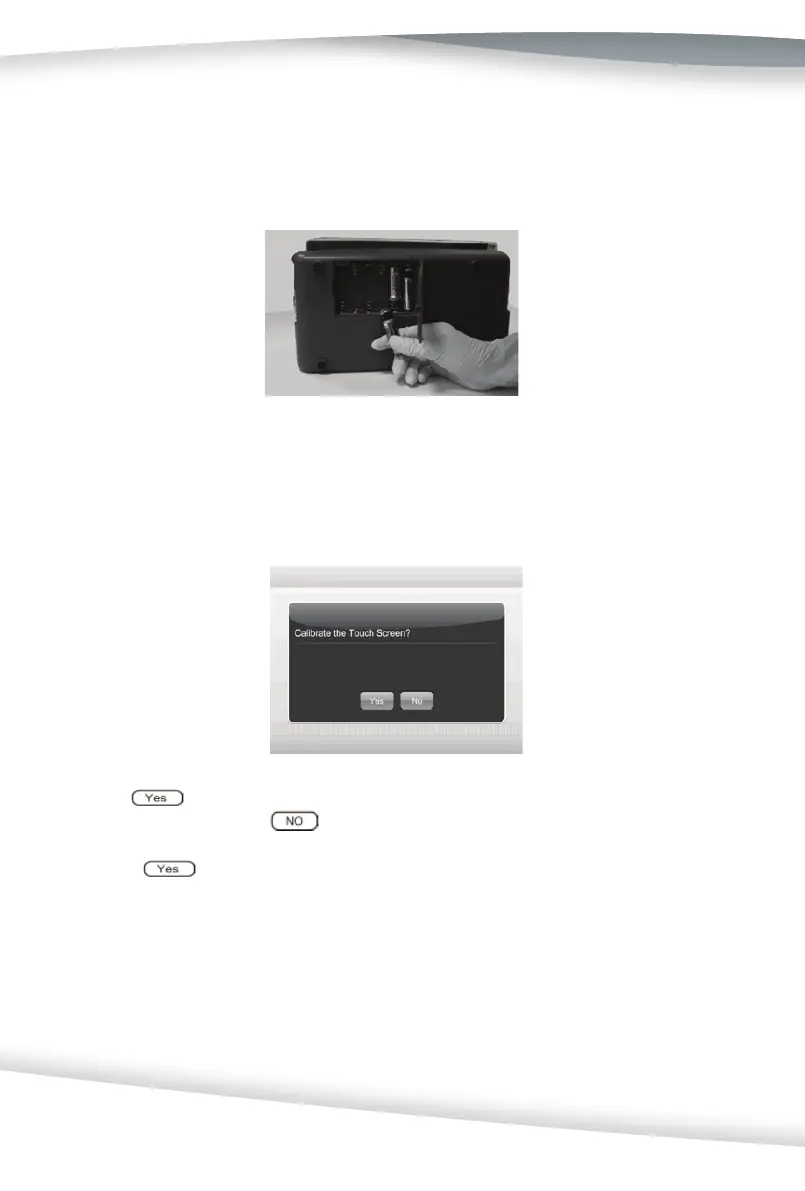
Remove the test table from the analyzer. Place the analyzer on its side. Open the ba ery
cover by sliding the tab away from the cover. Place the 6 AA Alkaline ba eries into the
analyzer. Close the ba ery cover and turn the instrument back onto its base.
Touch Screen LCD Calibra on
Turn off the analzyer, and then turn it on. A Touch Screen Calibra on screen as below
will be displayed prior to the Ini al Screen.
Choose
or the blank area between the choose op on and tle to start the cali-
bra on process, or choose
to skip the calibra on procedure.
If choose
on the Touch Screen LCD, a + symbol will be shown in the upper
le area of the screen. Press + displayed on the upper le area of the screen to begin
calibra on. Then + will move to the lower le area of the screen. Press the + displayed
on the lower le area. Then + will move to the upper right area of the screen. Press the
+ on the upper right area. Repeat this process when the + is displayed in the lower right
and the center area of the screen.
This calibra on process calibrates the touch screen, so the analyzer can interpret which
areas are being touched during opera on.



 To Next Page