34
nal von minden GmbH · Manual
Reac f Touch
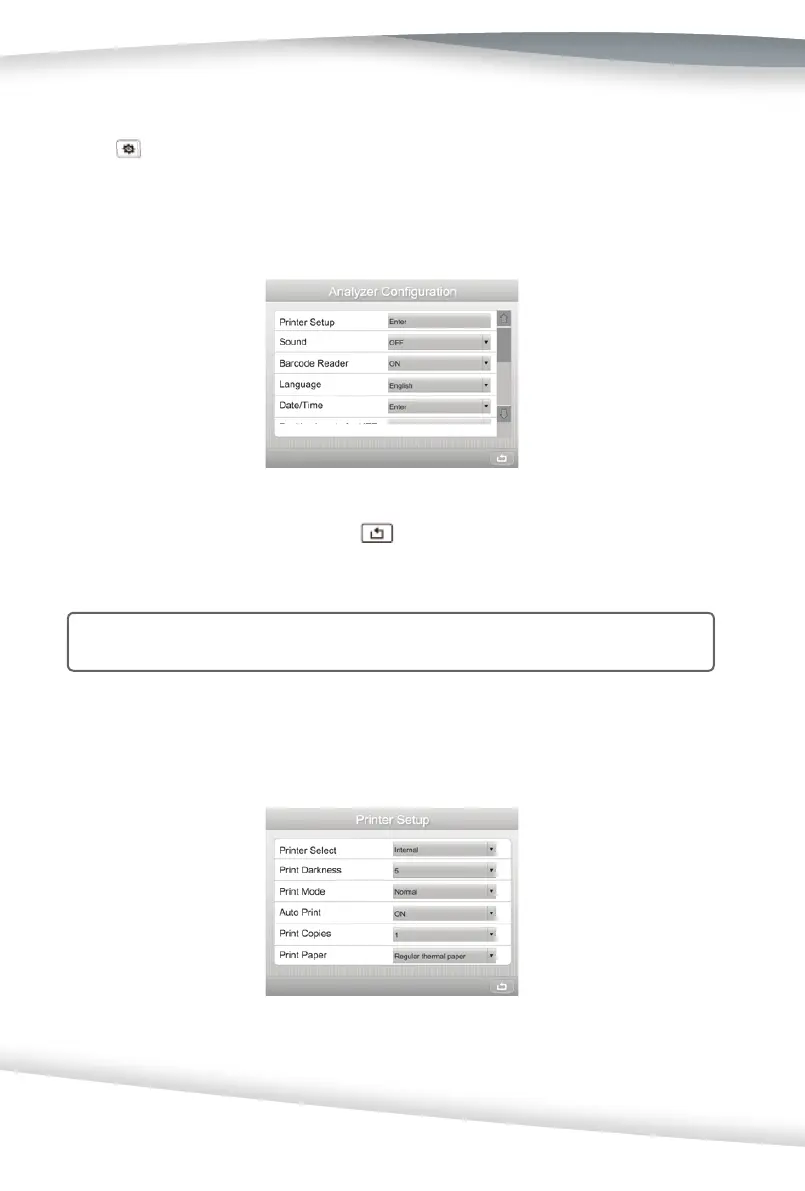
Analyzer Confi gura on
Press on the Setup Menu screen to display the Analyzer Confi gura on screen used
to confi gure the Printer Setup, Sound, Barcode Reader, Language, Date/Time, Auto Num-
ber Set, Display Contrast, Power Source, Power Save, Keypad, Connec vity, and Self-Test
Auto Print op ons.
Once all selec ons are complete, Press
to save the selec ons and return to the
Setup Menu screen.
Note: If the User Login is enabled (refer to Sec on 7 Analyzer Setup: Lockout), only
administer can change these se ngs.
Printer Setup
Select Printer Setup to display the screen below.
Press the Drop-Down Arrow to change the op on, as shown below.



 To Next Page