17
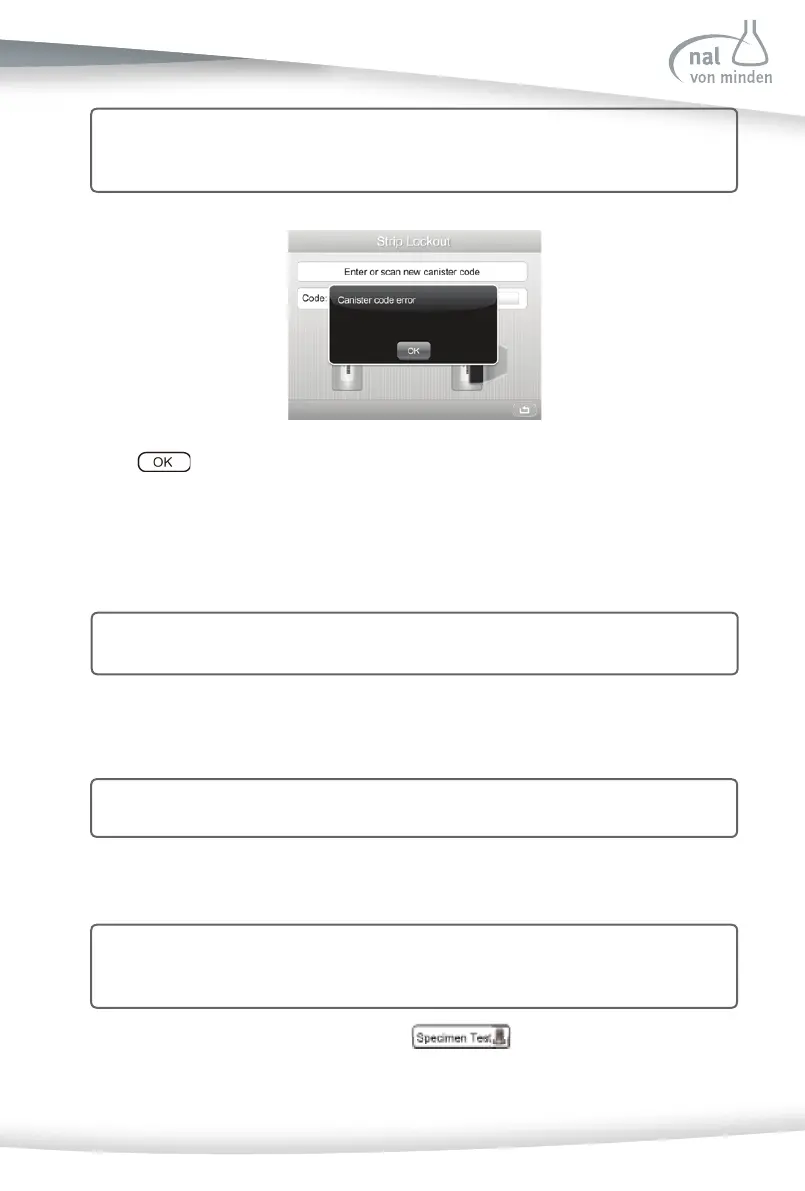
Press to confi rm and return to the previous screen.
If the canister code is correct, the analyzer will proceed to the ini al screen.
Note: Please set the right Type of Strip before entering a canister code. If the
canister code can’t match the se ed type of strip, Canister code error will also
be shown.
Specimen/Strip Prepara on
Allow the strip, urine specimen, and/or controls to reach room temperature of 15-30ºC
(59-86ºF) prior to tes ng.
Remove the strips from the closed canister. Use them as soon as possible. Tightly close
the canister a er removing the strips.
Note: For more informa on regarding use and storage of test strips, please refer to
the strip package insert.
Strip Test - Quick Test
Note: The analyzer has three test formats: Quick Test, Full Test and Customized. (For
further instruc ons on how to set Test Format, refer to Sec on 7 Analyzer
Setup: Test Se ngs: Test Format)
Tes ng starts from the ini al screen. Press to conduct a urinalysis re-
agent strip test.
Note: Only Reac f Urinalysis Reagent Strips work with the Reac f Touch Urine Analy-
zer. Use of any other strips will cause inaccurate results.



 To Next Page