28
nal von minden GmbH · Manual
Reac f Touch
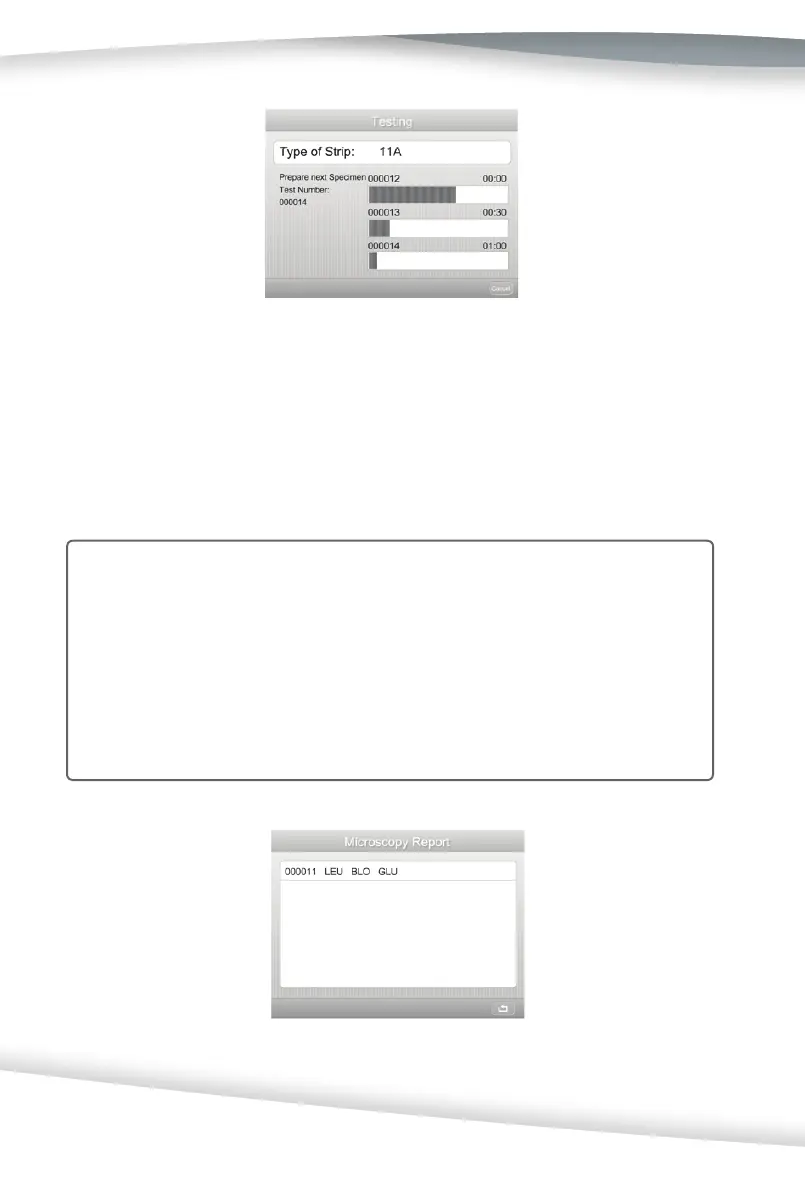
The third two-beep sounds prompt the user to dip the third strip into the specimen. The
analyzer will complete the fi rst test and print the result if the analyzer has been enabled
to print automa cally. At this me, the user should dip the third strip into the specimen,
lay the strip on the work bench, and put the second strip onto the test table. 15 seconds
a er the third two-beep sounds, the analyzer will start to run the test with the second
test strip.
Cau on: It is important to lay the strip on a fl at surface for about 30 seconds. Do not
put the strip on the test table immediately a er dipping since it may cause
false results.
Note: If the analyzer has been set up to fl ag a microscopy test for one or more para-
meters (refer to Sec on 7 Analyzer Setup: Test Se ngs: Abnormal Se ngs:
Flags for Microscopy), the results meet the Microscopy se ng value (Refer
to Sec on 7 Analyzer Setup: Test Se ngs: Abnormal Se ngs: Microscopy
se ngs) is also displayed on a Microscopy Report screen.



 To Next Page