25
Note: The user can input up to 200 specimens’ informa on for the work list.
If the analyzer has the Strip Lockout func on, the user needs to enter the canister
code for all strip canisters that are going to be used before tes ng (For further
instruc ons on how to enter the canister code, refer to Sec on 6 Specimen Test:
Entering the Canister Code). The quan ty of specimen informa on that can be
inpu ed should be no more than the quan ty of strips entered. For example, if 2
canister codes of 50 strips per canister are scanned, then the user will only be able
to input up to 100 specimens’ informa on.
Note: The func on of iden fying urine color will not work in Con nuous Test Mode. If
the color selec on is set to Determined by Analyzer and Con nuous Test Mode
is being used, the displayed and/or printed result for urine color will be Not
Entered.
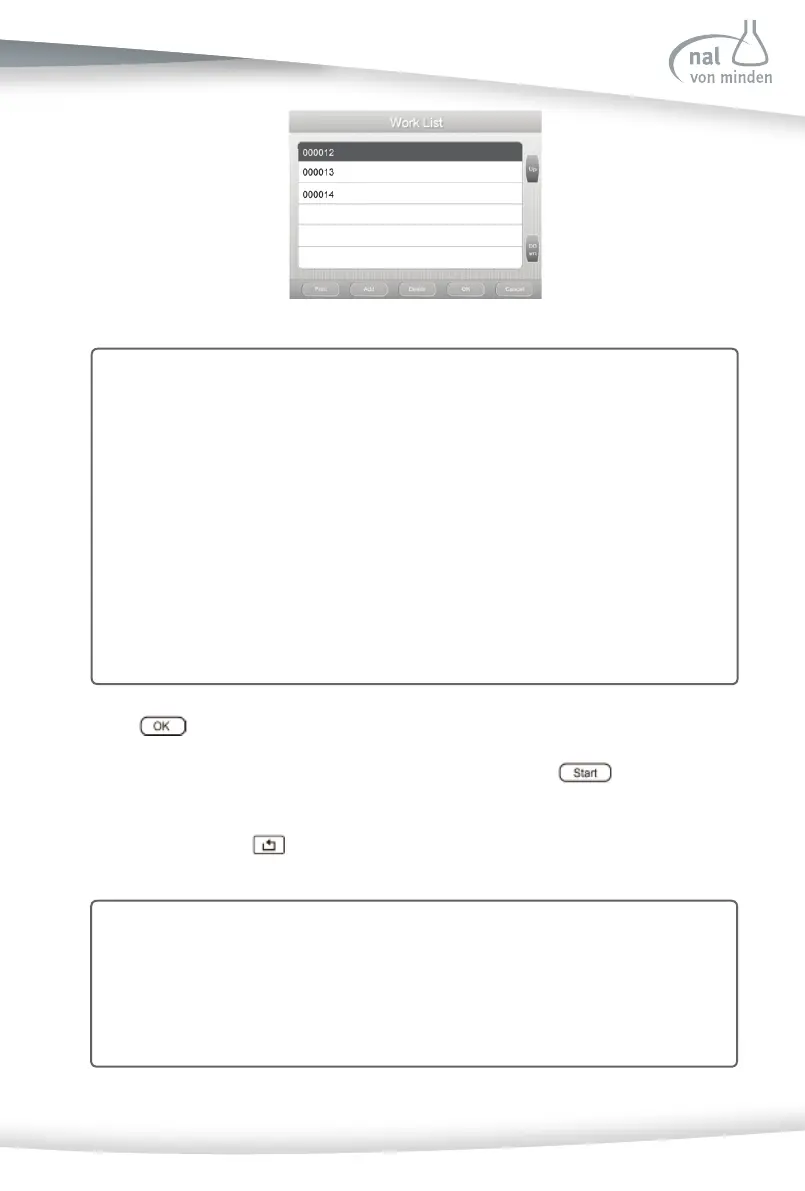
Press to enter the Test Prepara on screen.
The strip tes ng process is iden cal to a Quick Strip Test. Press
to show the
Tes ng screen.
To stop the test, press on the Test Prepara on screen to return to the Work List
screen.
Note: For further instruc ons regarding the procedures required for running the
Reac f Urinalysis Reagent Strip test, refer to Sec on 6 Specimen Test: Strip
Test- Quick Test Mode.
Note: When the Work List is ON, test se ngs should not be changed. If the test
se ngs must be changed, exit the Work List fi rst.



 To Next Page