42
nal von minden GmbH · Manual
Reac f Touch
Note: The operator ID can’t be printed or displayed with pa ent results when the
analyzer is in the Quick Test Mode. To associate the Operator’s name with
pa ent results, enable Operator Name in the Full Tes ng or Customized test
modes.
Operator Setup
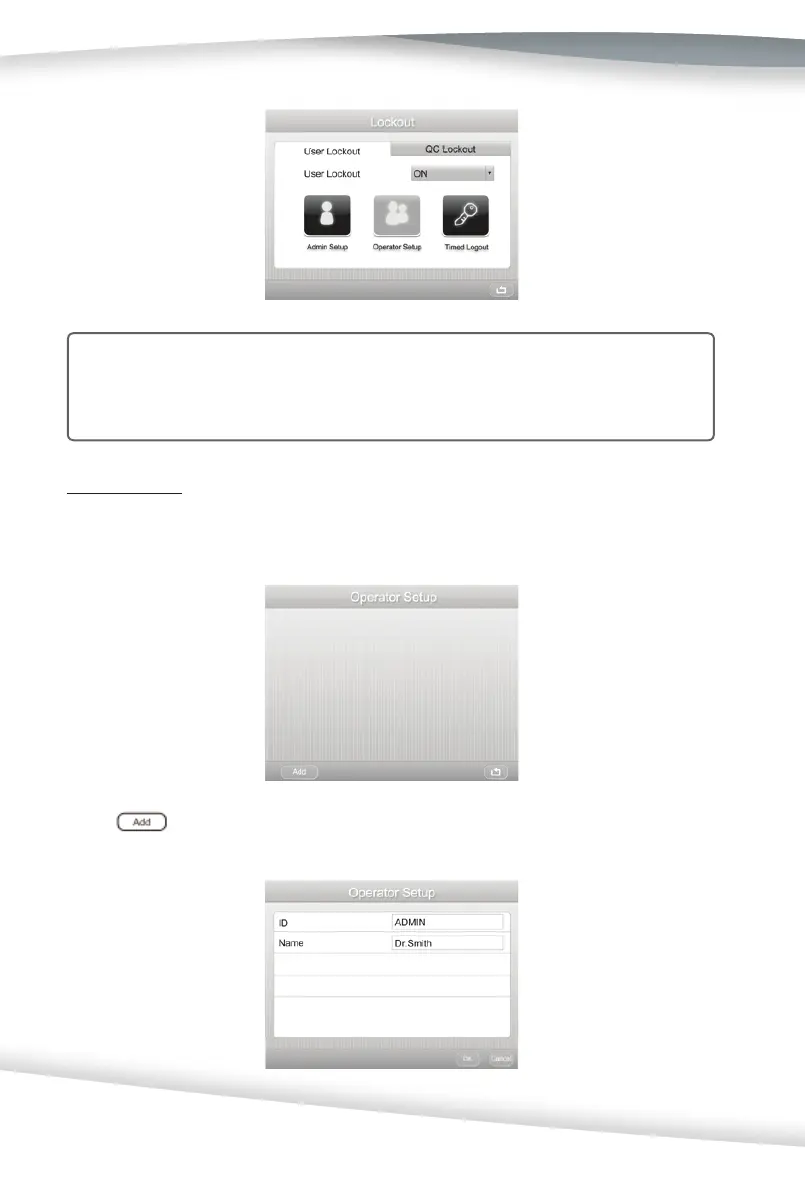
Press Operator Setup to add, delete, edit, or select operator acounts. A total of 800 opera-
tors can be added.
Press
to enter a new screen to create a new operator acount.



 To Next Page