43
Enter the ID and Name of the new operator. Press to save the informa on for
this new operator and return back to the Operator Setup screen or press
to
cancel the Operator se ng.
Press
to delete the selected operator. Press to reset the seleted ope-
rator. Press
to choose the current operator who is using the analyzer.
Administrator Setup
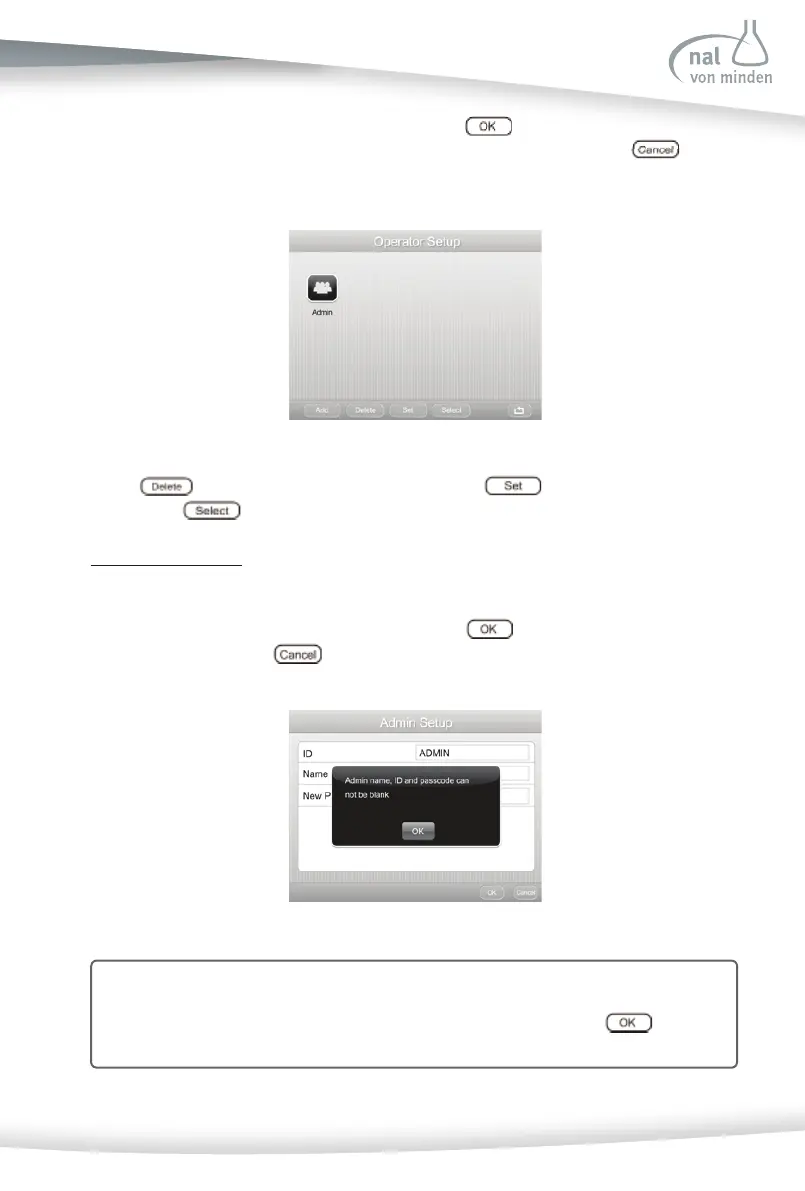
Press Administrator Setup to set the Administrator’s account. Input Administrator’s ID,
name, and new Passcode to set the administrator account. Then set the Timed Logout
func on (see instruc ons on the next page). Press
to save and return to the
Lockout screen or press
to cancel the administrator setup.
Note: No more than 25 characters can be accepted for the Passcode.
A non-blank Passcode must be entered to enable User Login. If a blank is ente-
red, a new screen will indicate the Passcode is invalid. Press
to return
to the Setup Menu to confi rm again.



 To Next Page