44
nal von minden GmbH · Manual
Reac f Touch
User Logout is enabled and Operator Setup will be enabled a er Administrator informa-
on had been set. The Operator Setup process is similar to User Lockout Disabled.
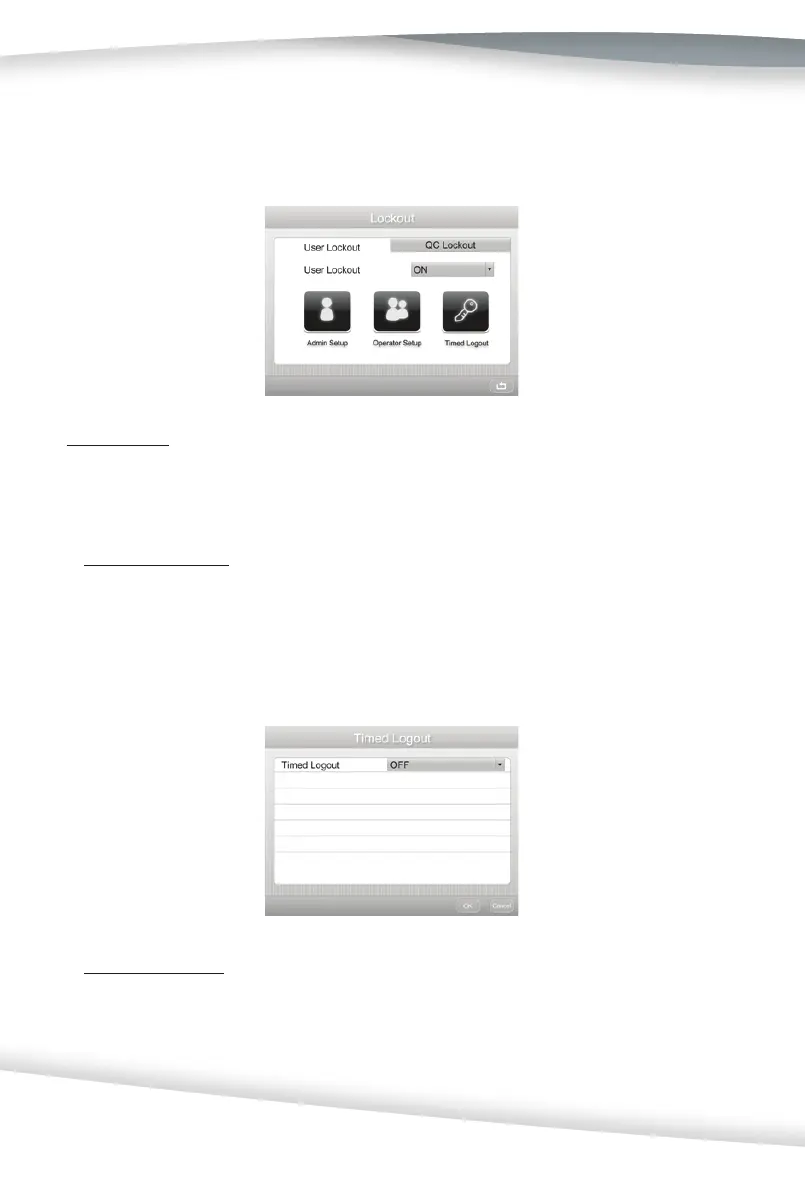
Timed Logout
Select Timed Logout in the Lockout screen and press the Drop-Down Arrow to turn the
se ng ON or OFF. For the ini al use, the Timed Logout func on is OFF.
• Timed Logout - OFF
For the ini al use, the Timed Logout func on is OFF. In this se ng, the analyzer will
remain powered on all the me, even if the screen has not been touched for a long
me. The user who is currently logged in will remain logged in. If a new user wants
to operate the analyzer, they will need to manually log the previous operator out and
login with their own name and password.
• Timed Logout - ON
Select ON and set the wai ng me (select from between 1 minute to 100 hours). This
turns on the analyzer’s power saving mode. In this se ng, if the screen is not touched
during the wai ng me, the Test Table Insert will be drawn back into the analyzer, the
screen will darken, and the user account will logout. When a user wakes the analyzer



 To Next Page