21
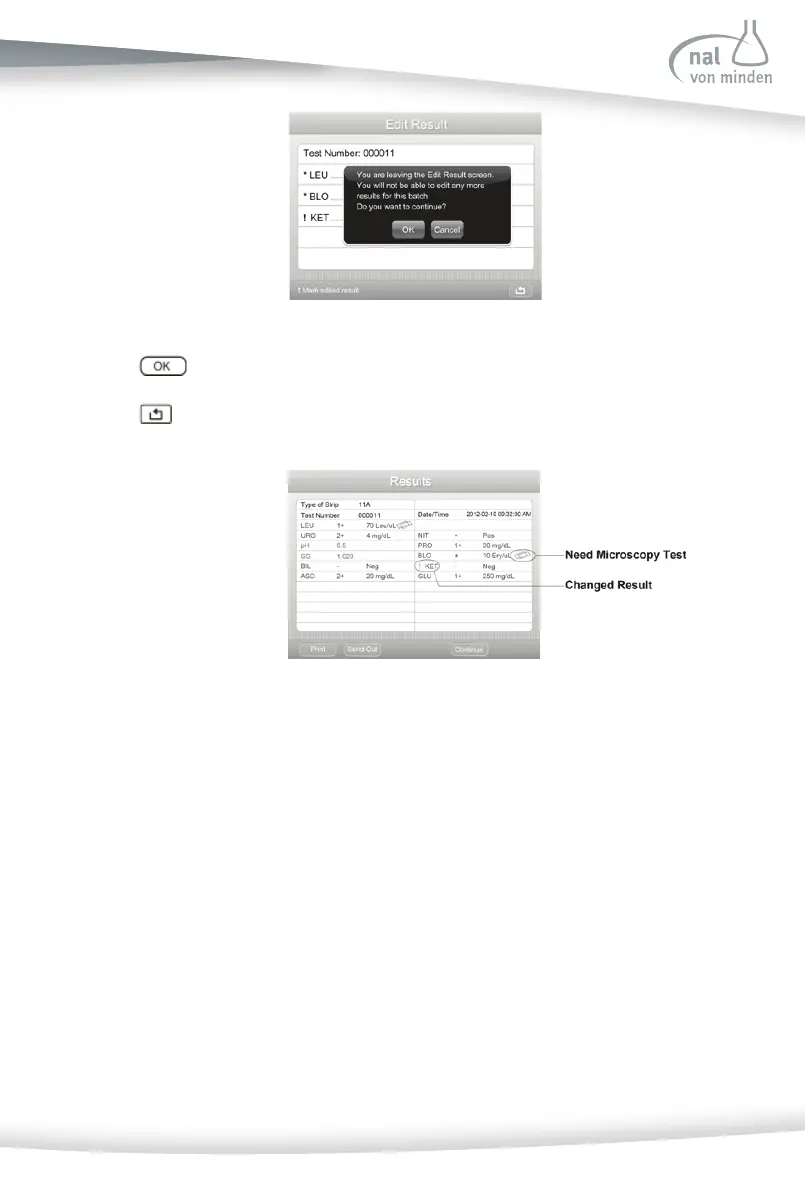
Press to exit the Edit Result screen.
Press
to enter the Results screen.
Changed results will be marked on the Results screen.
If the analyzer has been set up to fl ag a microscopy test for one or more parameters (re-
fer to Sec on 7 Analyzer Setup: Test Se ngs: Abnormal Se ngs: Flags for Microscopy),
the results meet the Microscopy se ng value (Refer to Sec on 7 Analyzer Setup: Test
Se ngs: Abnormal Se ngs: Microscopy se ngs) is also displayed.
Remove the used urinalysis reagent strip from the test table and dispose of it according
to standard laboratory procedures. Wipe the table insert, if necessary. Report the results
to a laboratory supervisor or physician.
Strip Test - Full Test
Full Test allows the user the op on of entering an operator ID, pa ent name and/or
pa ent ID, and urine color and clarity prior to inser ng a strip.



 To Next Page