© 2020 Natus Medical Incorporated 11 026057 RevE
Preparing for Testing Echo-Screen III Pro Instructions for Use
Prepare the Device
1 Power on the device and log in, if required.
2 Change the language for this session, if necessary. At the Home screen, touch Select
Language, select the language, and then touch Done.
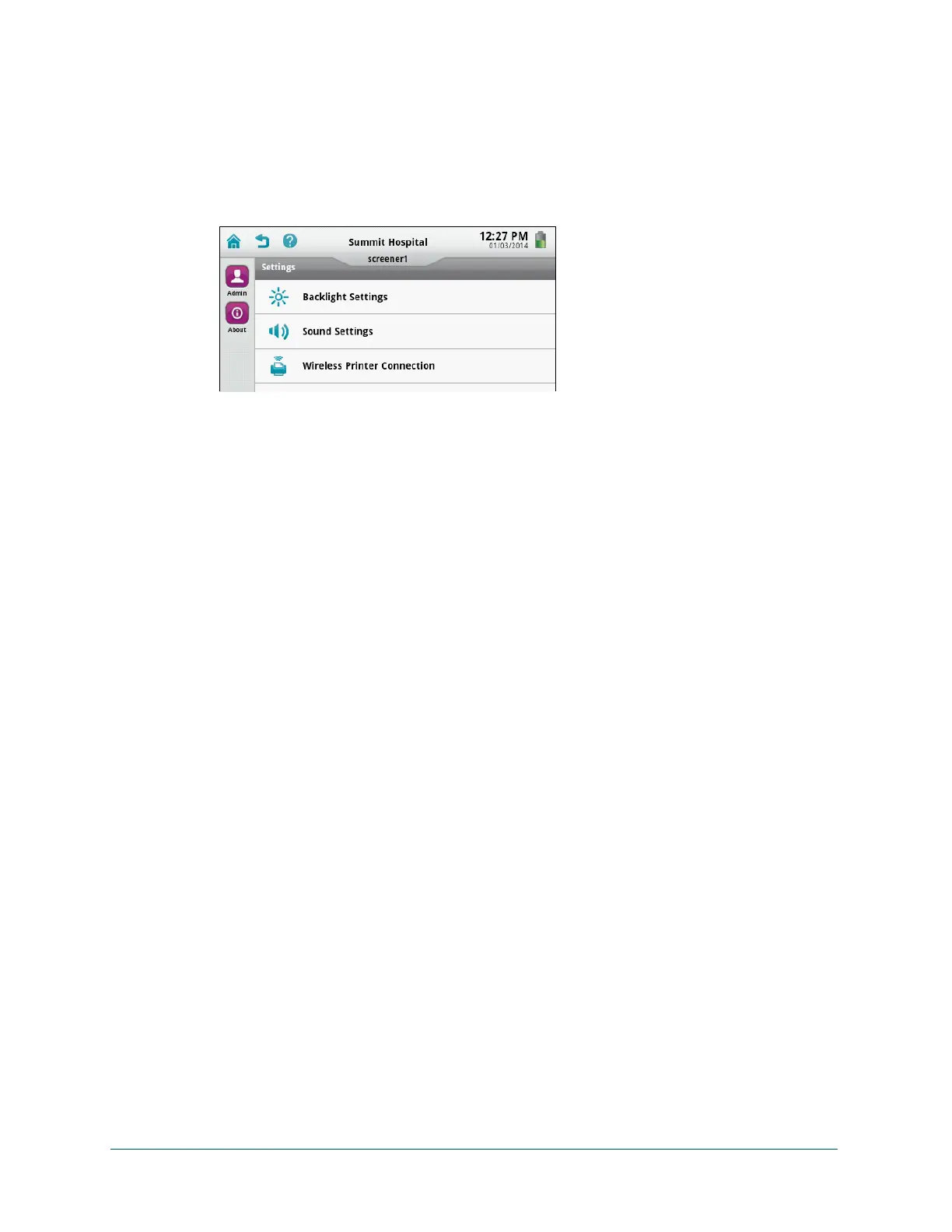
3 Adjust backlight and sound settings to suit the screening environment, if necessary. Touch
Device Settings:
a Touch Backlight Settings, move the slider to brighten or dim the display, and then touch
Done.
b Touch Sound Settings. Do any of the following and then touch Done:
• To turn off all sounds, touch Mute All.
• To make key clicks softer or louder, touch Soft or Loud. To turn off key click sound,
touch Off.
• To make chimes louder or softer, move the slider. To turn chimes off, touch Mute.
4 Select the patient to be screened. At the Home screen, do one of the following:
• Touch To-Do List, and select a patient already on the device.
• Touch Patient List, select a patient already on the device, and touch To-Do to add the
patient to the To-Do List. In the To-Do List select the patient.
• Touch Add Patient to add a new patient to the device.
Check the Environment
During screening, it is important to control noise in the environment as much as possible.
Screening is faster when background noise and patient generated noise is low. Take measures
to control such noise, or find a quieter room, if possible.
Assess the Patient for Screening
Patients with the following characteristics are appropriate for screening:
• Term, healthy newborns
• Infants 34 weeks gestational age or older
• Infants who are ready for discharge or scheduled to go home within a few days
• Infants who are sleeping or in a relaxed state (usually after a recent feeding)
• Infants in an open crib
• Patients with normal outer ear anatomy and no obvious deformities of the head or neck
• Patients who are receiving no central nervous system (CNS) stimulants
Screening a patient in a less optimal state, such as when a baby is awake or a patient is
medically unstable, is not recommended and may increase screening time. Qualified medical,
nursing, or audiological personnel need to conduct the screening in less than optimal situations



 To Next Page