026057 RevE 12 © 2020 Natus Medical Incorporated
Preparing for Testing Echo-Screen III Pro Instructions for Use
because professional assessment skills may be needed for troubleshooting during the
screening.
When evaluating a patient for screening, consider the following:
• Screening an infant in an incubator may result in increased interference and may make
the screening take longer.
• Do not screen patients while they exhibit excessive movement, because such activity
can lead to high myogenic interference.
• Do not screen patients with known absence or malformation of external, middle, or
internal ear structures. The device is not designed for these conditions.
• The device is not intended for patients with known or suspected neurological conditions.
Screen a patient with known neurological conditions only with well-informed medical
and/or audiological supervision.
Prepare the Patient
ABR tests require a PCA cable and either an OAE cable or an ATA cable. The ATA cable is
recommended for newborns. ATA supports sequential testing of ears without requiring you to
prepare the patient between tests and provides a better fit for newborns.
TEOAE and DPOAE (including DPOAE+) screenings require only an OAE cable.
Connect the cables:
1 Select the cables for the test:
• OAE cable for TEOAE or DPOAE tests
• ATA or OAE cable plus PCA cable for ABR tests
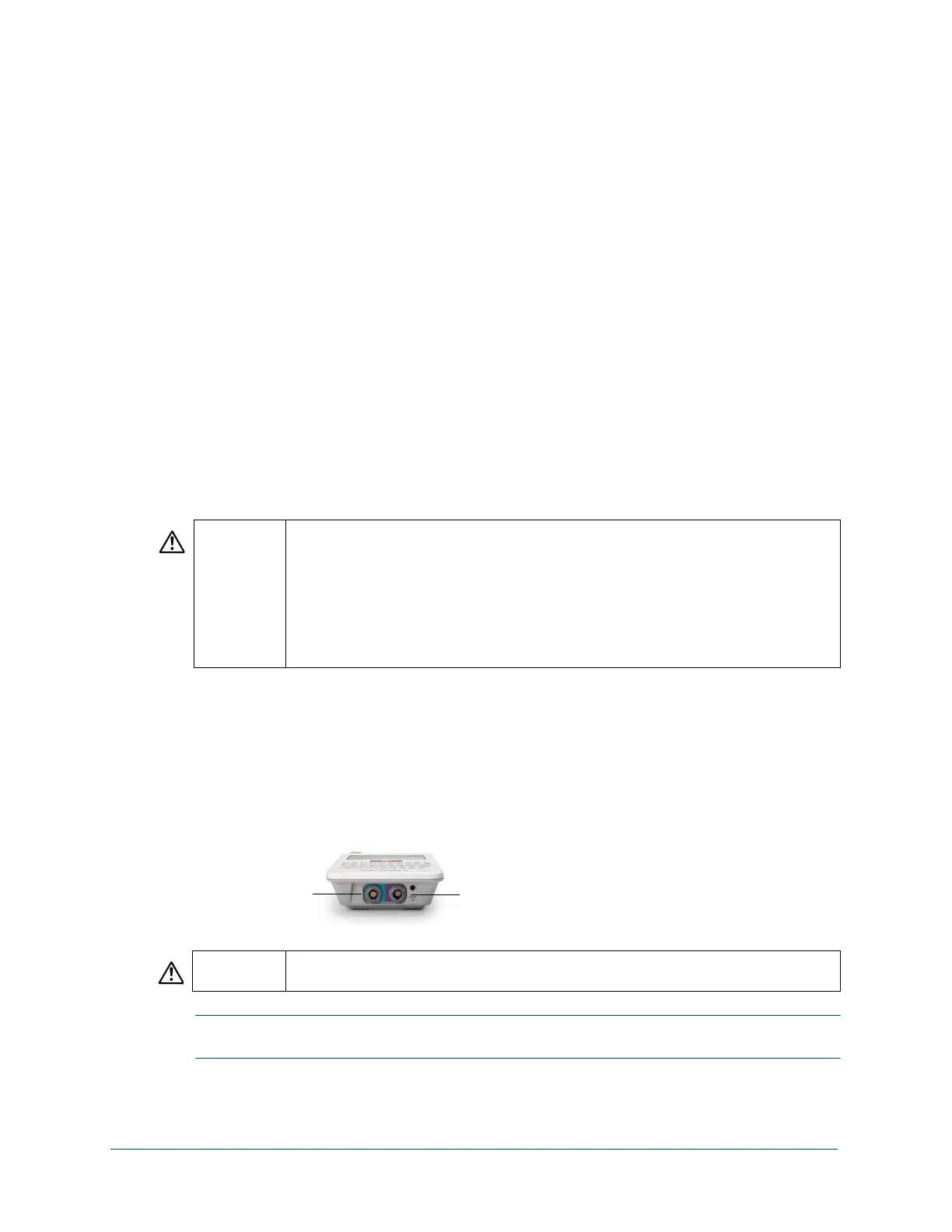
2 For ATA or OAE cables, align the double ridges on the connector (blue on both cables) with
the slots in the ATA/OAE port, and press the cable in until it clicks into place.
3 For PCA cables, align the single ridge of the connector (purple) with the slot in the PCA port,
and press the cable in until it clicks into place.
IMPORTANT: When you disconnect the cables, grasp the sleeve of the connector and pull the
connector out of the port. Do not pull the connector by the cable or the strain relief.
CAUTION Carefully align the ridges on the plug to the slots in the port to reduce the chance of
bending the metal pins inside the male plug. You must insert the plugs completely
into the corresponding ports for the device to operate properly. Never twist the con-
nectors during insertion or removal. Twisting the connector in the port can damage
the metal pins and cause system malfunctions involving stimulus delivery or system
recording.
Do not allow ATA transducers to dangle from the screening device. Never swing the
earphone cable or strike the transducers against a hard surface. Shock to the trans-
ducers can result in damage to their sensitive acoustic components.
WARNING Natus recommends that you test the Echo-Screen III Pro cables once a day before
beginning to screen or any time you suspect that a cable or probe may have an issue.



 To Next Page