© 2020 Natus Medical Incorporated 25 026057 RevE
Testing Equipment Echo-Screen III Pro Instructions for Use
Testing Equipment
Perform hardware, LCD, touch panel, or keyboard tests whenever you suspect that the device
might have a hardware or software issue, or when asked by Natus Technical Service.
You can run equipment checks with the device docked or undocked.
OAE Cable
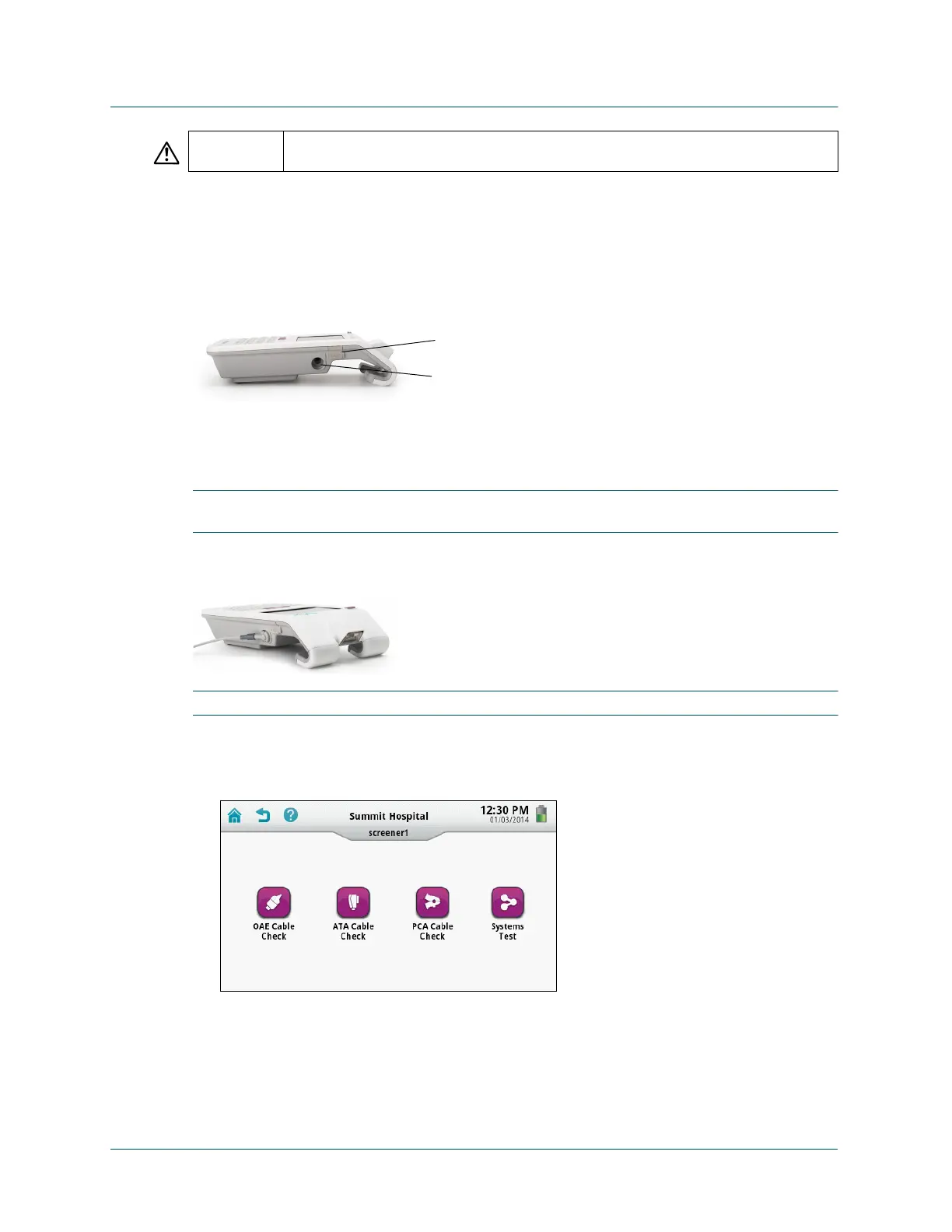
Use the test chamber built into the device to test the OAE probe.
Test the OAE cable:
1 Plug the OAE cable into the OAE/ATA (left) port at the bottom of the device.
IMPORTANT: Wait about 10 seconds after connecting the cable before starting the cable test
to allow the device time to recognize the cable.
2 Fit a tree tip onto the probe nozzle, and then firmly press the nozzle into the test chamber
until it clicks into place.
IMPORTANT: Dispose of the tree tip after testing the cable. Do not use the tree tip on a patient.
3 On the Home screen, touch Equipment Check.
Your Equipment Check screen might look different depending on the modalities activated
on your device.
WARNING Natus recommends that you test the Echo-Screen III Pro cables once a day before
beginning to screen or any time you suspect that a cable or probe may have an issue.
USB port
OAE probe test chamber



 To Next Page