026057 RevE 28 © 2020 Natus Medical Incorporated
Testing Equipment Echo-Screen III Pro Instructions for Use
6 If the test failed, verify that the transducer housings are fitted snugly in the test fixtures. If
the problem persists, contact Natus Technical Service or your authorized service
representative.
PCA Cable
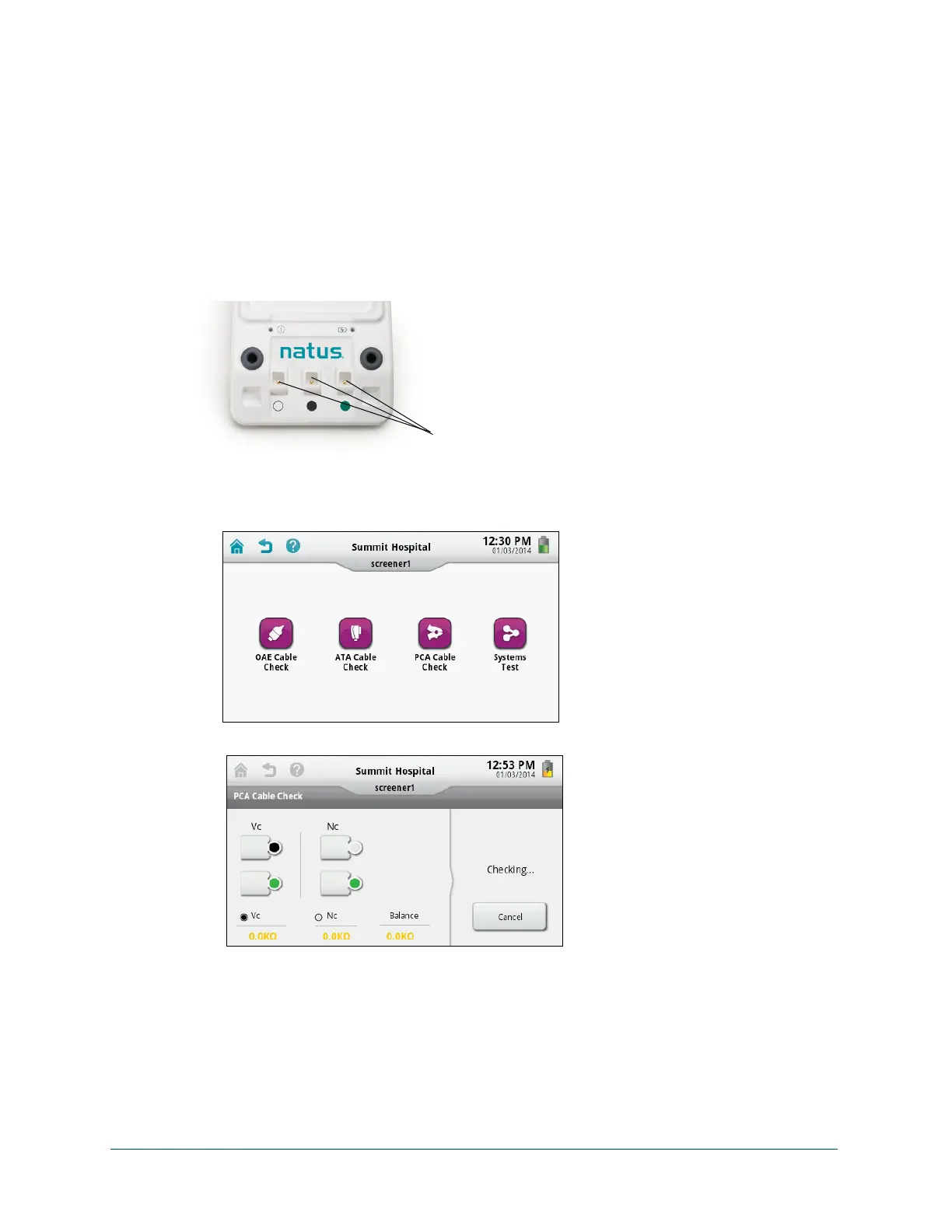
The PCA cable test fixtures are on the docking station.
Test the PCA cable:
1 Plug the PCA cable into the PCA (right) port at the bottom of the device.
2 Squeeze each PCA clip open and press into the test fixture with the matching color.
3 On the Home screen, touch Equipment Check.
Your Equipment Check screen might look different depending on the modalities activated
on your device.
4 Touch PCA Cable Check. The test begins immediately.
If the displayed impedance is out of range, try to adjust the clips to reach an acceptable
impedance while the test is still running.
5 Check the cable check result and then touch Done.
Color-coded PCA
test fixtures



 To Next Page