© 2020 Natus Medical Incorporated 29 026057 RevE
Testing Equipment Echo-Screen III Pro Instructions for Use
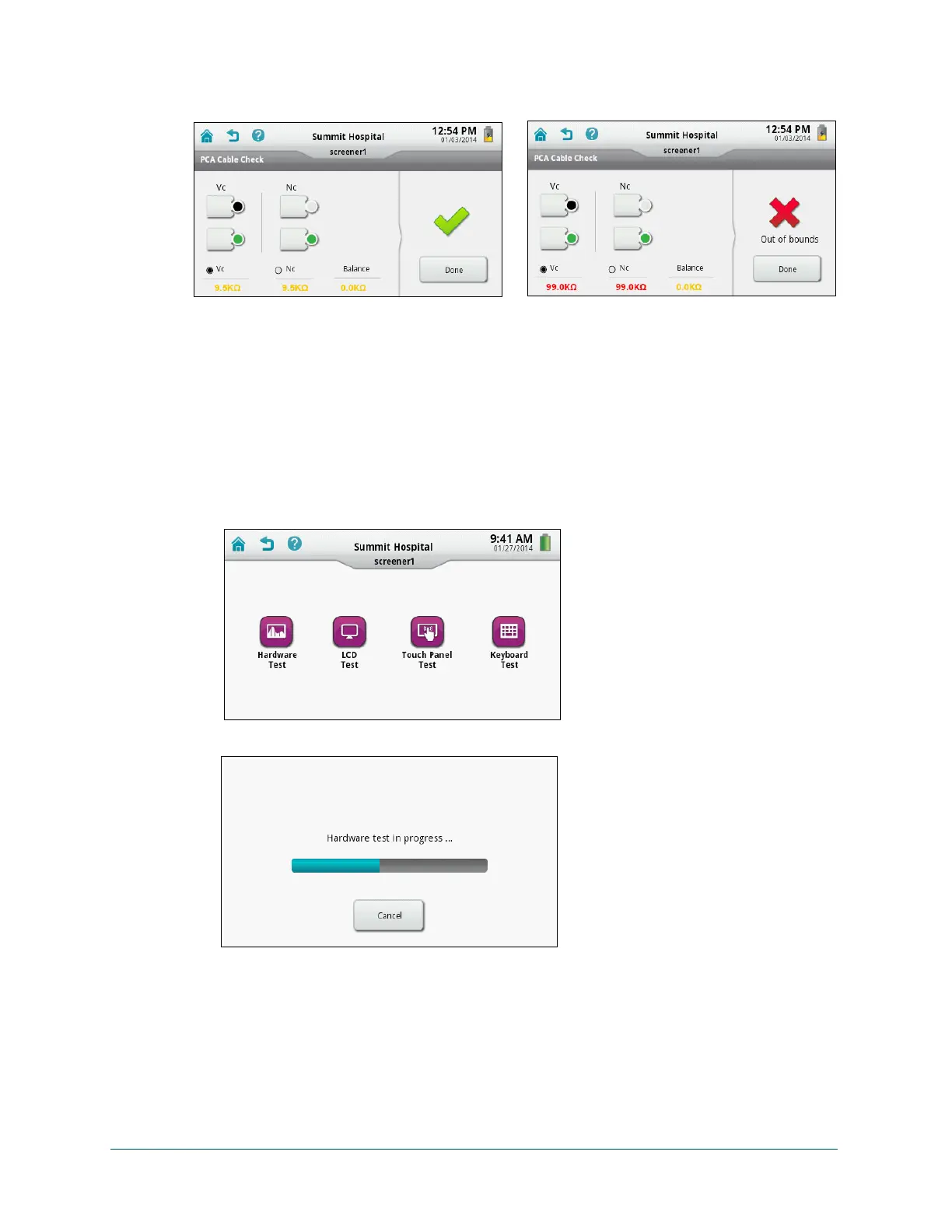
A green check mark indicates that the cable is functioning properly. A red “X” indicates that
the test failed.
6 If an Out of Bounds error occurred, make sure each clip is seated properly in the test fixture
and try again. If the test continues to fail, contact Natus Technical Service or your authorized
service representative.
Hardware
Test the hardware:
1 Disconnect all cables from the device.
2 On the Home screen, touch Equipment Check.
3 On the Equipment Check screen, touch Systems Test.
4 On the Systems Test screen, touch Hardware Test. The test begins immediately.
5 Check the test result and then touch Done.
A green check mark indicates that the test passed. A red “X” indicates that the test failed.
6 If the hardware test failed, contact Natus Technical Service or your authorized service
representative.



 To Next Page