026057 RevE 30 © 2020 Natus Medical Incorporated
Testing Equipment Echo-Screen III Pro Instructions for Use
LCD
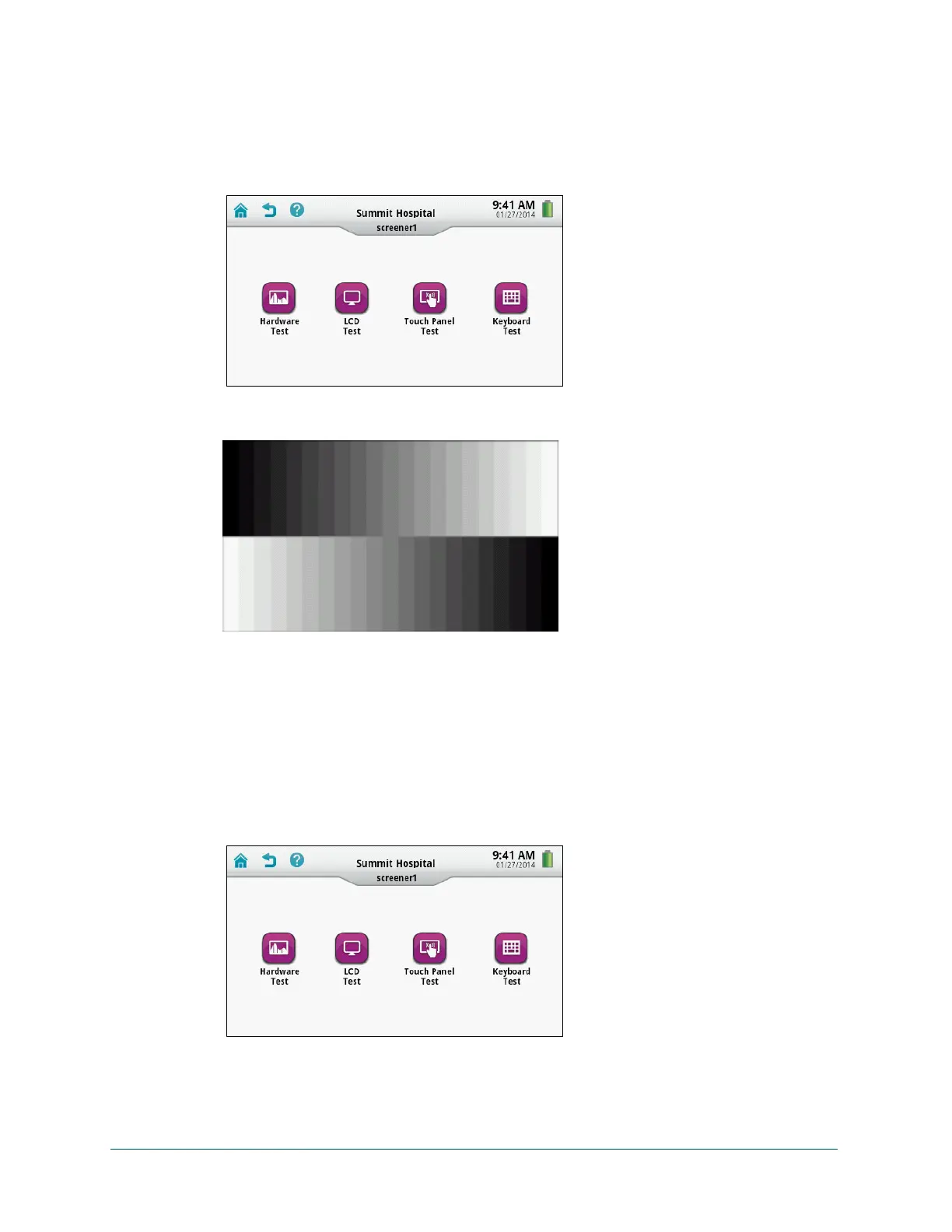
Test the LCD:
1 On the Home screen, touch Equipment Check.
2 On the Equipment Check screen, touch Systems Test.
3 On the Systems Test screen, touch LCD Test. The test begins immediately with a test
pattern.
4 Watch for any distortion or other problems during the test, and then touch Done.
5 If you saw any distortion or other problems during the test, contact Natus Technical Service
or your authorized service representative.
Touch Panel
Test the touch panel:
1 On the Home screen, touch Equipment Check.
2 On the Equipment Check screen, touch Systems Test.



 To Next Page