© 2020 Natus Medical Incorporated 23 026057 RevE
Printing Labels Echo-Screen III Pro Instructions for Use
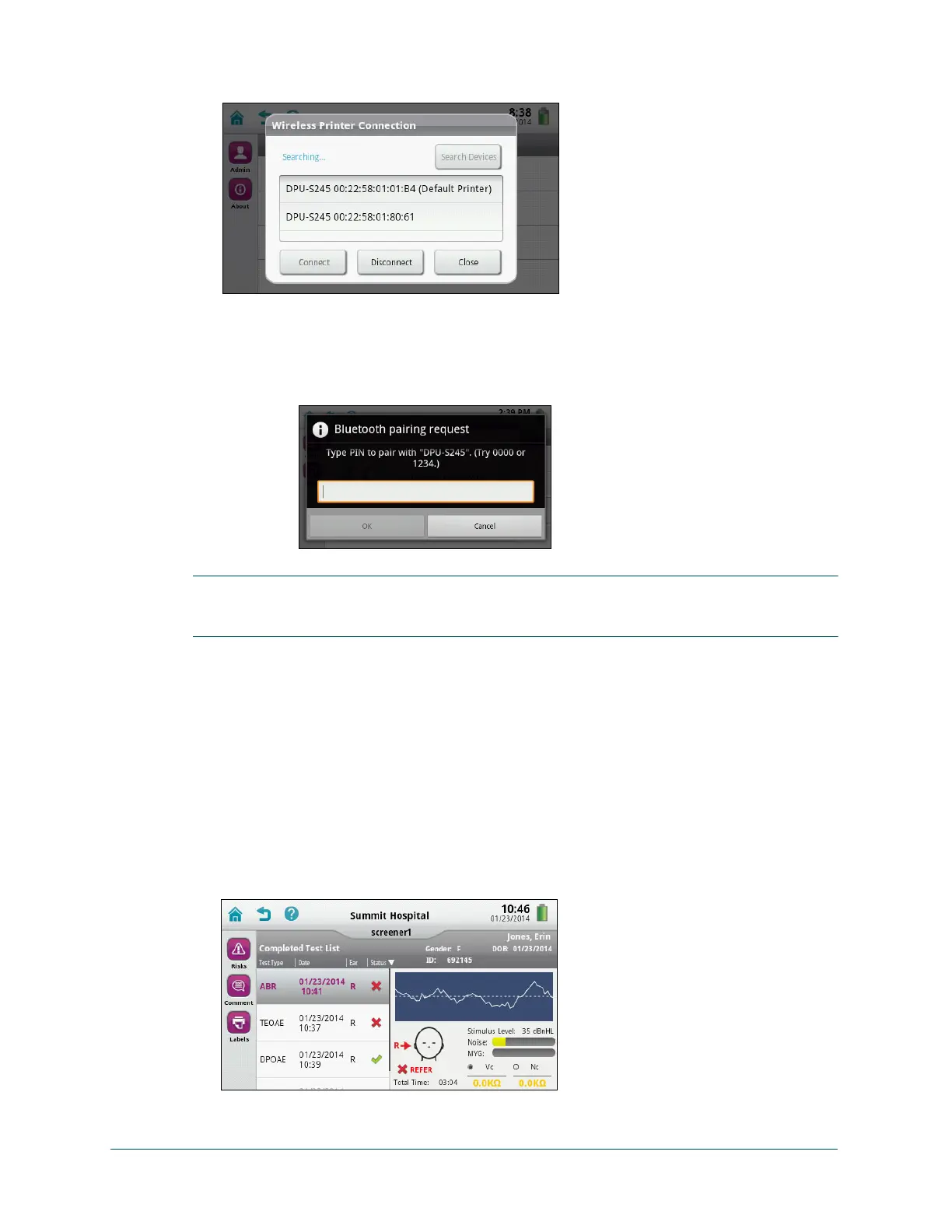
3 Touch Wireless Printer Connection and allow the device to search for available printers.
4 When the printer is listed, select it and then touch Connect.
If the printer is not found by the device, make sure the printer is turned on and within
range, and then touch Search Devices to search again.
Note: If you are prompted for a PIN, type 0000.
IMPORTANT: Try to enter the PIN within about 15 seconds. If you receive a pairing error when
the PIN prompt is displayed, touch Cancel at the Connecting, please wait... prompt and then
try to pair again. If pairing errors persist, turn the printer off and back on, and then try again.
5 Touch OK.
Print labels at the completion of screening:
• On the test results screen, touch Labels.
Note: The label for the test prints immediately.
Print labels at a later time:
1 On the Home screen, touch Patient List.
2 Search or scroll through the list for the patient, and select it.
3 On the Completed Test List, touch Results.



 To Next Page