© 2020 Natus Medical Incorporated 37 026057 RevE
Maintaining the Device and Components Echo-Screen III Pro Instructions for Use
• The LED battery status light on the docking station indicates the charging status for the
spare battery.
• Charging status indicators:
• Glow purple when a battery level is too low for standard charging. The battery slow
charges until the level is high enough for standard charging.
• Glow amber while a battery is charging.
• Glow blue when a battery is fully charged.
• Are off when a battery is not charging.
Change the battery:
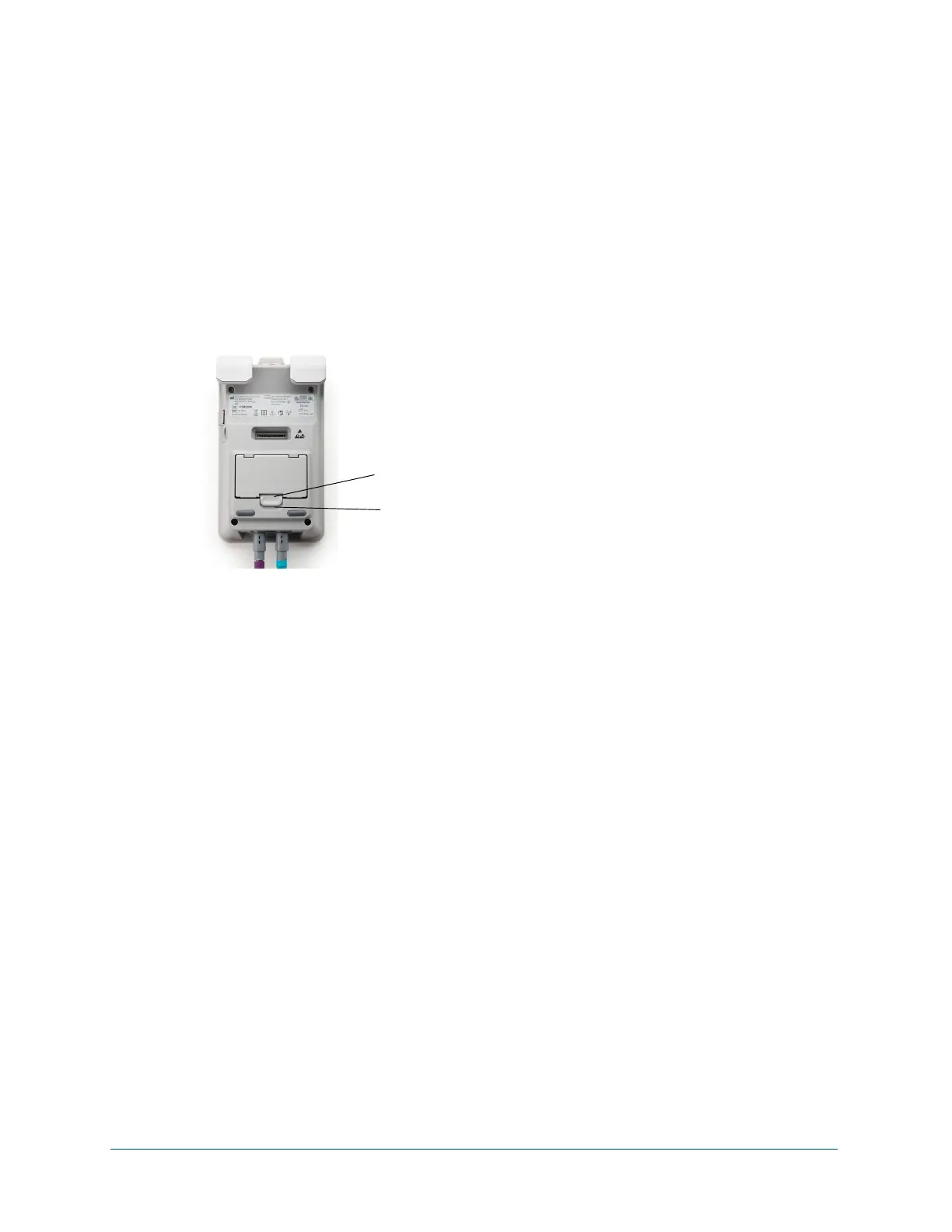
1 Power down the device. Slide the battery compartment tab on the back of the device to the
end of the slot and hold it there while you lift out the battery.
2 Insert the spare battery and snap it into place.
3 Power up the device.
Hot swap batteries:
1 Plug the power cord into the Echo-Screen III device.
2 Remove the old battery and insert the spare battery, as described above.
3 Unplug the power cord.
Note: It can take up to three minutes before the battery indicator shows an accurate
reading.
Increase battery life:
• If the battery is not to be used for a long period of time, remove it from the device.
• A battery that has not been used over a long period of time may not be sufficiently
charged. Even if the battery is not to be used, charge the battery once every six months.
Neglecting to do so can cause a decline in battery performance and battery life.
• Charge the battery at room temperature whenever possible.
• Store in a cool, dry place.
• Keep the battery terminals clean. (Clean with a soft cloth if necessary.)
Battery compartment tab
Battery compartment tab slot



 To Next Page