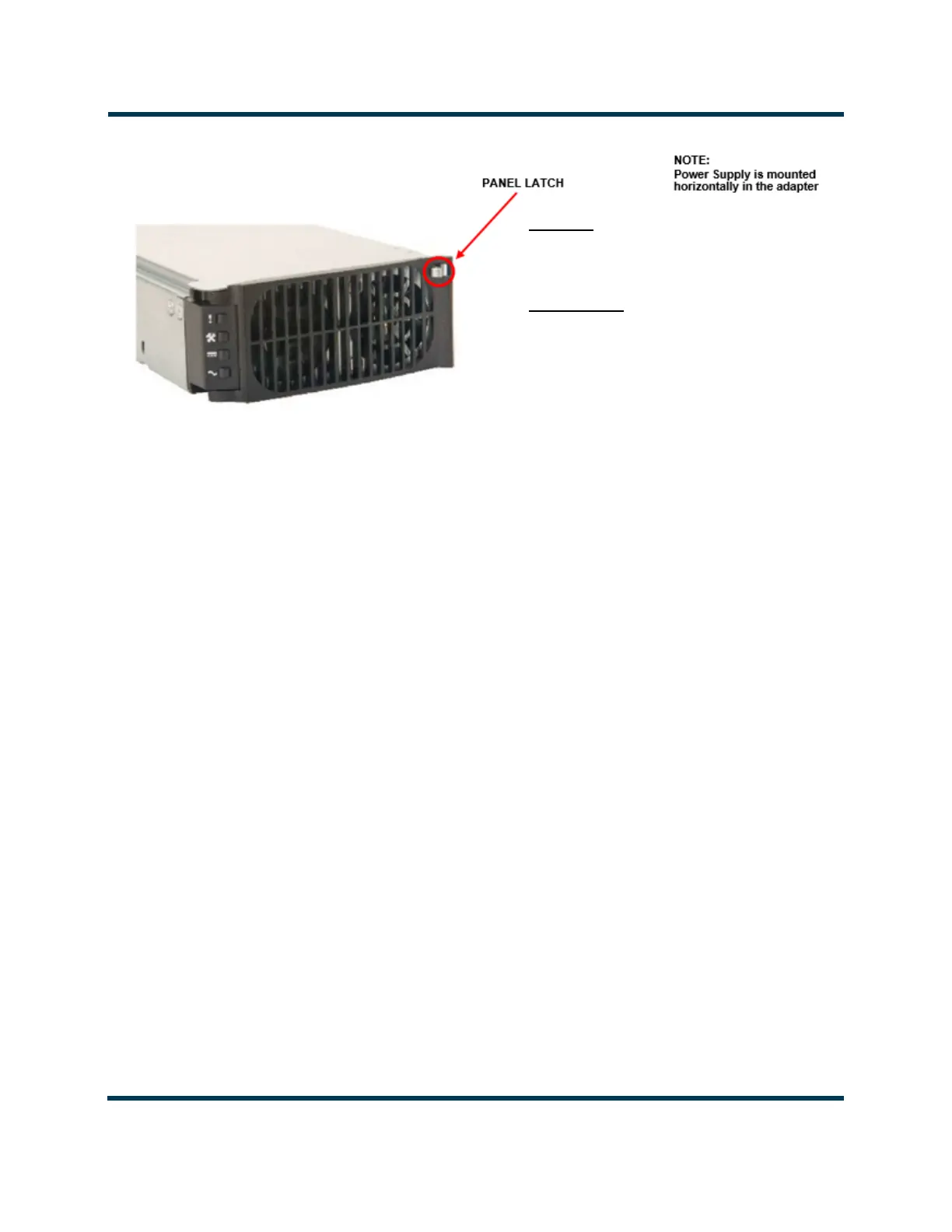
REMOVAL
Push Panel Latch on and lift handle outwards (swing to
the left)
Remove Power Supply
INSTALLATION
Push Panel Latch In and lift handle outwards (swing to
the left)
Insert Power Supply until it seats in the connector
Push handle inwards until it latches (swing to the right)
AC & DC OK LEDs should be green (on) after successful
power supply installation.



 To Next Page