2-24 BenchMike Pro Instruction Handbook: Installation
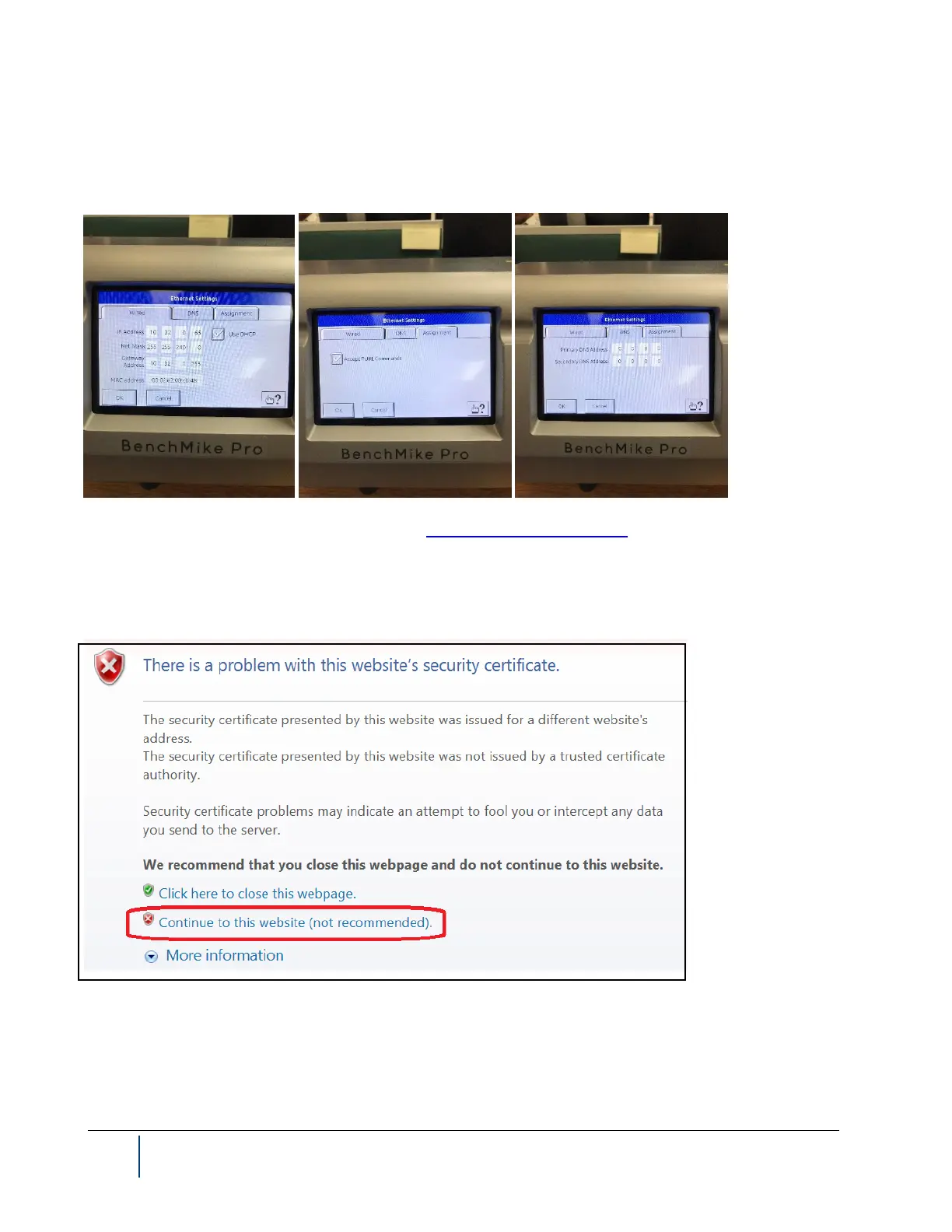
3. Define the Benchmike Pro Ethernet Settings, e.g., 10.32.0.65 (again, the same network). Ensure that the
Use DHCP box is checked. Restart the Benchmike Pro to ensure that the IP address is set correctly.
4. Connect via the web browser to address: https://10.32.0.65:631/admin/ , where 10.32.0.65 is the Bench-
mike Pro IP address.
5. Two different security warnings may appear. You may see the screen below, and if so, select Continue
to this website.



 To Next Page