BenchMike Pro Instruction Handbook: Setup 4-25
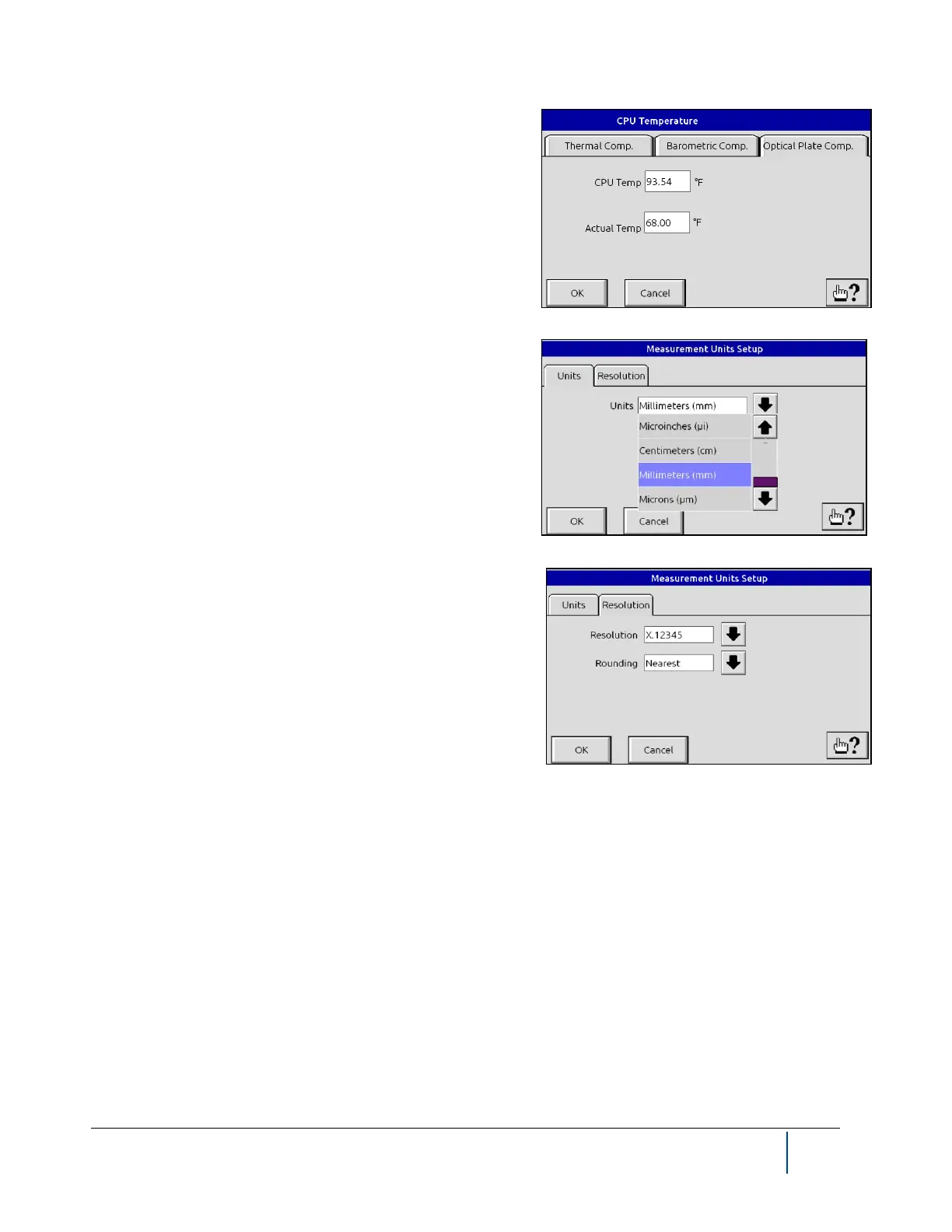
The Optical Plate Compensation Setup tab shows the optical
plate temperature. This is a “read only” value from a sensor on
the optical plate. The CPU temperature is a “read only” value of
the temperature of the computer inside the BenchMike Pro.
4.9.9 Units/Res/Rounding
The Units screen is used to define the measurement units dis-
played at the bottom of the main measurement display. Options
include centimeters, millimeters, microinches, inches, and mi-
crons. The Units setup menu can also be accessed by touching
the Units icon on the lower right of the main measurement dis-
play.
The second tab allows you to define the Resolution and Round-
ing values. The number of significant digits (from X.1 to
X.123456) is displayed for each measurement value according to
the Resolution parameter. You may wish to change this value
based on the measurement units used. Measurements are
rounded to match the specified resolution according to the
Rounding parameter. Values can be rounded to the nearest val-
ue, to the nearest even value, to the nearest 0 or 5, or rounding
can be turned off.
NOTE: Units can be changed from the Setup -Settings function.



 To Next Page