4-6 BenchMike Pro Instruction Handbook: Setup
4.4 Measurement Icon
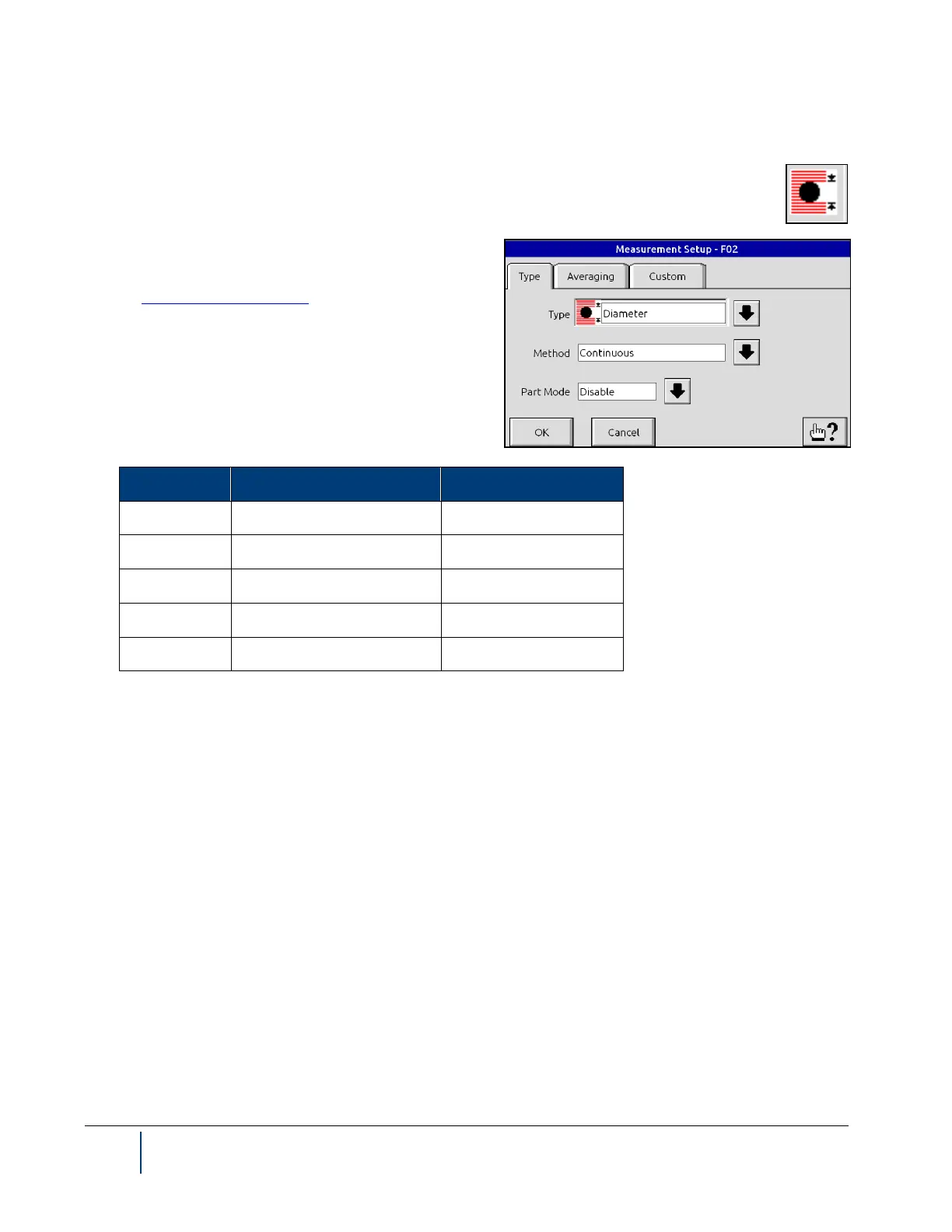
Touch the Measurement Setup icon in the upper right hand corner of the screen to display the
menu shown. This icon allows you to quickly access the settings for measurement parameters. Note
that you can access these same screens by selecting Set-
up, then Measure, then Measurement.
See the Measurement Functions section in Setup for fur-
ther information about these parameters.
Default settings are shown in the table below.


 To Next Page