Programming
Initial Configuration and Programming
6 ◆ Chapter 1: Quick Setup IntraMail System Guide
Programming
Initial Configuration and Programming
Start-Up Programming
Start-up (Default) IntraMail Configuration
IntraMail automatically assigns a mailbox to each extension in the number plan.
■ By default in DS1000, only the first 8 (300-307) Subscriber Mailboxes are active/enabled.
■ By default in DS2000, only the first 16 (300-315) subscriber mailboxes are active/enabled.
■ The IntraMail Automated Attendant does not answer outside calls.
Start-up IntraMail Programming
Step 1 Enable the mailboxes for all installed extensions.
1.1
(Prior to 03.20.07) 1808 - IntraMail Subscriber Mailbox Options:
Mailbox Active on page 202
.
Enter Y (9) to enable the IntraMail mailbox for each installed extension.
- If disabled (N), a user pressing MW will be asked to enter their mailbox number. A voice
prompt then announces, “That mailbox does not exist.”
1.2
(03.20.07 or higher) 1808 - IntraMail Subscriber Mailbox Options:
Mailbox Type on page 202
.
Enter 1 (Personal) to enable a Personal IntraMail mailbox for each installed extension.
- If disabled (0), a user pressing MW will be asked to enter their mailbox number. A voice
prompt then announces, “That mailbox does not exist.”
Step 2 Set up the Automated Attendant to answer outside calls during the day and at night.
2.1 1003 - Trunk Options: Direct Termination (Day) on page 195.
- Enter the IntraMail master number (700) for each trunk that you want IntraMail to answer.
Step 3 Set up the Automated Attendant to answer outside calls only at night.
3.1 1003 - Trunk Options: Direct Termination (Night) on page 195.
- Enter the IntraMail master number (700) for each trunk that you want IntraMail to answer
only when the system is in the night mode.
Step 4 Check the Answer Table assignment.
4.1 1003 - Trunk Options: Answer Table on page 196.
- Initially, you should leave all trunks assigned to Answer Table 1.
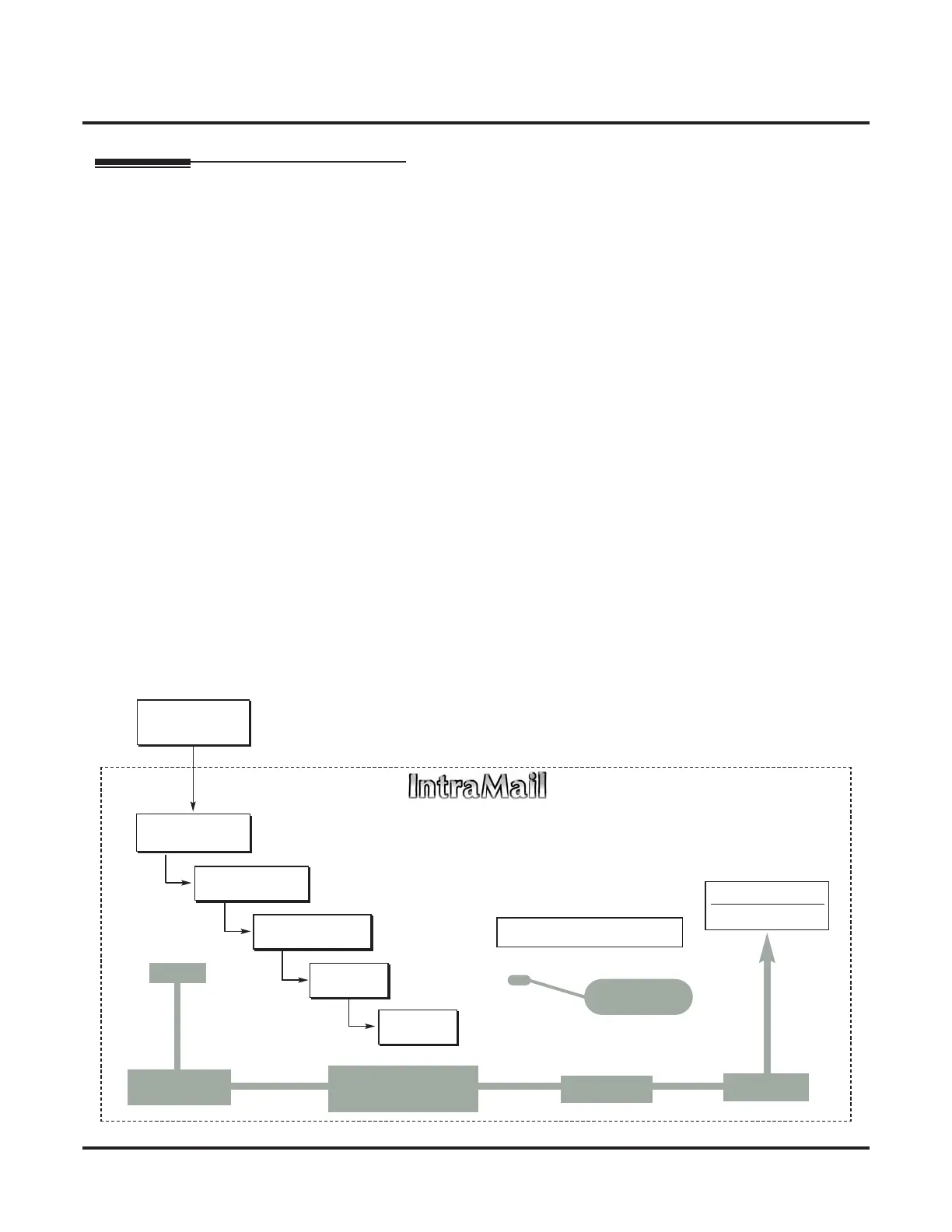
Step 5 Review the default Automated Attendant setup.
DIL to Voice Mail
Master (700)
Trunks Route to
Answer Table 1
Answer Table 1
Schedule 1 or
Default Mailbox
Dial Action
Table 1
●
1003 - Answer Table
●
8007 - Answer Tables
Calls always route to Call Routing Mailbox 000
- Schedule 1 active M-F 8:30AM-5:00PM.
- Default Mailbox active all other times.
●
8008 - Dial Action Tables
Dial Action Table 1
Dialing Options
Dial an extension number, or
0 for the operator
Default Automated Attendant Answering
All trunks
Use Answer
Table 1
Which chooses Call
Routing Mailbox 000.
And Dial Action
Table 1
With these
dialing options
From a System Administrator's
mailbox, record an Instruction
Menu (SA + I) for the active Call
Routing Mailbox.
●
8006 - Routing Mailboxes (000)
●
1003 - Direct Termination (Day)
●
1003 - Direct Termination (Night)
Call Routing
Mailbox 000
●
8007 - Schedule Entry
●
8007 - Default Mailbox



 To Next Page