8000 - Voice Mail
8008 - IntraMail Dial Action Tables
246 ◆ Chapter 3: Programming IntraMail System Guide
8008 - IntraMail Dial Action Tables
Description
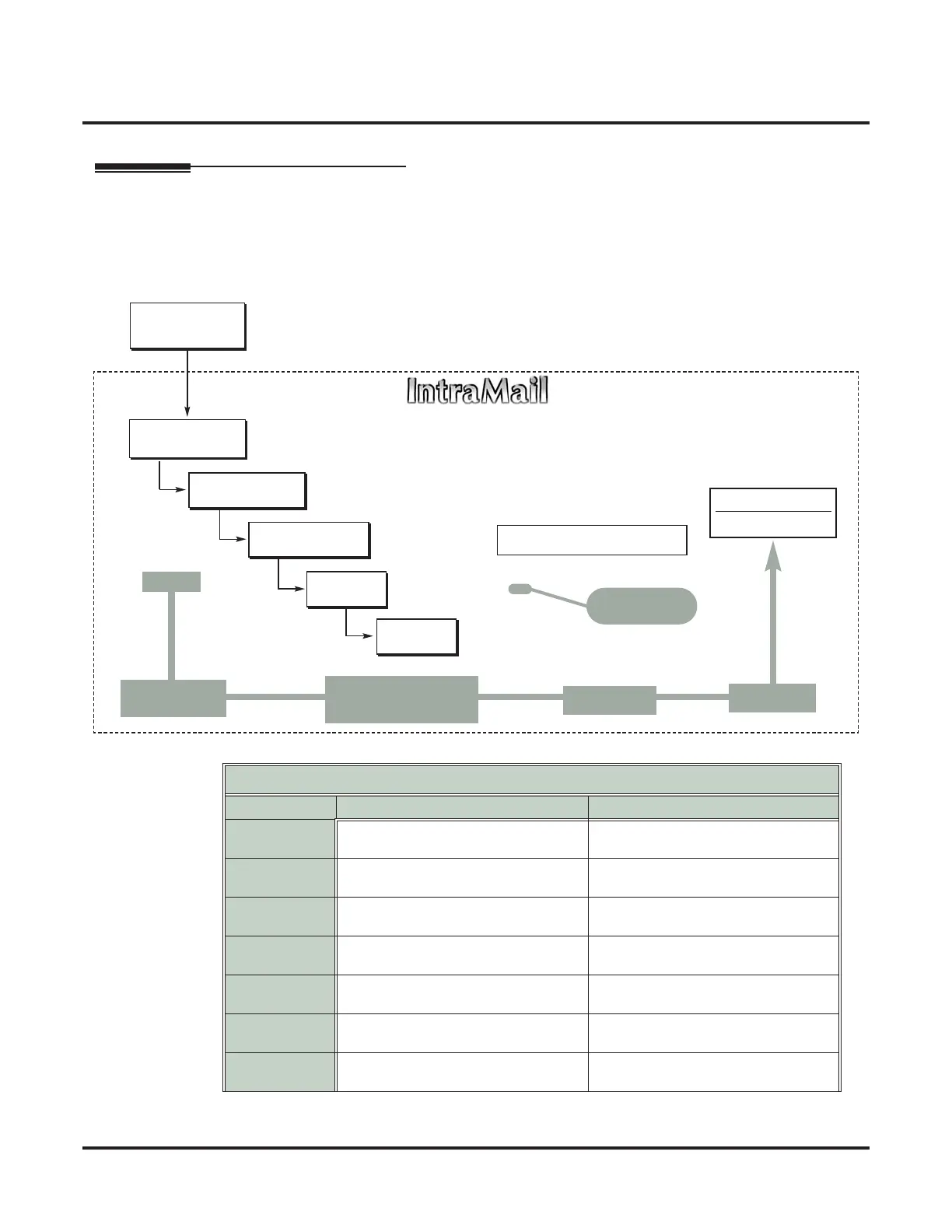
Use 8008 - Dial Action Tables to set up the IntraMail Dial Action Tables. The Dial Action Table defines the
options than an Automated Attendant caller can dial. A Dial Action Table is associated with a Call Routing
Mailbox, which is in turn associated with an Answer Table. When an Answer Table is active, its associated Call
Routing Mailbox selects the Dial Action Table which provides dialing options to callers. The illustration below
shows how this works in a default IntraMail system. There are 16 Dial Action Tables.
■ See Dial Action Table on page 64 for more.
Dial Action Table Default Settings
Key Dial Action Table 1 Dial Action Tables 2-16
1 UND
(Undefined)
UND
(Undefined)
2 UND
(Undefined)
UND
(Undefined)
3 UTRF to XXX
(Unscreened Transfer to user-dialed extension)
UND
(Undefined)
4 UTRF to XXX
(Unscreened Transfer to user-dialed extension)
UND
(Undefined)
5 UND
(Undefined)
UND
(Undefined)
6 UND
(Undefined)
UND
(Undefined)
7 UND
(Undefined)
UND
(Undefined)
DIL to Voice Mail
Master (700)
Trunks Route to
Answer Table 1
Answer Table 1
Schedule 1 or
Default Mailbox
Dial Action
T
able 1
● 1003 - Answer Table
● 8007 - Answer Tables
Calls always route to Call Routing Mailbox 000
- Schedule 1 active M-F 8:30AM-5:00PM.
- Default Mailbox active all other times.
● 8008 - Dial Action Tables
Dial Action Table 1
Dialing Options
Dial an extension number, or
0 for the operator
Default Automated Attendant Answering
All trunks
Use Answer
Table 1
Which chooses Call
Routing Mailbox 000.
And Dial Action
Table 1
With these
dialing options
From a System Administrator's
mailbox, record an Instruction
Menu (SA + I) for the active Call
Routing Mailbox.
● 8006 - Routing Mailboxes (000)
● 1003 - Direct Termination (Day)
● 1003 - Direct Termination (Night)
Call Routing
Mailbox 000
● 8007 - Schedule Entry
●
8007 - Default Mailbox



 To Next Page