System Administrator
IntraMail System Guide Chapter 2: Features ◆ 171
2
System Administrator
Description
The System Administrator is a Subscriber Mailbox that has unique system administration features such as
recording Welcome Messages and Instruction Menus, and deleting messages in a co-worker’s mailbox. The
System Administrator features are an essential part of IntraMail setup since they allow the recording of the
system-wide messages and provide Subscriber Mailbox maintenance. After logging onto their Subscriber
Mailbox, the System Administrator can use all of the features in the
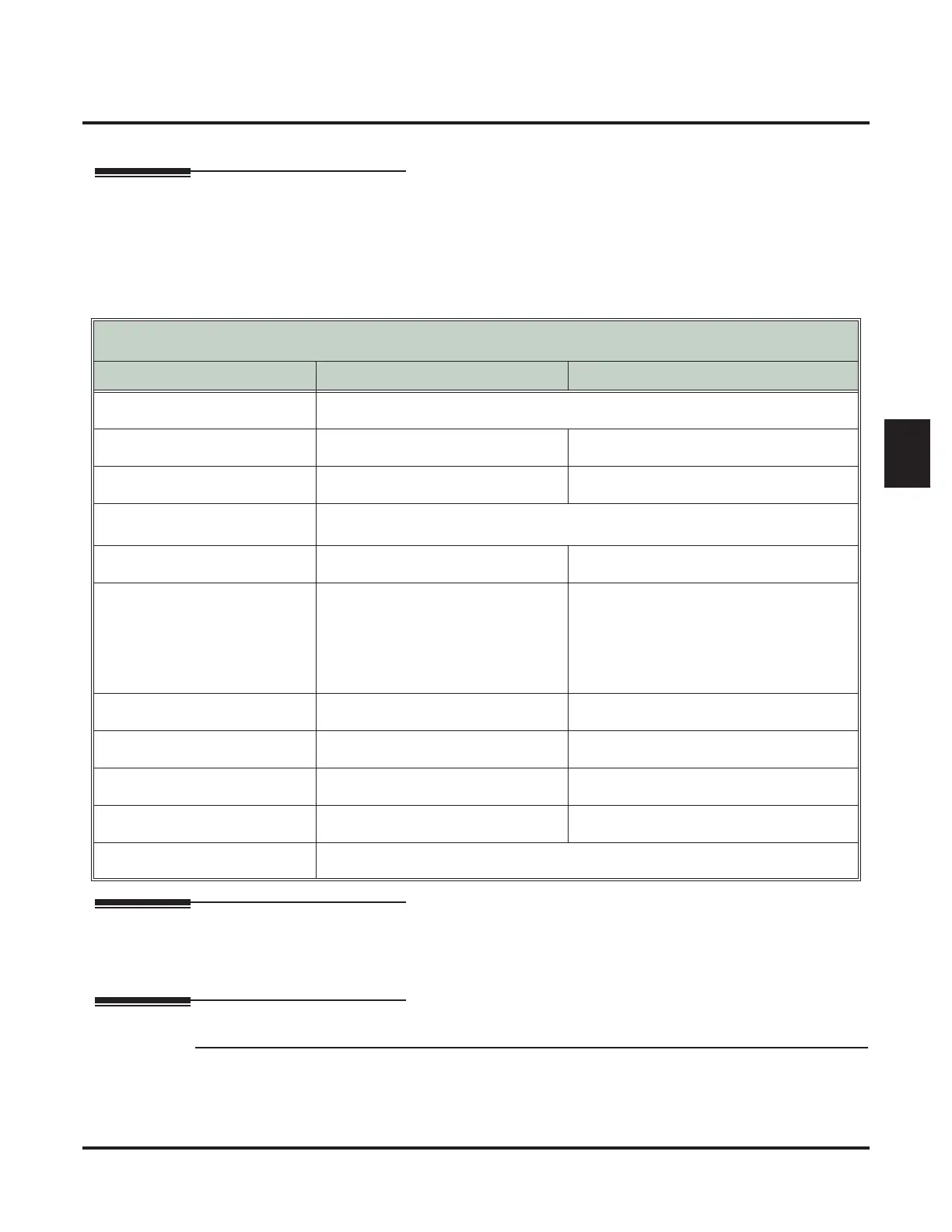
SA menu. The System Administrator
Options table below shows these options.
Related Features
Subscriber Mailbox (page 168)
Only a Subscriber Mailbox can be a System Administrator.
Programming
Step 1 Designate a Subscriber Mailbox as a System Administrator.
1.1 1808 - IntraMail Subscriber Mailbox Options: System Administrator on page 205.
- Enter Y (9) to designate the Subscriber Mailbox as a System Administrator.
✔By default, this option is Y (9) at extension 300 and N (6) at all other extensions..
System Administrator Options
[Super Display Soft Key] - [Keyset Soft Key]
Option Description For more, see:
SA
(72)
[SYS ADMIN] - [N/A]
Access the System Administrator options.
I (4)
[INSTRUCTION] - [INST]
Record an Instruction Menu. Instruction Menu on page 105.
A (2)
[ANNOUNCEMENT] - [ANN]
Record an Announcement Message. Announcement Message on page 27.
S (7)
[SUBSCRIBER] - [SUBS]
Access the Subscriber Maintenance options (see the following features).
EA (32)
[ERASE ALL MSGS] - [EA]
Erase all messages in a mailbox. Erasing All Messages on page 77.
EG (34)
[ERASE GREETING] - [EG]
Erase a mailbox greeting.
■ With Multiple Greetings, this
option simultaneously erases all
recorded greetings in a Subscriber
Mailbox. Additionally, the active
greeting is reset to 1.
Greeting on page 94.
EN (36)
[ERASE NAME] - [EN]
Erase a mailbox name. Mailbox Name on page 114.
S (7)
[ERASE SECURITY CODE] - [N/A]
Delete a mailbox Security Code. Mailbox Security Code Delete on page 117.
N (6)
[RECORD MAILBOX NAME] - [N/A]
Record Mailbox Name. Mailbox Name on page 114.
O (6)
[ANS SCHEDULE] - [N/A]
Override the active Answer Schedule. Answer Schedule Override on page 28
V (8)
[N/A] - [N/A]
Hear the version number of the IntraMail stored voice prompts.



 To Next Page