2-14 Getting Started
ML440 End User Guide - Revision 1
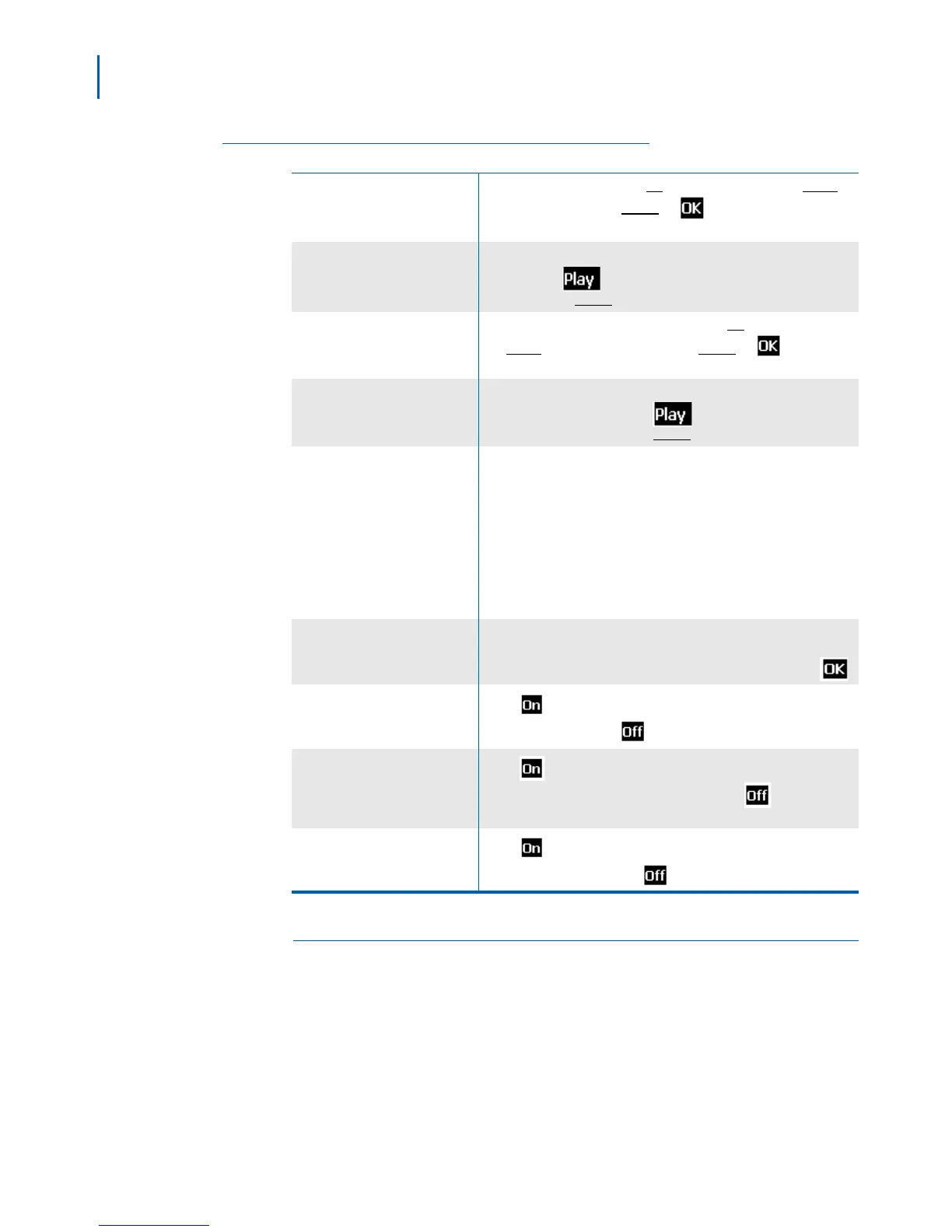
Table 2-12 Audio Screen Settings
Ring volume
Set the ringer volume. Press
Up to raise the volume and Down to
lower the volume. Press
Select or when you're satisfied with
the volume setting.
Ring melody
Choose this handset's ring melody. As you highlight each ring
melody, press
to hear a sample. When you hear the melody
you want, press
Select.
Alert volume
Set the volume for notification tones. Press
Up to raise the volume
and
Down to lower the volume. Press Select or when you're
satisfied with the volume setting.
Alert tone
Choose the tone this handset uses for alerts and notifications. As
you highlight each tone, press
to hear a sample. When you
hear the tone you want, press
Select.
Vibrator
Have the handset vibrate on an incoming call or a notification. Se
lect
one of the following:
• Off: The handset will not vibrate at all.
• Vibrate then ring: The handset will vibrate first, then sound the
tone or melody on the second ring.
•
Vibrate only: The handset will only vibrate, not ring.
• Vibrate and ring: The handset will vibrate and ring at the same
time.
Key sound
Have the keypad sound a tone when you press a key. Choose one
of two sounds (Click or Tone) or select Silent to turn off the keypad
tone off. The tone will be activated after you press Select or
.
Confirmation sound
Press
if you want the handset to sound a tone each time you
change a setting. Press
to disable this tone.
Coverage warning
Press if you want the handset to sound a warning when you
approach the edge of the base’s range. Press
to disable this
tone.
Charger warning
Press
if you want the handset to sound a warning when the
battery is getting low. Press
to disable this tone.
Alarm Screen
See “Setting the Alarm” on page 3-7" for more information on setting
alarms on the handset. Table 2-13 lists the types of alarms and provides
a brief description.



 To Next Page