English-34
Firmware updates can be performed remotely after connecting to the network.
The setting is available by going to the [Advanced Setting] then [Firmware] menu.
Firmware Update function
When new rmware is available, the [Update] function is enabled. Select [Update] to proceed with immediately downloading and
updating the rmware.
Auto Update function
When this setting is on, rmware updates are performed automatically at the designated time when new rmware becomes
available.
Update Start Time
Sets the time of day to perform a rmware update when using the [Auto Update] function.
Update Message function
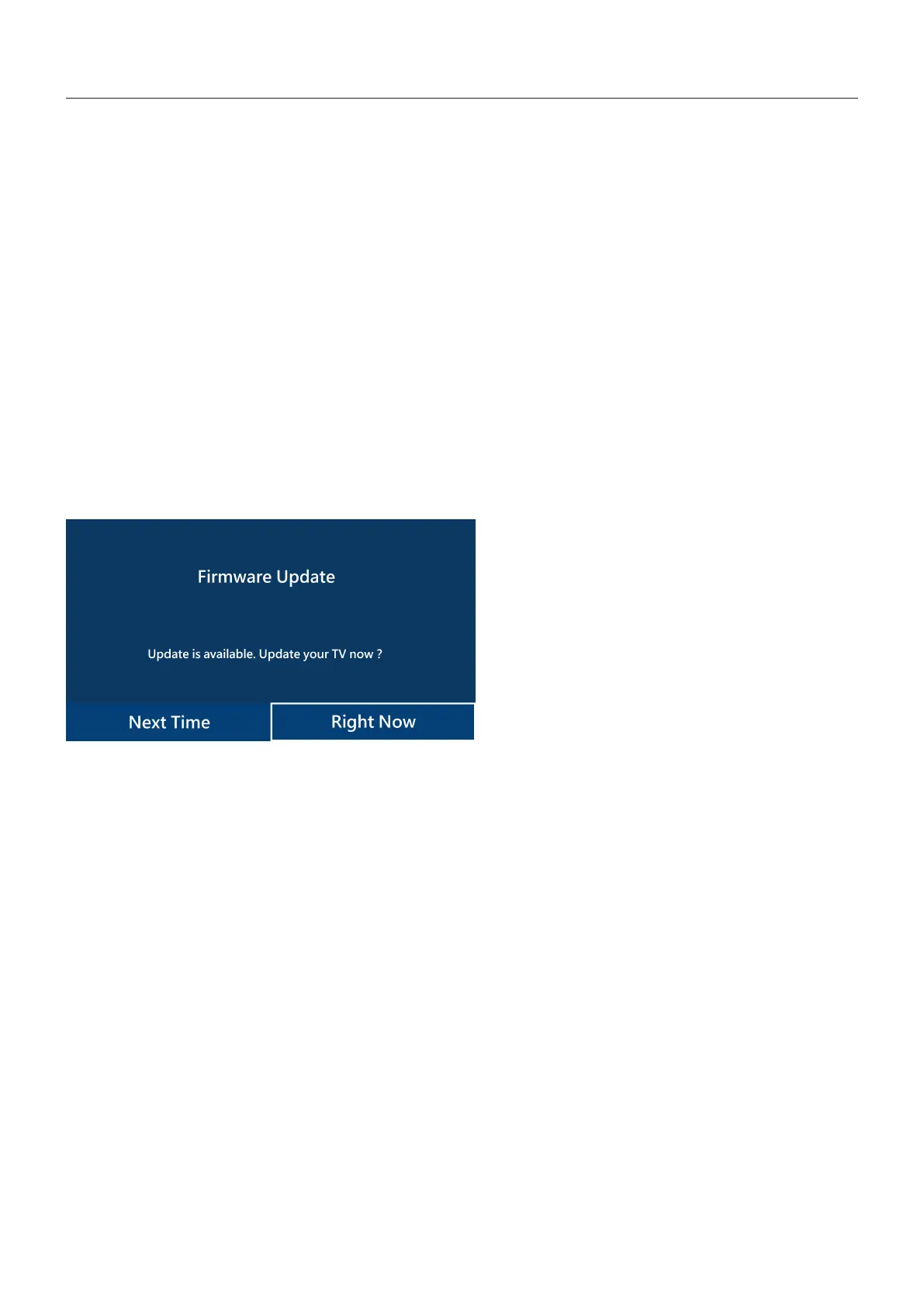
When this setting is on, a “Firmware update is available” notication message appears on-screen for new rmware. You
can immediately update the rmware by selecting [Right Now] or prevent the update by choosing [Next Time] to dismiss this
message. You can then perform a normal update from the Firmware Update function at a later time when it is more convenient.
NOTE: The [Auto Update] and [Update Message] functions cannot be used at the same time.
Firmware Update












 To Next Page