37
3. Convenient Features
❹ Muting the Image (AV Mute)
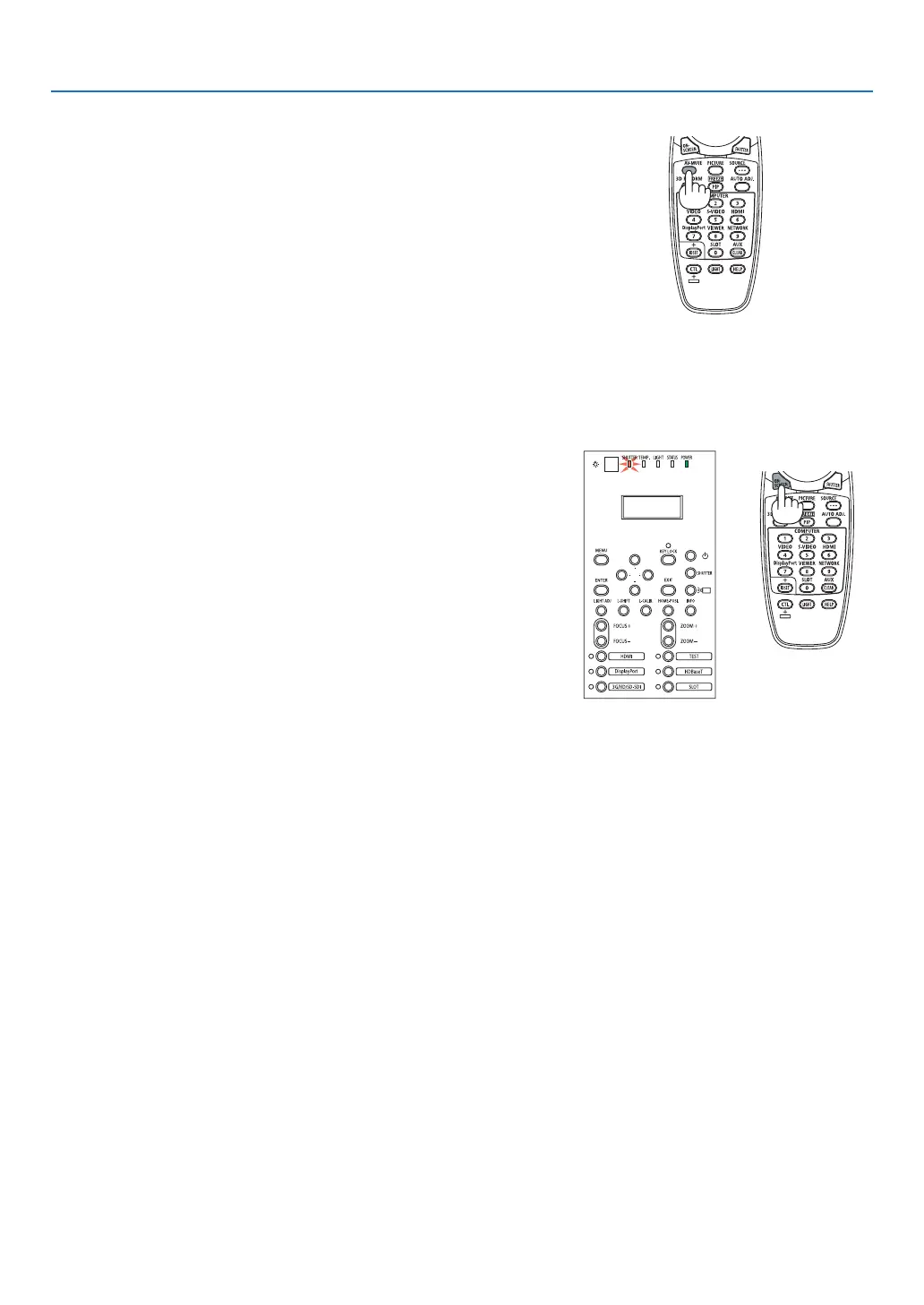
PresstheAV-MUTEbuttontoturnofftheimageforashortperiodoftime.
Pressagaintorestoretheimage.
TIP:
• Theimagewilldisappearbutnotthemenudisplay.
❺ Turning Off the On-Screen Menu (On-Screen Mute)
ApressoftheON-SCREENbuttonontheremotecontrolwillhidethe
on-screenmenu,thesourcedisplayandothermessages.TheSHUT-
TERindicatorwillturnoninorange.Pressagaintorestorethem.The
SHUTTERindicatorwillturnoff.
SHUTTER indicator
TIP:
• Toconrmthattheon-screenmuteisturnedon,presstheMENUbutton.Iftheon-screenmenuisnotdisplayedeventhough
youpresstheMENUbutton,itmeanstheon-screenmuteisturnedon.
• Theon-screenmuteismaintainedevenwhentheprojectoristurnedoff,
• HoldingdowntheMENUbuttonforatleast10secondswillturnofftheon-screenmute.



 To Next Page