2-6 Using the Hardware
Removing the battery
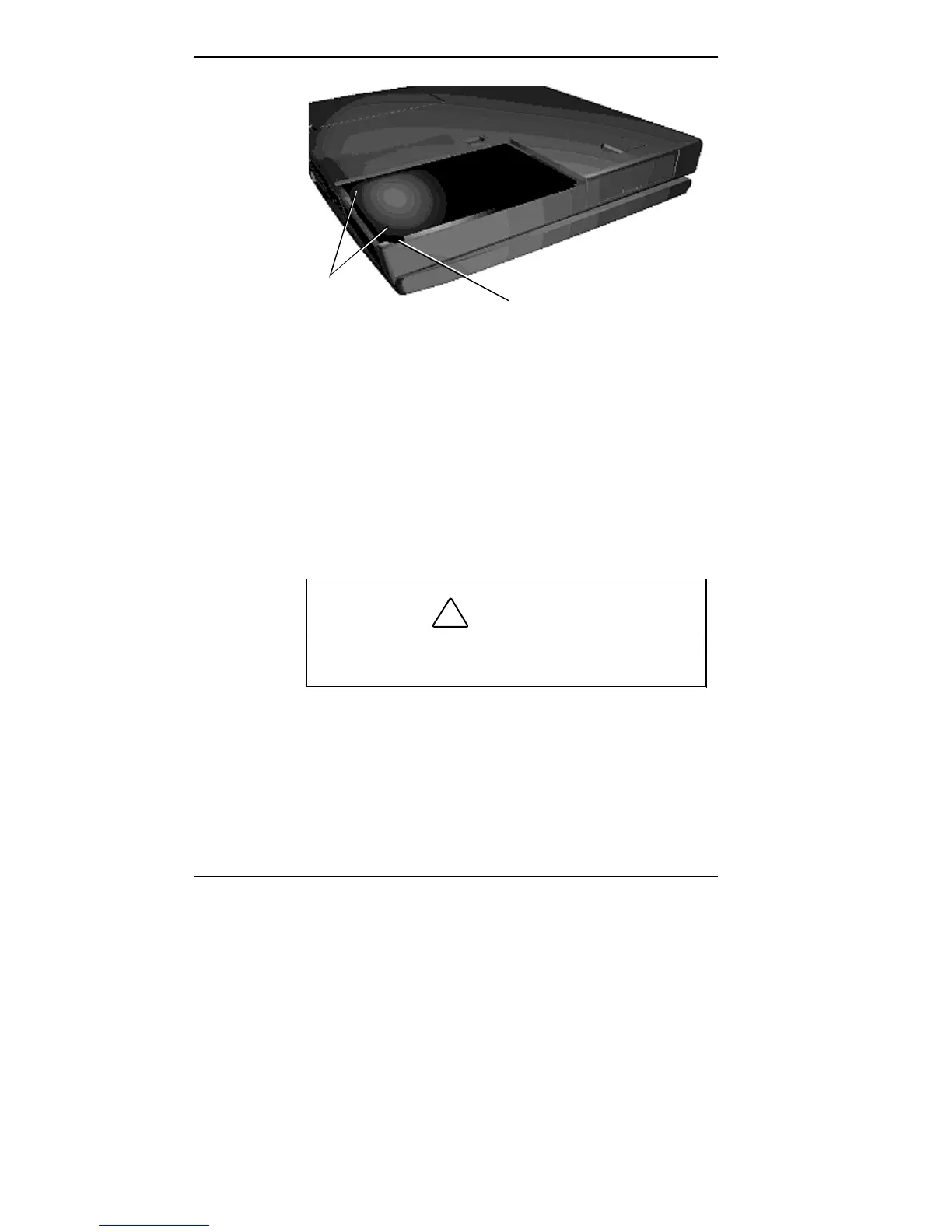
4. Insert the new battery as follows:
■ Align the battery terminals with the terminals in the
system.
■ Lower the terminal end of the battery pack into the
bay.
■ Next, lower the notched end into the bay.
!
CAUTION
When installing a battery pack, be careful not to
twist the terminals.
Notched Corner
Lift Here



 To Next Page