USERS SETTINGS
COMMISSIONING AND OPERATIONS
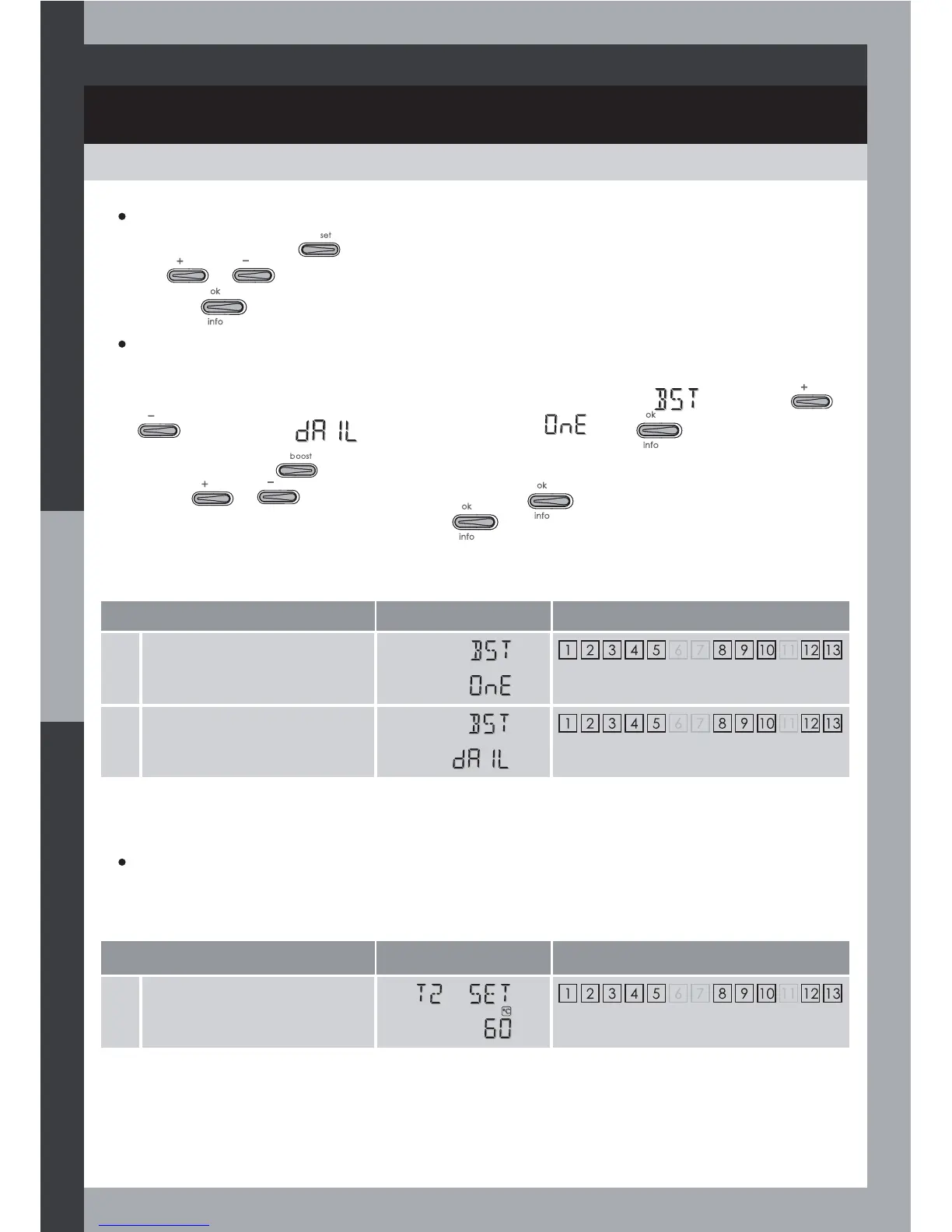
Boost setting
Display Related systems
1 One-shot Boost
2 Daily boost
The boost function is factory set ‘one –shot’ i.e. heating once at mode run.
You can change this to a programmed ‘daily boost’, the screen shows
by pressing
or
and setting to (daily boost) instead of . Press to save.
Then if you press the
button. You will be asked the time the daily boost shall start (set the
time with or ), save the setting by pressing , then the boost heating duration.
Set a value of 1 or up to 9 hours, then press
.
Consult the table on page 24 to see what type of auxillary heating method can be used by the
controller to heat the hot water during this boost period.
Note: For more details concerning the boost function, please refer to paragraph Boost start
page 21.
Setting access
Select the type of Boost
Cylinder temperature setpoint
Temperature setpoint
Display Related systems
1 Cylinder temperature
setpoint
The cylinder temperature setpoint is preset at 60°C. You can set the temperature between 20°C
and 75°C, by 1°C step.
From Auto mode, press
to access user settings.
Using
or you can change the parameter
Save it by
.
17



 To Next Page