27
Net DVR
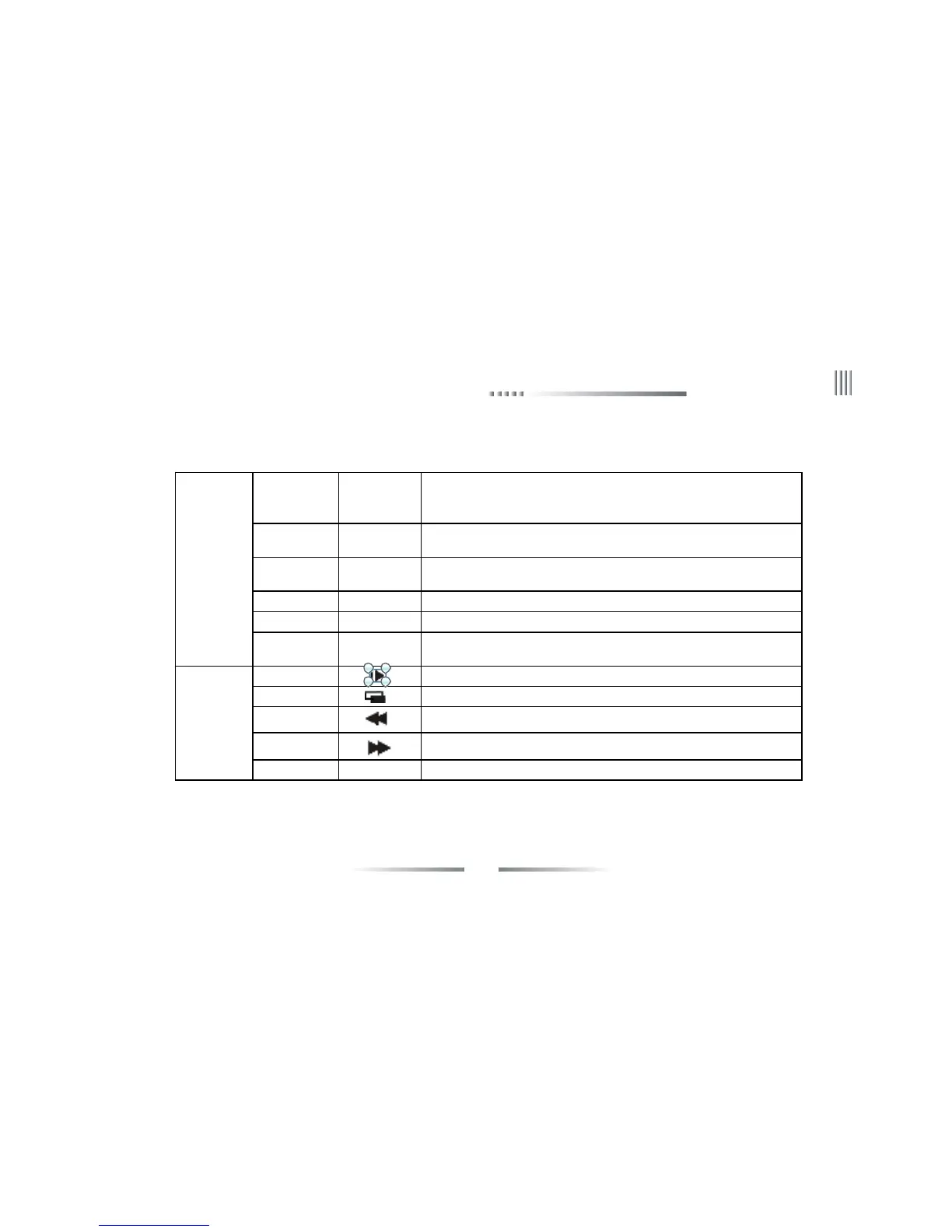
POWER
While supplying power to DVR and the system running,this lamp will be
lighted to green.When the system is in standby mode,this lamp will be
lighted to red.When power supply cut off,the lamp will be off
HDD
Hard disk indication,it is blink when the hard disk is working,or it will be
off
IR
Infrared signal receiver lamp,when operate the DVR by remote
control,it will blink
ALARMAlarm indication lamp,it is light when there is alarm,or it will be off
RECRecord indication lamp,it is blink when DVR is recording,or it will be off
NET
Network connection indication lamp,it is light when the PC client
connect to the DVR
Slow play1.Cursor move;2.Slow play;3.It means up while in PTZ control
Frame on1.Cursor move;2.Frame on;3.It means down while in PTZ control
Rewind1.Cursor move;2.Rewind;3.It means left while in PTZ control
Fast forward1.Cursor move;2.Fast forward;3.It means right while in PTZ control
OK/Play/Pause ← 1.Confirm select;2.Play/Pause
3(Indication
lamp area)
4(Direction
keys)



 To Next Page