49
Net DVR
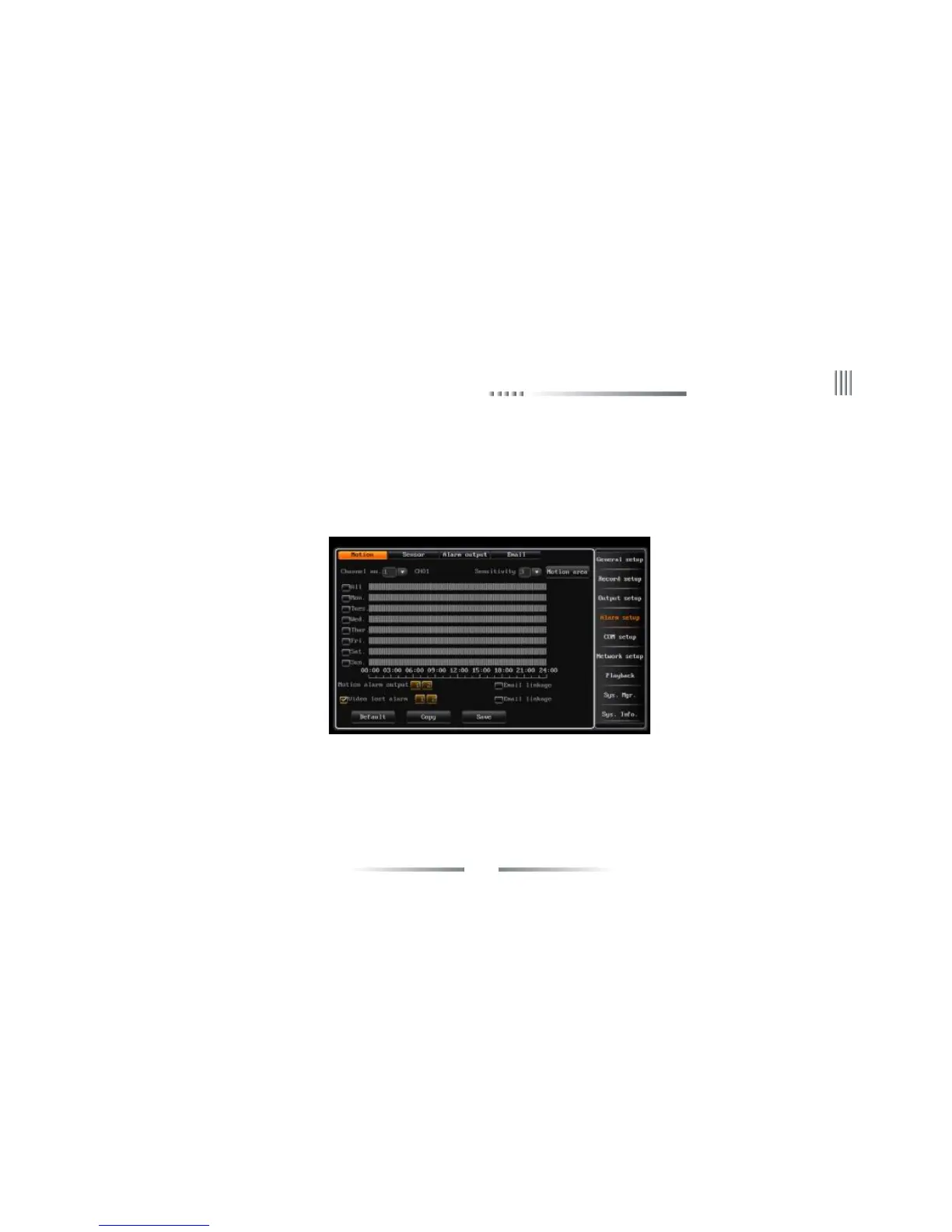
Setting detection area by mouse: Left click a pane as the start position of the detection area, then click another pane as the end position, and the area
will shown. Double left click mouse to cancel your choice. Click “return” to record setup interface, click “save” to save the setup.
(6) Alarm output setup: The button will turn yellow when enable the alarm output function ,otherwise the button is grey.
2.Video Lost Alarm
The DVR default enable alarm output when video lost. We provide three ways to output alarm: audio, buzzer, full screen.You can press “information”
button to enter alarm information status rapidly.
4.5.2 Sensor Alarm Setup
The steps of sensor alarm setup is as follows:
(1) After login, choose “main menu”-> “Record setup”-> “record parameter” to enter the setting interface of alarm record, set the corresponding
channel, pre-record time and delay record time.
(2) Choose “main menu”-> “alarm setup”-> “sensor”, enter the interface of alarm record, the interface is as follows:



 To Next Page