39
Net DVR
4.1.3 System Lock
When the system is in login status, according to the automatic locking time setting in the “general setting”(System default automatic lock time
is 3 minutes),if there is no operation in the automatic locking time,the system will automatically logout. You can also press “login/lock” on the remote
controller or right click mouse to logout.
4.1.4 Main Menu
After user log in successfully, and click the “MENU” on the front panel or remote controller , the system will switch to main menu.
4.1.2 System Login
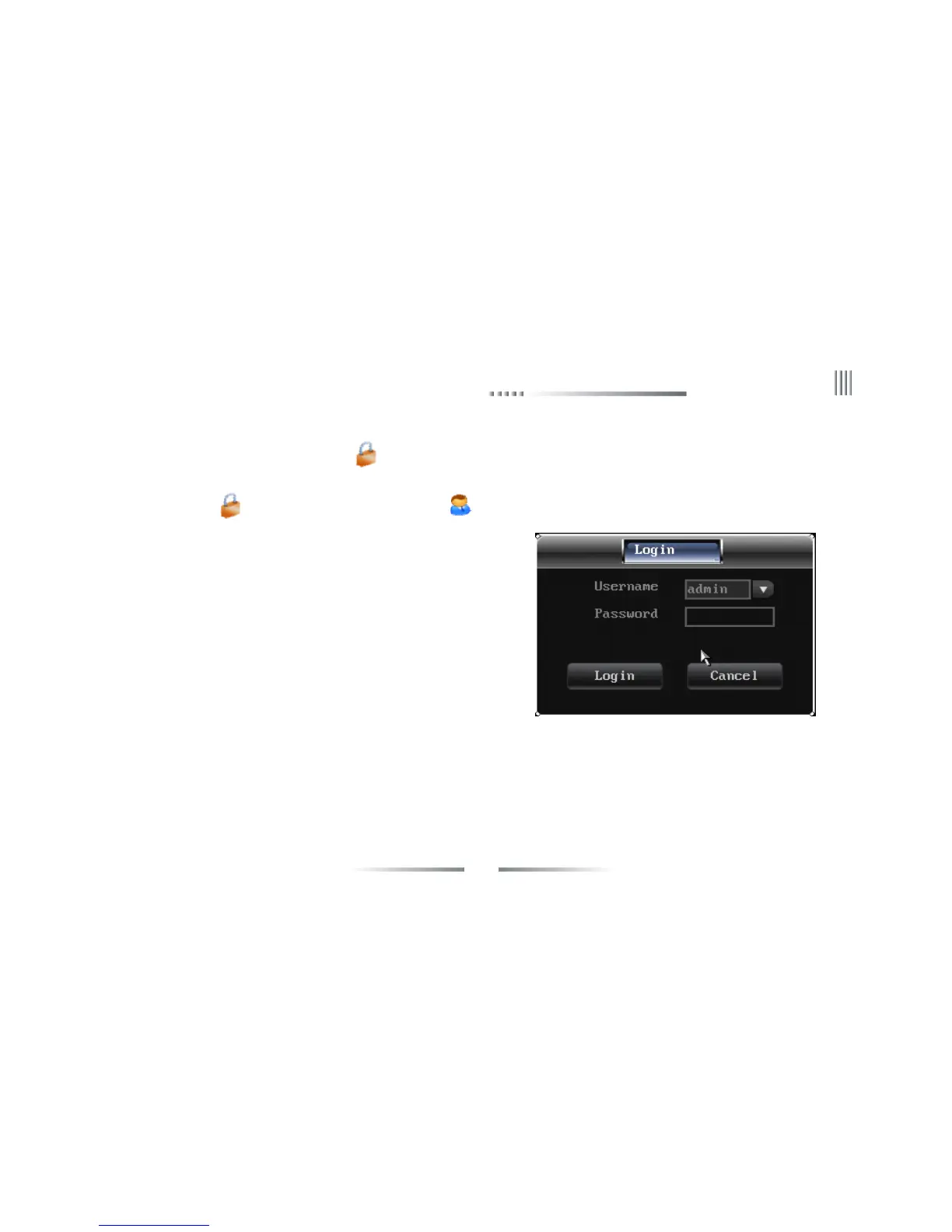
When the system is in the status of locking “ ”, press the “Login/Lock” on the remote controller or right click the mouse, the figure of login
will appear as follows:
Input user name and password on the login port(distribute in authority in advance), after you input correct user name and password and press
“ENTER”, the sign “ ” on the lower left corner will switch to “ ” automatically, and show the current user name. Then you can carry on the
operations in the authority to the system at the moment.
1.Default user:admin,default password:888888.
2.When you input the incorrect password 3 times continuously,the system will
alarm and get into the status of locking automatically. In that case ,you need to
click the “clear” on the front panel or remote controller to retype the password.
3.To input name and password, you can left click mouse .It will pop out software
keyboard. Right click mouse to exit.
Note: For the sake of safety, please change the default password immediately.



 To Next Page