40
User Manual
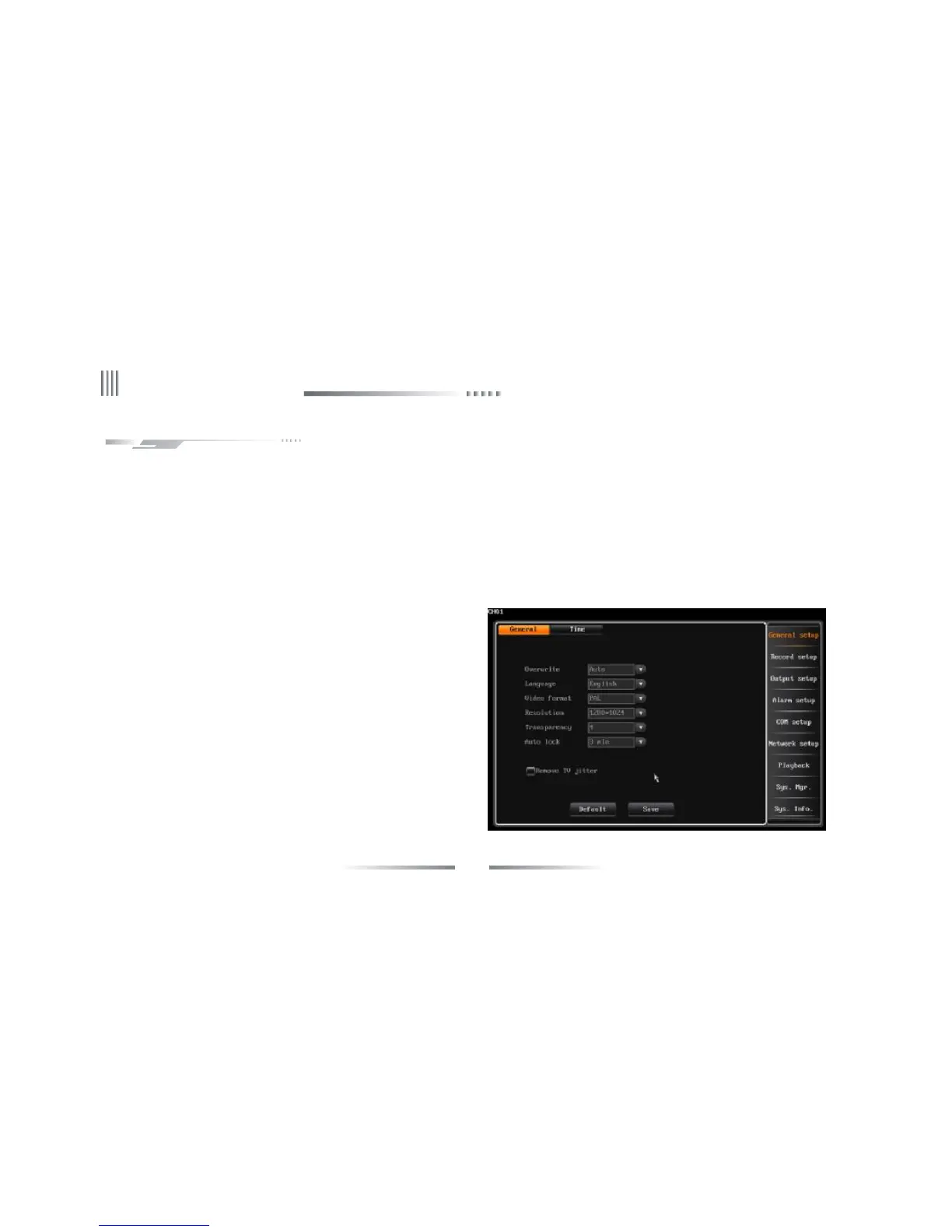
l Video format
User can choose the systerm video format as PAL or NTSC.
l Resolution
Support 800*600,1024*768,1280*1024,1440*900 adjustment.
l Display contrast
When you enable this option, you can setup the menu display contrast.
There are 5 levels and the default value is 5:1. When “1” is chosen, the
background color is the lightest.
4.2 General Setup
4.2.1 General Setup
l Overwrite
We suggest that user select auto overwrite mode, when disk is full, the DVR will auto overwrite the earliest recording file. The alarm indicate method:
When HDD is full, GUI information indicates whether overwrite the earliest recording files, and stop the recording.
l Auto locking
When you enable auto locking, system will enter the status of locking in fixed time(1~10 min). For example, if you set the locking time to 3 minutes,
during this period if there is no operation, the system will auto lock.



 To Next Page