41
Net DVR
4.2.2 Time Setup
l Time setup
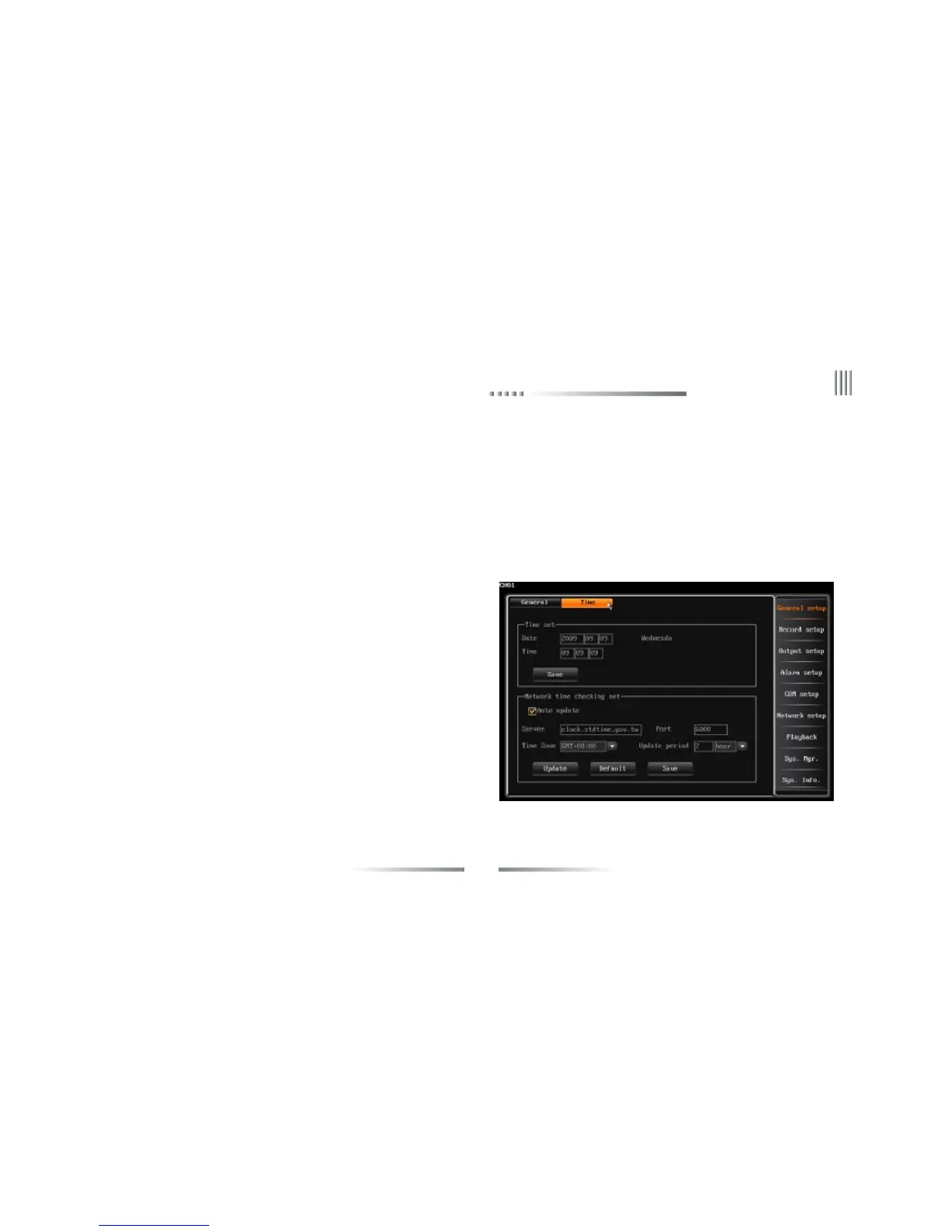
After login, user can through “general setup”-> “time setup” to enter the time setup interface. The fig is as follows:
This function is used to set or modify current system time, the system adopted the perpetual calendar, the day will change as the date’s change.
(Note: please check the system time when firstly use. Because system time is in close relation with video record, try not to adjust system time on
general occasion)
l Network time checking
NTP:NTP(Network Time Protocol) means regulate the time form remote
server via network.
The default sever is hk.pool.ntp.org, port: 123,time zone is GMT+08:00.
Make sure select “NTP” before use this function.
1.The system support 26 time zone for setting, user can set according to
current zone.
2.We do not suggest user change the Time server on general occasion. If
connect failed, you can manually select the other server.
3.Port and time zone is optional.
4.The system will automatically regulate time by update interval which
selected by user.
5.DVR need to access internet to realize NTP.



 To Next Page