71
Net DVR
Appendix 1 IE Operation Instructions
Notice: Please set firewall rank for low or medium, and surf software or net assistant software, etc. should be blocked or unloaded. Otherwise the
software may not run properly. Please guarantee to install DirectX 9.0 of Microsoft and confirm the Internet Explorer edition is 6.0 version or
above.
1. LAN Configuration for IE Browse
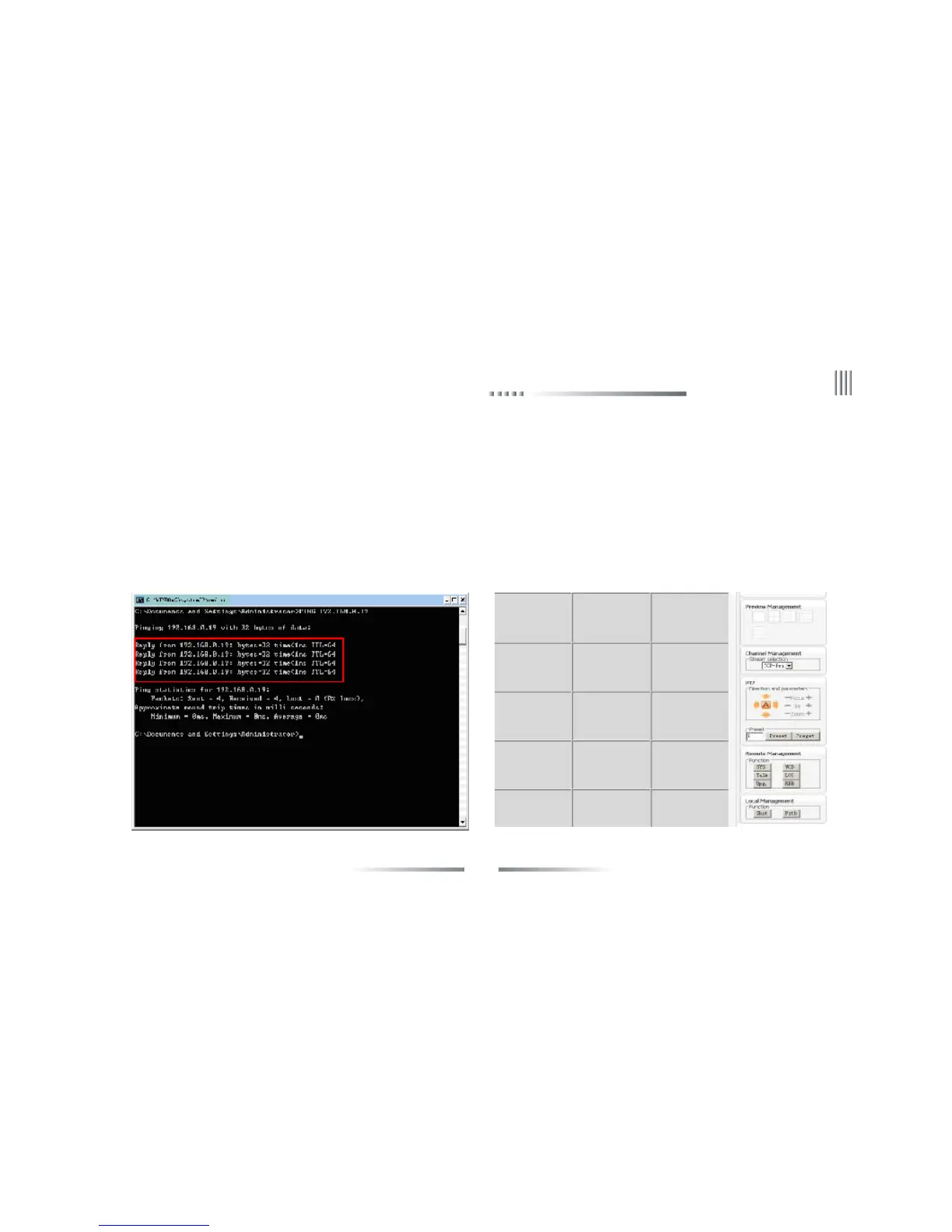
1. “Ping”the host IP first to confirm if the DVR is connected.
2. Type the host IP into windows IE and connect to the DVR. Input user name and password to log in. If the log in is succeeded, the following
interface will pop out.



 To Next Page