53
Net DVR
4.6 COM Setup
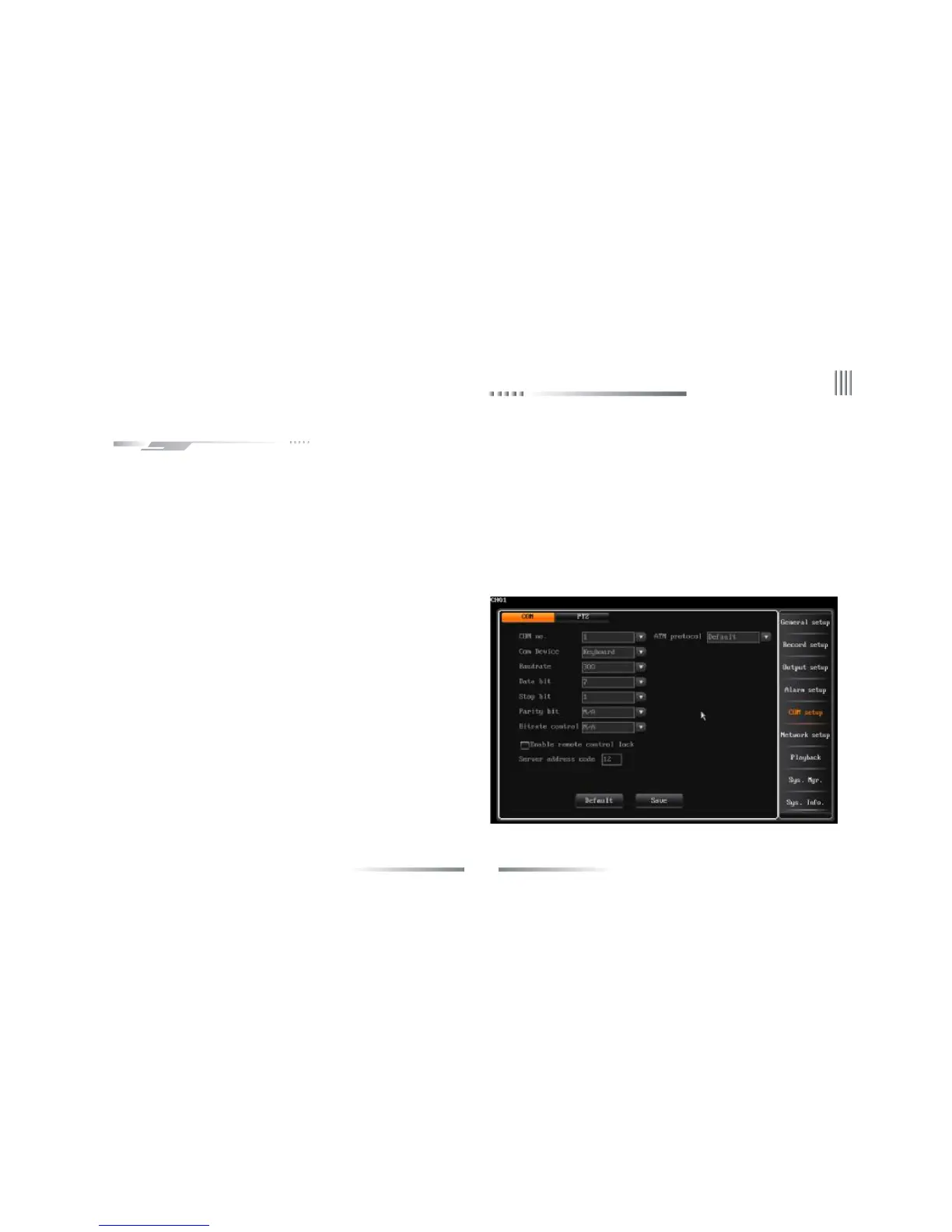
After login, click “Main Menu”-> “COM setup” ,the interface is as follows:
You can do the operation of connecting other serial device to DVR in this interface.DVR provide two pairs of serial connection terminal:RS485
and RX.The two serial port both are full duplex terminal which have receive and transmit function. DVR can be connected to PTZ, serial keyboard
and other serial devices at the same time.
These parameters are used for defining the COM type, there are 3
types to choose: PTZ, serial keyboard, transparency channel.
l Baudrate:Set the baudrate of the communication between COM and
its outer devices.Such as PTZ ,keyboard's baudrate must be identical with
DVR system's baudrate.
l Data bit,stop bit,check bit: Set the data bit, stop bit and check bit
according to the PTZ protocol code. Commonly, the PTZ protocol’s
default date bit is 8,check bit is None, stop bit is 1.
l Host address: When one keyboard connect with several DVRs in the
parallel way,the keyboard is used to control and differentiate different
DVR’s identify code.
l PTZ protocol: Set the outer PTZ protocol in this option, and the
protocol must be the same with the PTZ itself.
4.6.1 COM
“COM”’s interface is as follows:
The parameters of RS485, RX include:baudrate, data bit, stop bit,check bit etc.



 To Next Page