66
User Manual
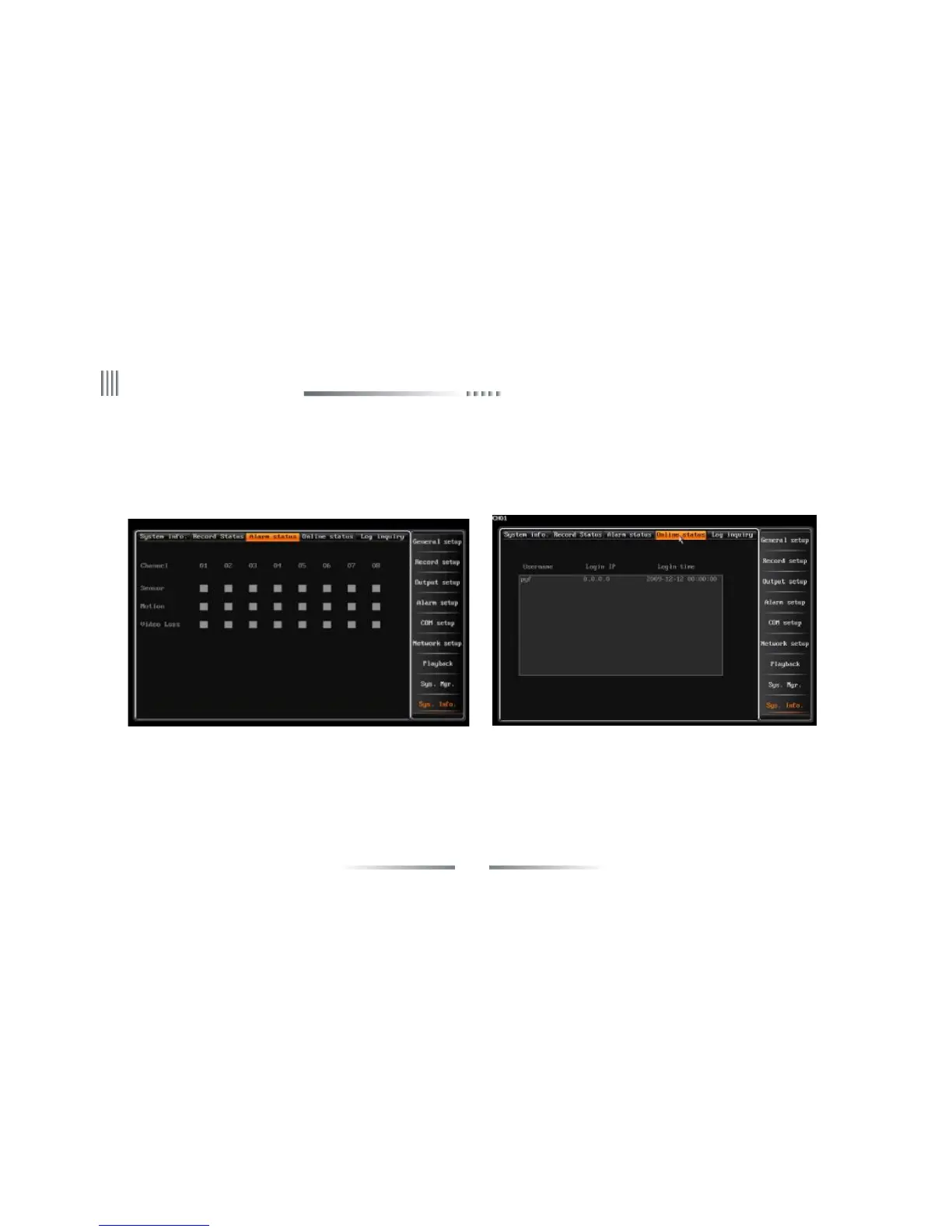
4.10.3 Alarm Status
The interface is as follows:
It shows the alrm type of each channel: Sensor alarm (Red color), motion alarm(Yellow color) and video lost alarm(Blue color). You can clear
the alarm through the “CLEAR” button of the front panel or remote controlleror click the “alarm clear” on the menu by mouse.
4.10.4 Online Status
It displays the information of outer PC which connected to DVR. Such as: IP address, login/off time.The interface is the right figure above:



 To Next Page