63
Net DVR
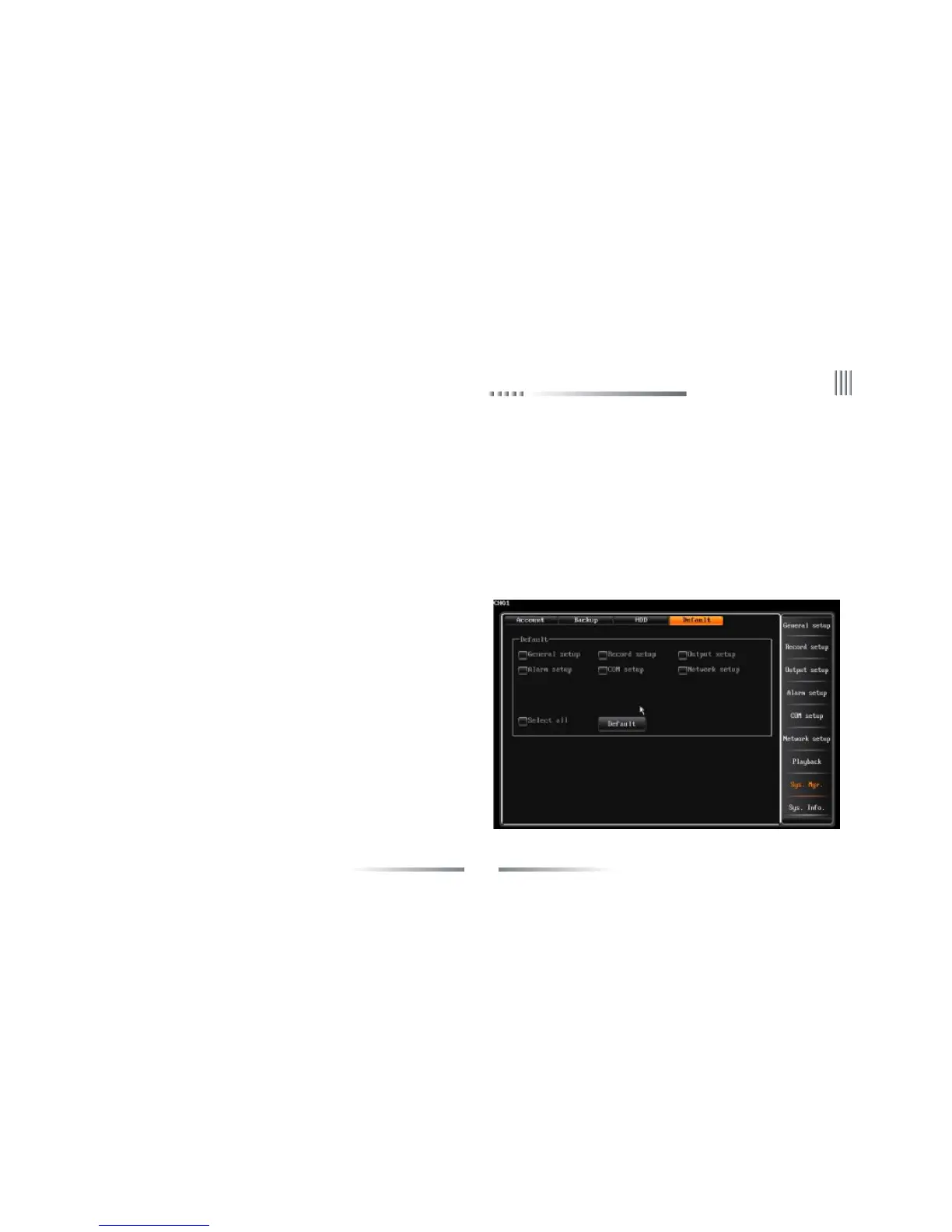
4.9.4 Restore Default
The way to restore default setting: After login, through “System Management”-> “Default” continuous operations to enter the interface, the
interface is as follows:
Note: Network IP and port, System time, user account and hard disk management wouldn’t be restore default when do this operation.System
default parameters:
Common Para.:Contrast(5:1),Video format (PAL);Record overwrite mode(Auto cycle);Disk error alert(Enabled);Open auto locking(Enabled),auto
Disk format: System supports only FAT32 format, the capacity of the HDD is above 32G.System supports only one partition for backup.
Format: Select the HDD NO., then focus on the “format” icon and press “OK” to choose the type of the partition (DATA or BACKUP ). The
interface is as follows, after you confirmed the partition type, press “OK”, the system will prompt “It’s formatting...”.
lock time 3 minutes;Date format(YYYY-MM-DD);Display channel
name (Enabled);Display time(Enabled);Display temperature(Enabled);
Channel switch(Closed).
Rec. Para.:Record mode(All);Encoding stream type(VBR);Encoding
stream(512K);Record quality(High);Video frame(25);Audio(Enabled);
Transmission encoding stream(512K);Transmission record quality(High);
Transmission audio(enabled).
Record Mode:Manual(Closed);Schedule(Closed);Motion detection
(Closed);Alarm detection(Closed).
Network:Auto redial(Closed);Auto login(Closed).
COM:Baudrate(9600);Data bit(8);Parity bit(None);Stop bit(1);Keyboard
address(1);Protocol(Unknown).
Channel:Channel name(Reset to default);Video loss alarm(Enabled);



 To Next Page