44
User Manual
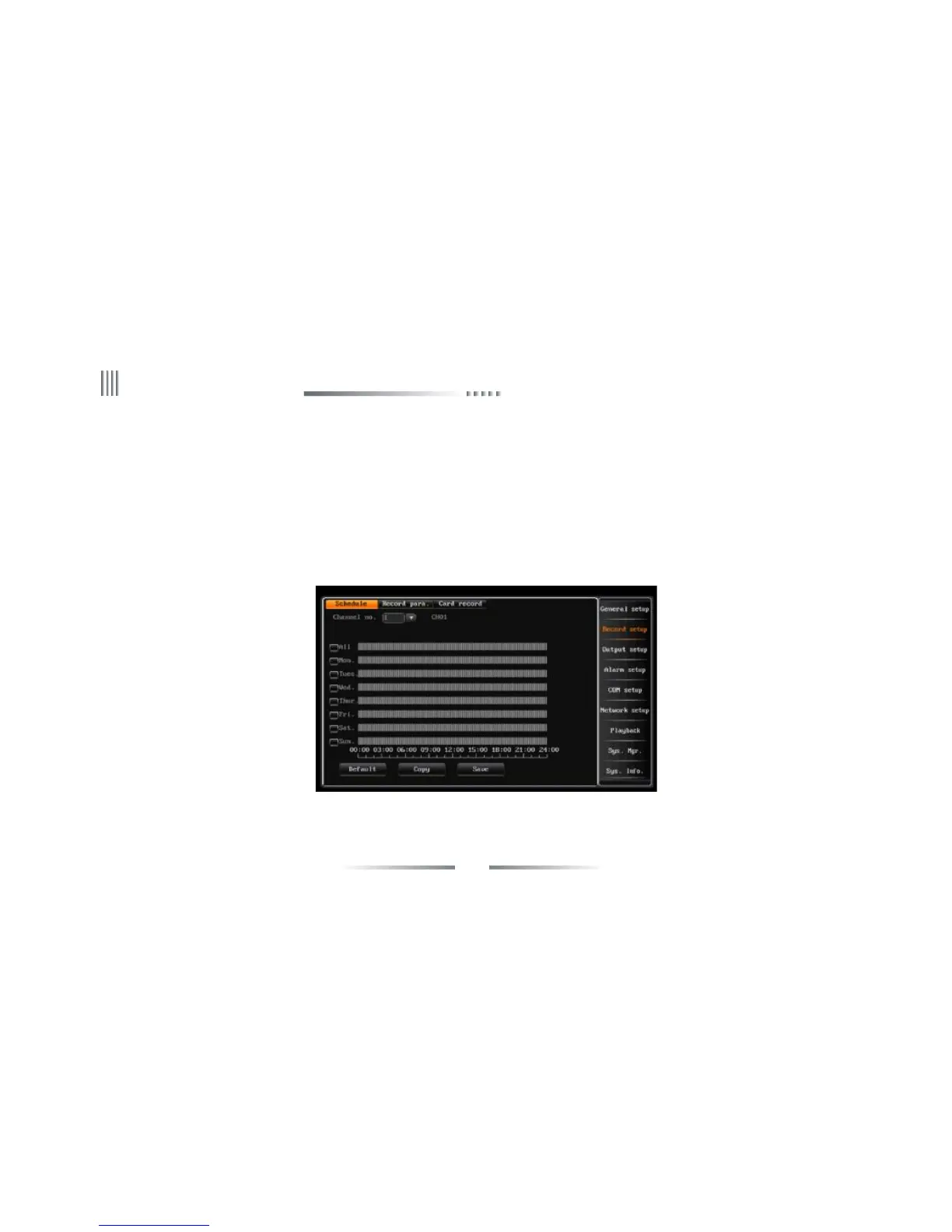
4.3.3 Schedule Record
To enter the schedule recording interface,follow the steps below:
1.Select the corresponding channel No..
2.Select the recording date(everyday or someday),and set the record deployment period.
3.Set the alarm deployment period ,system supports setting multi-periods. Time period should be selected in chronological order. Tick off the date and
then enable the time period. By dragging the left mouse to set the deployment period .
(Note: double click left mouse can cancel one selected time period.)
4.Click “save” to activate the settings, you can also duplicate the settings to other channels.



 To Next Page