60
User Manual
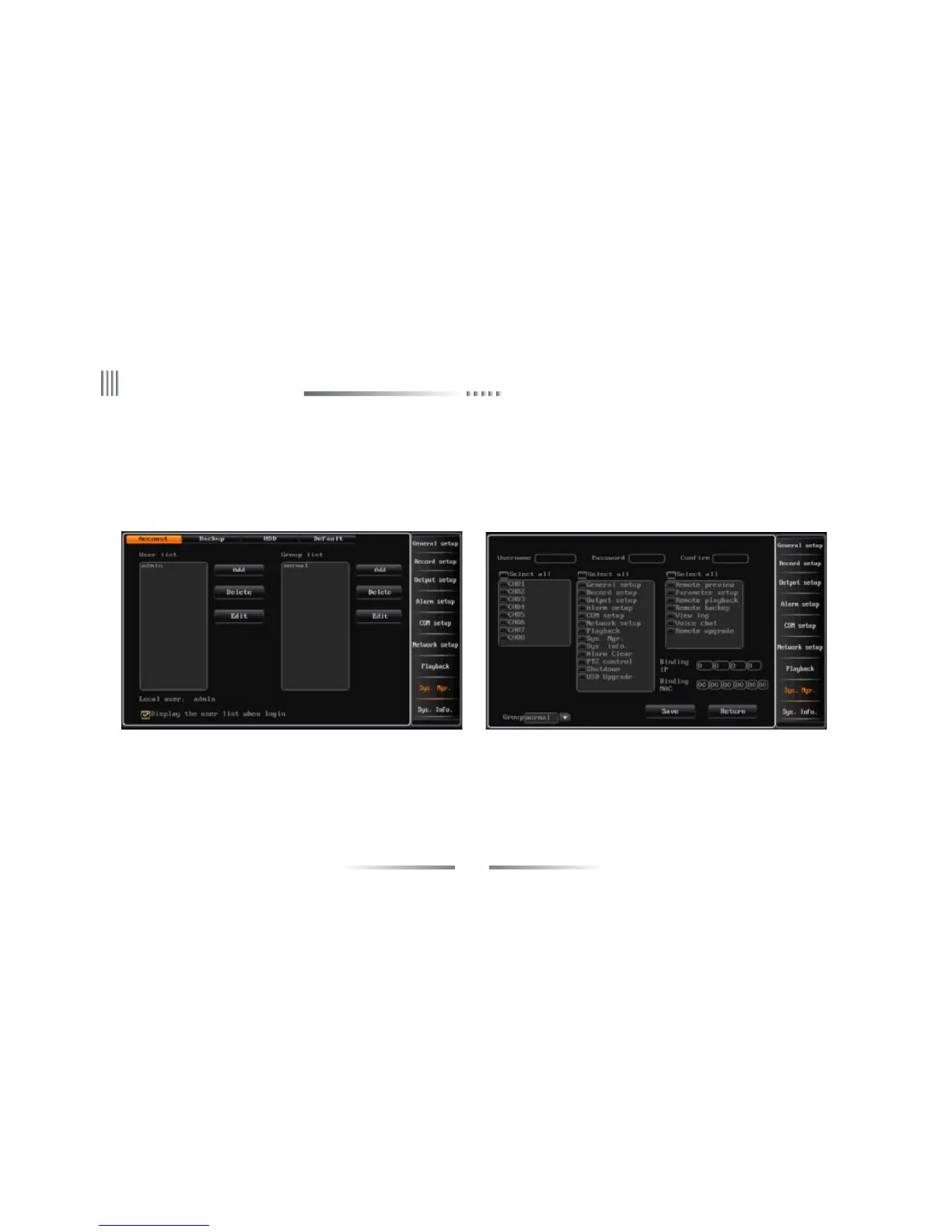
l Modify password:Using the direction key of the remote controller to move the cursor to the user list, press “OK”, then you can get in the interface,
or double click the mouse to get in.
l Support local and remote rights setting.
l Display the user list when login: When login the DVR, use the “+”, “-” on the remote controller or click the wheel of the mouse to select the user;
If not select “Display the user list when login”, you must input the username when login.
2. User Group
Support user group function:each user can just take part in one group,the admin user can distribute rights to users in this group.The interface is as
follows.



 To Next Page