Get Started
24
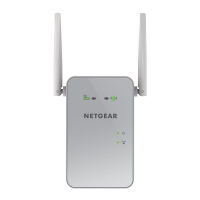
AC1200 WiFi Range Extender
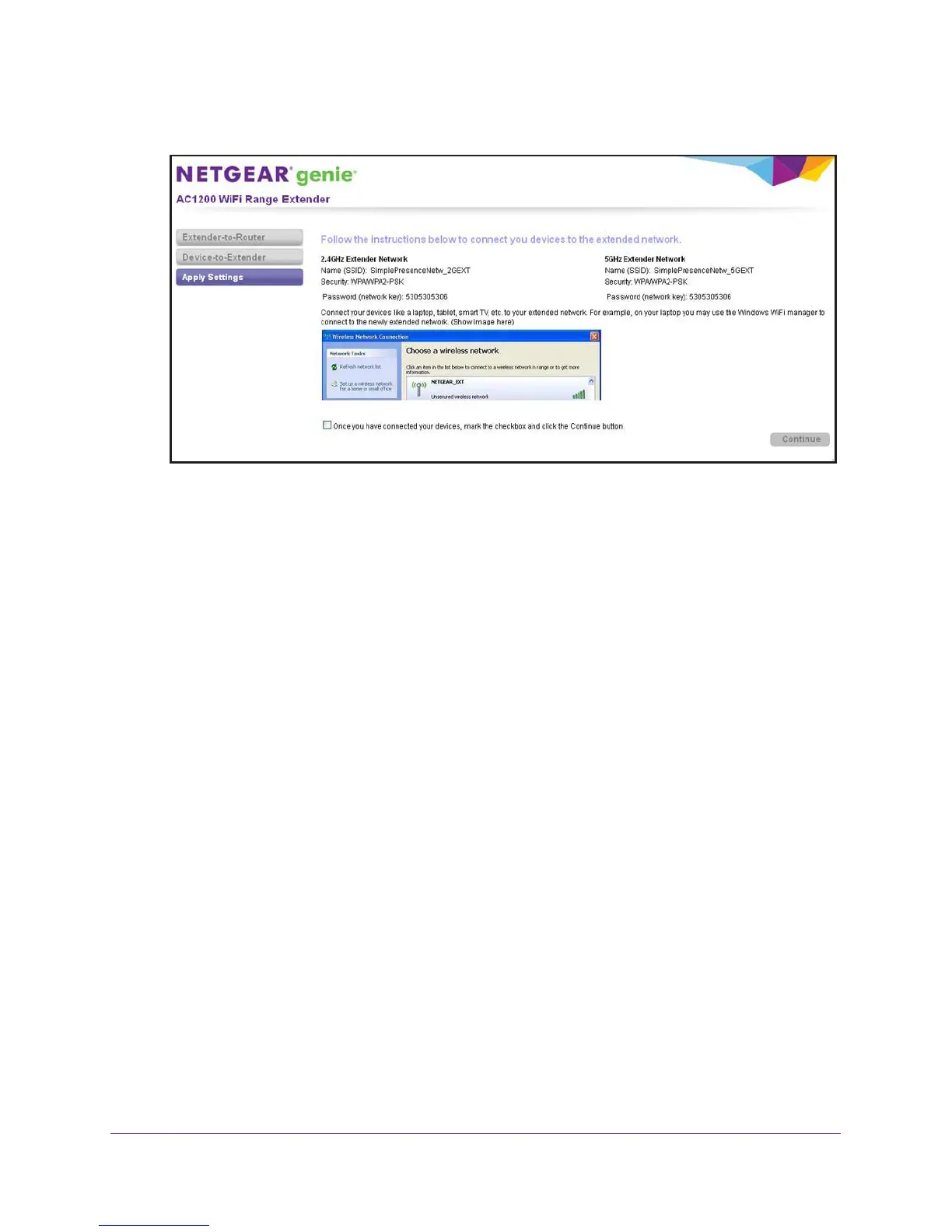
When the extender is ready, Smart Setup summarizes the extender networks.
13. Use a WiFi network manager on the computer or mobile device to connect to the extender’s
newly created 2.4 GHz or 5 GHz WiFi network.
Note: Unless you entered a new network name in Step 11, the extender
changes its default NETGEAR_EXT network name to the name of the
WiFi network to which you connected the extender and adds _2GEXT
to the end of the 2.4 GHz network name and _5GEXT to the end of the
5 GHz network name.
Note: If your computer or mobile device cannot join the new WiFi network of
the extender, see Improve the Connection Between the Extender and
the WiFi Router on page 118.
14. Select the My wireless devices are connected to the Extender network check box, and
click the Continue button.


 To Next Page