Payment Terminals | Page 11 of 54
3. Display
This section describes the information that is presented on the display screens of payment terminals.
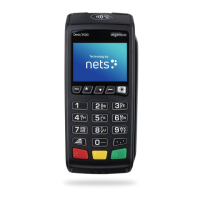
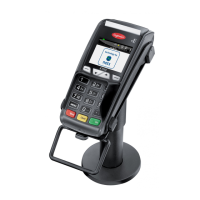
NB: The terminal menus shown are not available for all terminal types.
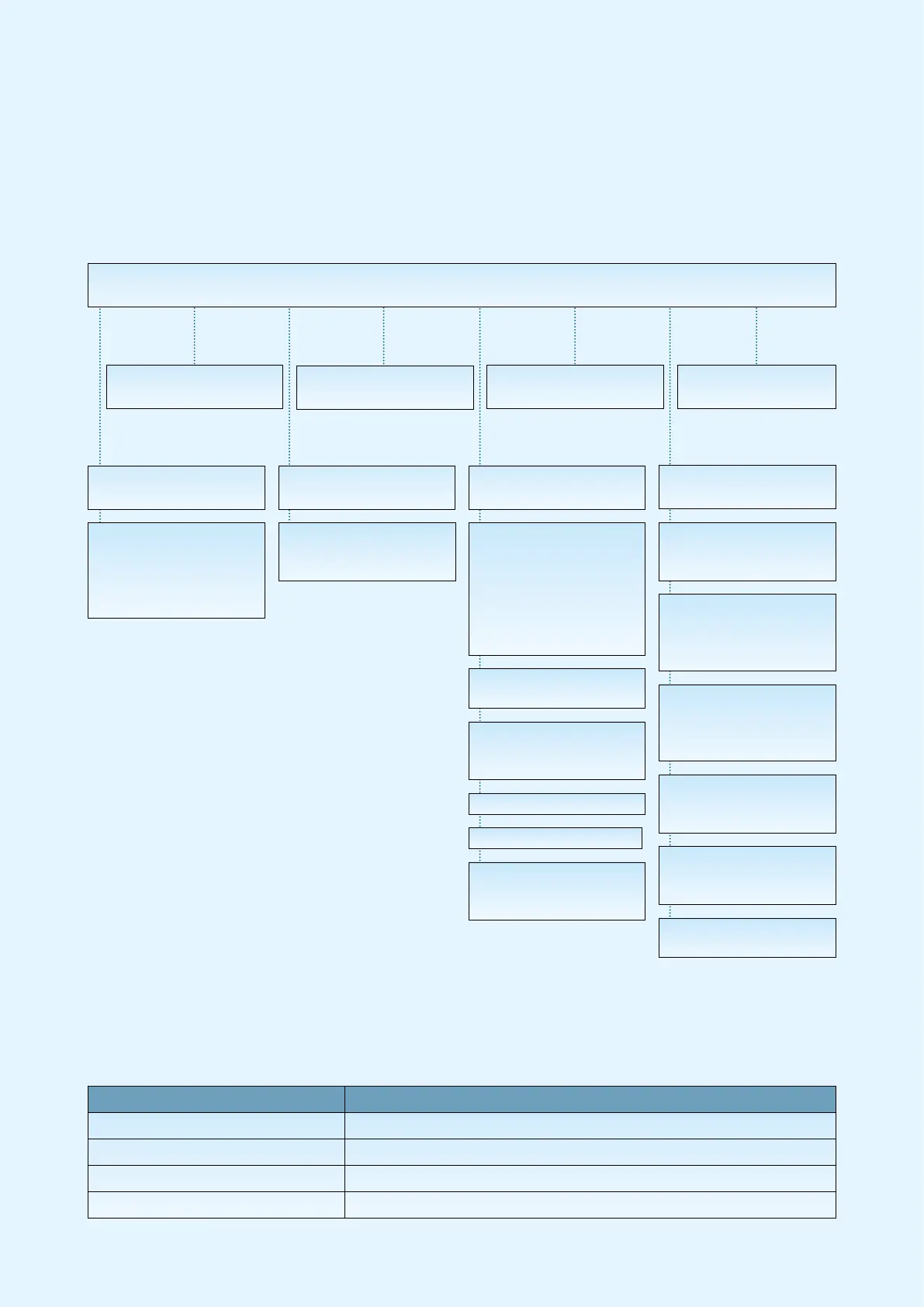
3.1 Menu Structure
1 Purchase
2 Purchase + Cash
(C/B)
3 Card Services
5 Copy Menu
3 Balance
4 Deposit
5 Withdrawal
6 Reversal
7 Rtn of Goods
1 Last Receipt
2 Last Reconc.
3 Last Z-Total
6 Reconciliation
7 Operator Menu
8 Merchant Menu
1 Issuers
1 Get Issuers
2 Print
2 EOT
1 Print
2 Send to Host
3 Delete
3 Operator Admin.
1 Add Op.
2 Delete Op.
3 Print Ops.
6 Parameters
1 Change
2 Print
7 Comms
1 Remove Obstruc
2 Ping Host
8 Software
1 Get Software
9 Battery+Signal
Battery: 100%
Signal: 5
1 Reports
1 Trans. List
2 X-Total
3 Z-Total
4 Op X-Total
5 Op Z-Total
7 Reconciliation
2 Issuers
1 Print
3 Term Status
1 Print
2 Send to Host
4 Send Error Logs
5 Send Trace Logs
9 Switch Off
MAIN MENU
Menu Function Terminal Type
Main Menu > Switch Off This function is only present in iWL and iSMP
Operator Menu > Battery + Signal For all battery-operated GPRS terminals
Operator Menu > Battery For all battery-operated terminals except GPRS
Menu 7-6 “Reset Barcode” This is only available on iSMP terminals
Table 1: Additional Information on Menu Items



 To Next Page