60
any fields (like Total Price, Sell By Date, etc.) If you cannot properly
align the print, then one of the following may have occurred:
You are using the wrong LFS number or have the wrong
labels installed in the scale.
You are using defective labels that have a “shift in
registration” error. This means that when the labels were
manufactured, the pre-printed color items on the label were printed too
high, too low, or incorrectly. This problem occurs most often when you
do not use ACOM Certified Labels.
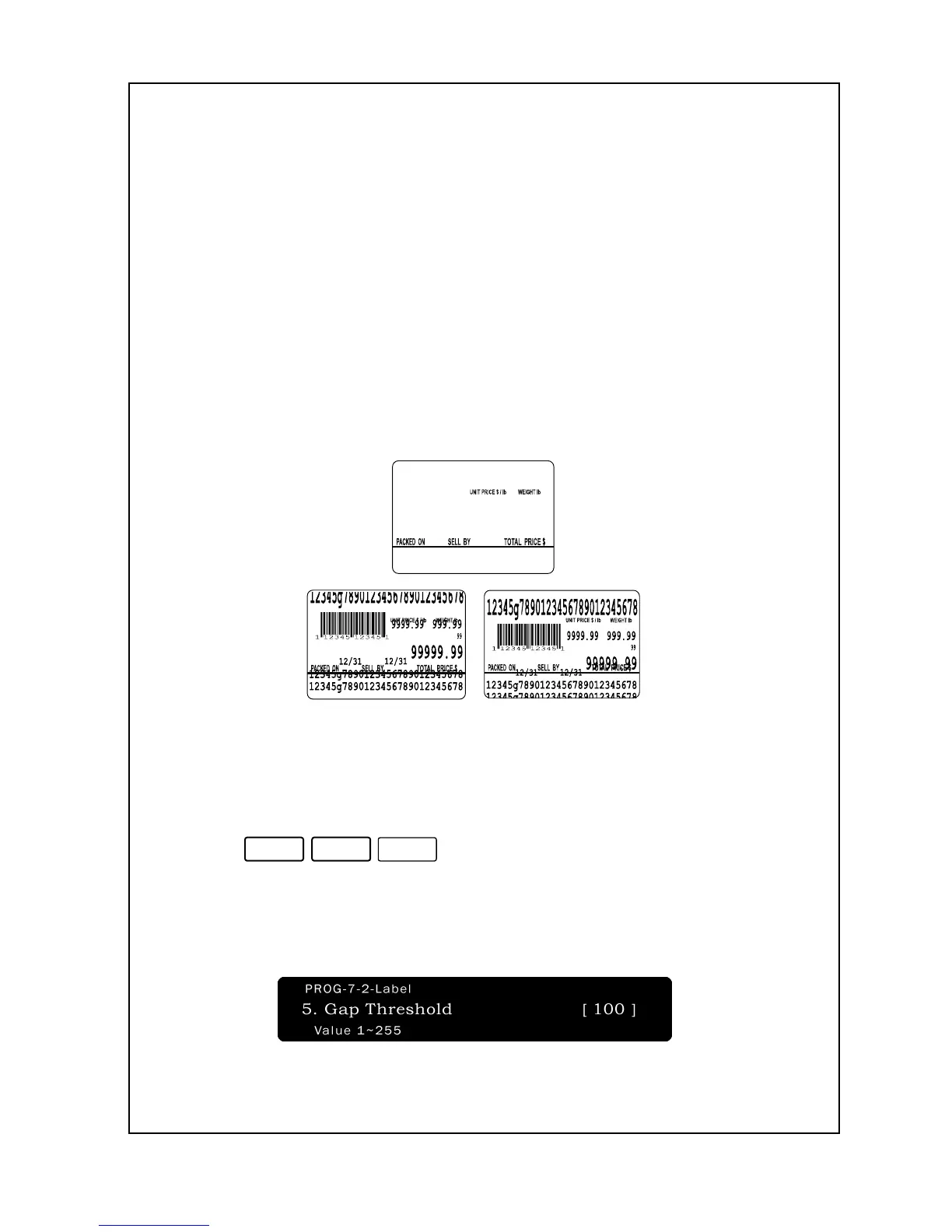
Here is a sample (blank) of the label that new NETS come with and
some sample prints of labels that need adjustment:
It is recommended that this option is designed for user who was using
that before
To set Gap Threshold:
1. Enter ‘Main menu’, and follow 3 steps below.
2. Press
.
3. Enter the Gap Threshold value you wish to assign the scale to. This
number must be from 1 to 255. As you type the number, you will see it
in the Total Price Display. The default setting values are 100.


 To Next Page
 Loading...