MT 48 | 5
System requirements
Windows Mac
Windows 10 64-bit or Windows 11 64-bit macOS 10.15 to 13.x
(Catalina – Big Sur – Monterey – Ventura)
Software Requirement:
MT 48 Toolkit must be installed.
Intel and Apple Silicon platforms supported
Driverless:
Plug and Play supported on macOS.
Installation of MT 48 Toolkit required for
full functionality.
Overview
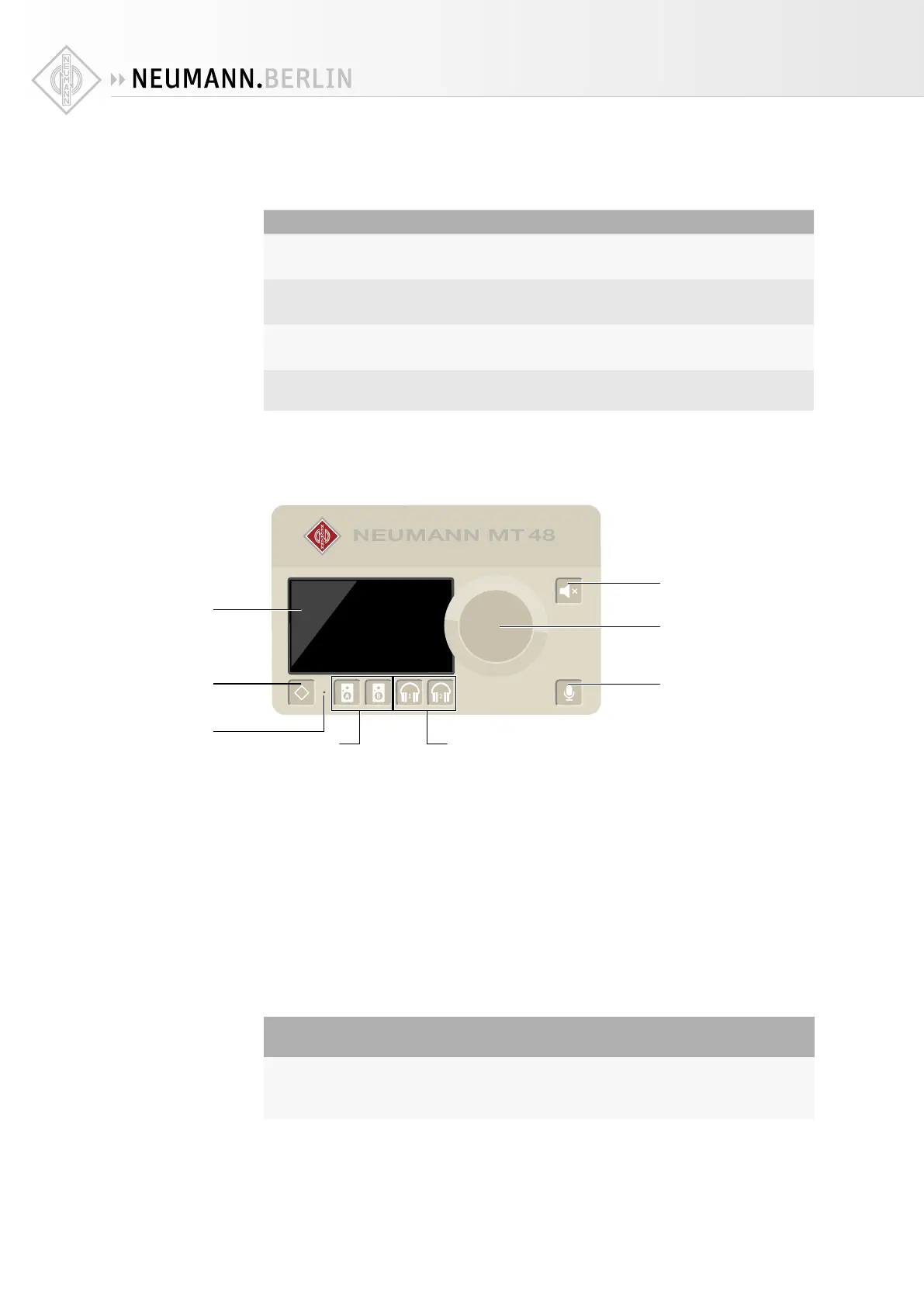
• TFT LCD: The MT 48 features a capacitive touch display.
• Home button with the Neumann diamond for navigation purposes.
• Multi-function Rotary Control for parameter value changes.
• Selector Buttons: Pressing the Speakers A, Speakers B, Headphone 1 and Headphone 2 but-
tons selects one of four separate Mixers for each output pair and assigns the large Rotary
Control to volume control for the selected stereo output.
• Mute Control: Pressing the mute button silences the selected stereo output, pressing the
mute button for more than 2 seconds mutes all outputs.
• Talkback Control: A Talkback function is integrated. Pressing the Talkback button activates
the built-in Talkback Mic, which is below the pinhole* located between the Home and Speak-
ers A buttons.
CAUTION
Damage to the product
Avoid touching the built-in microphone or applying pressure while engaged.
X
Do not insert any object or liquid into the hole, or use a vacuum over the mic hole as it
could permanently damage the microphone.
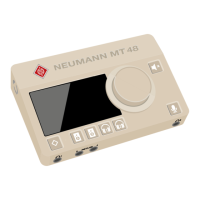
• Bottom Panel
3/8” thread for mounting the MT 48 on a mic stand
TFT LCD
Multi touch display
Home Button
Access to main menu
and settings
Built-in Microphone
Talkback
Speaker Set Selectors
Configurable
Headphone Selectors
Configurable
Mute Control
Configurable
Talkback Control
Configurable
Multi-function Rotary Control
Volume and gain control/
Settings


 To Next Page