MT 48 | 27
Remote controlling the MT 48
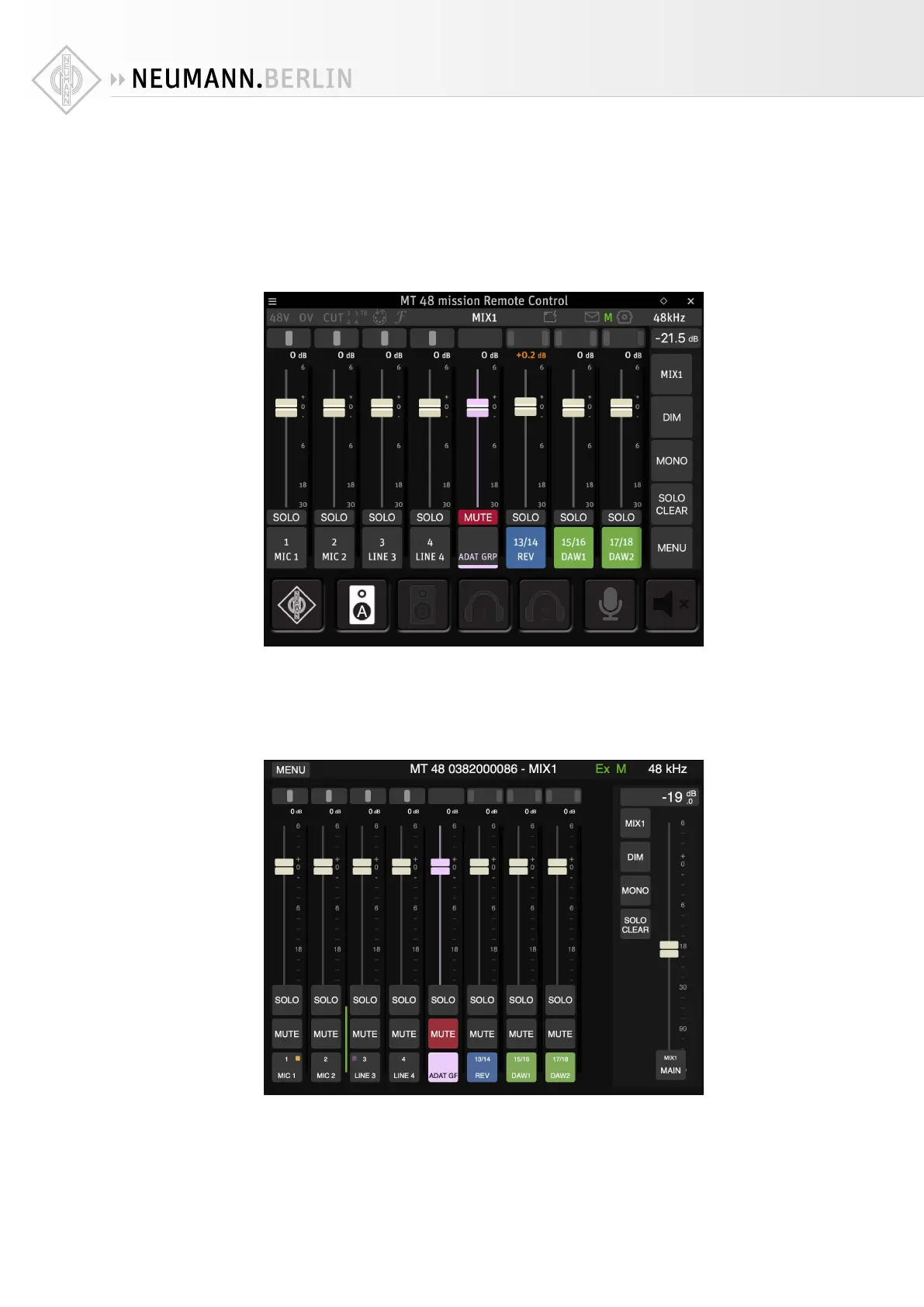
The MT 48 can be remote controlled from the connected computer using the MT 48 Remote
Control App.
On your computer, go to the taskbar (Windows) or menu bar (Mac) and click on the Neumann
logo of the MT 48 AGENT. Select LAUNCH REMOTE CONTROL APP. The Remote Control App
looks and behaves just like the MT 48 screen and includes software counterparts for the MT
48’s hardware buttons.
Web control
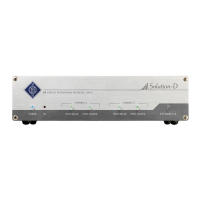
In a similar fashion, the MT 48 can also be controlled via a web interface in your browser. Click
on the Neumann logo in your computer’s taskbar/menu bar and select OPEN WEB CONTROL.
Per default, the Web Control browser page looks similar to the Remote Control App. However,
the Web Control surface is optimized for touchscreen, i.e. for use with a tablet computer (see
below), and it can be configured in various ways. The Web Control browser window has no size
constraints so it can display more than eight channel strips.


 To Next Page