MT 48 | 34
Talkback
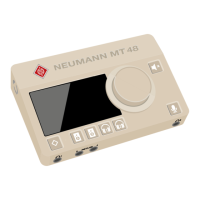
The MT 48 has a built-in talkback mic, which is located below the pinhole between the HOME
and SPEAKERS A buttons.
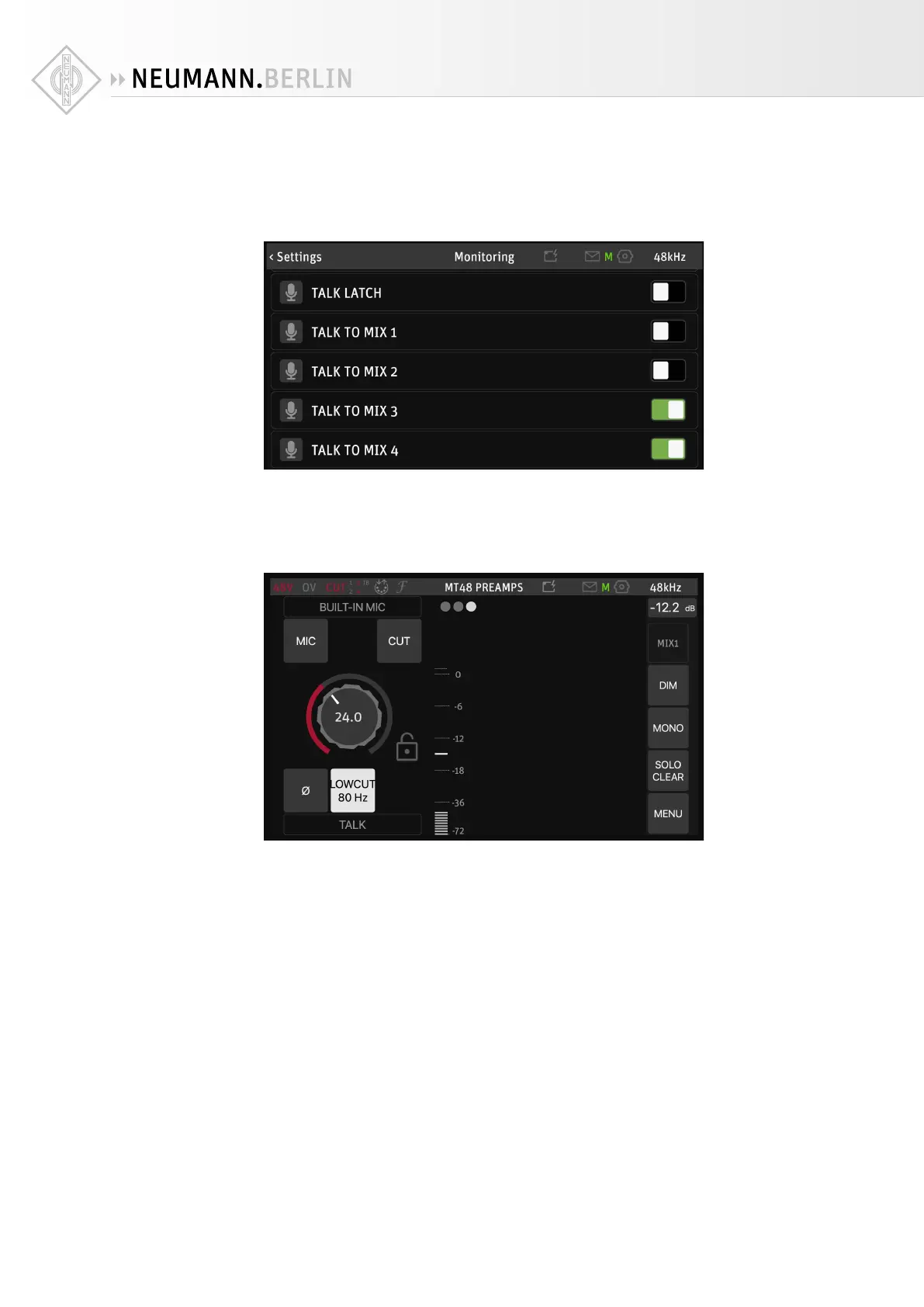
To configure Talkback, go to MENU → SETTINGS → MONITORING and scroll down:
With TALK LATCH activated, the talkback mic is only open as long as you press the talkback
button.
You can select which mixers Talkback talks to: Mix 1 (Speakers A), Mix 2 (Speakers B), Mix 3
(Headphones 1 ) and Mix 4 (Headphones 2).
To adjust the built-in mic gain, go to MENU → TALK PREAMP


 To Next Page