MT 48 | 28
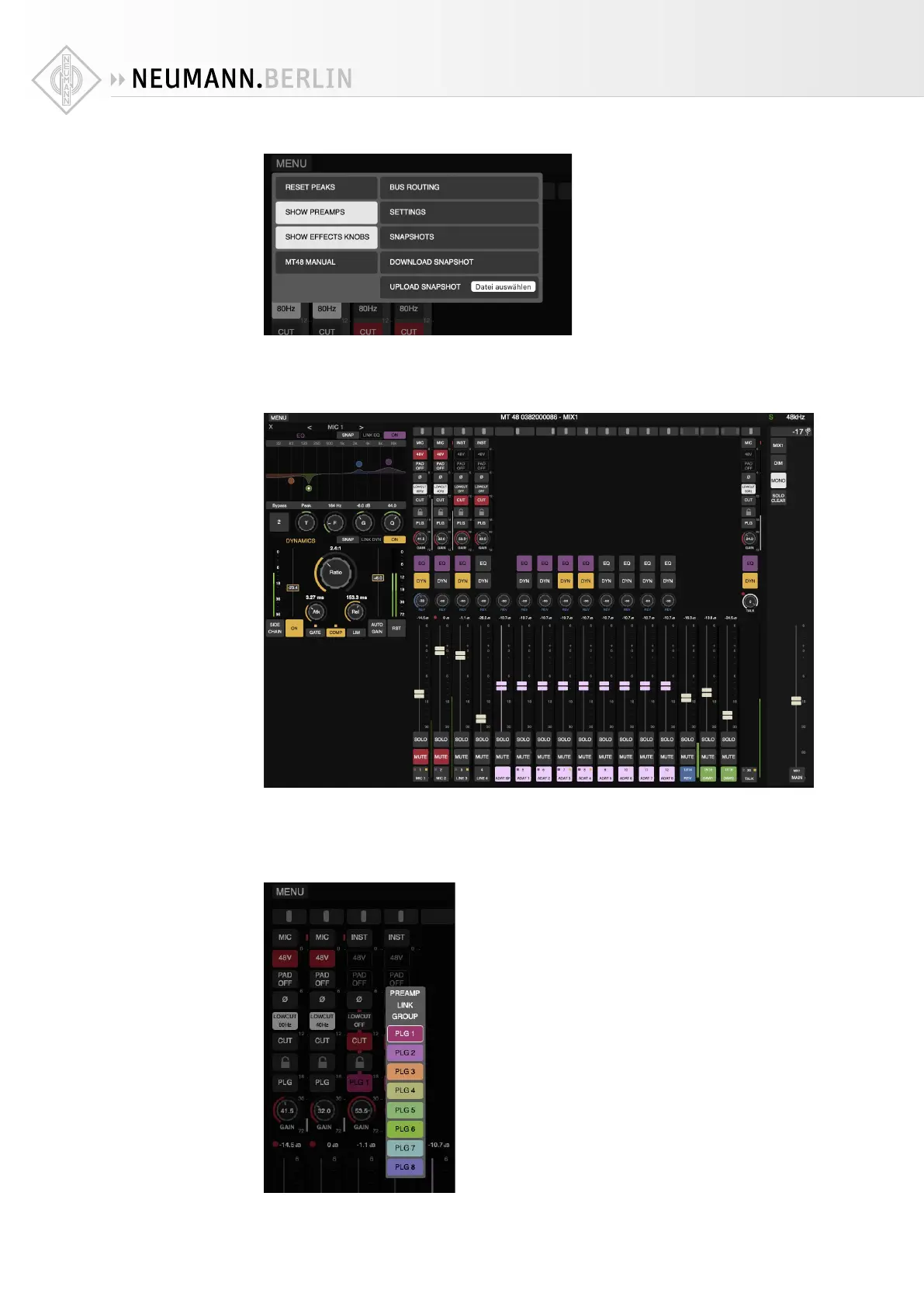
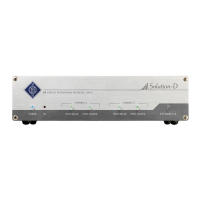
Pressing the MENU button in the upper left-hand corner, you can choose to display the preamp
controls in all preamp-equipped input channels and/or the Eects knobs (EQ and DYN buttons
and REV level). The latter will also give you edit panels in the left-hand side, if you click on an
EQ or DYN button or open REV edit.
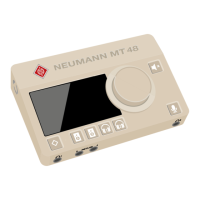
The Preamps section has additional functions not found on the hardware unit or the Remote
Control app. These additional functions are especially useful in larger setups with many pre-
amp channels. Instead of the PREAMP LINK feature, the Web Control features up to eight PRE-
AMP LINK GROUPS (PLG) which the preamp channels can be assigned to. This allows you to
control gain, polarity, low cut and cut (mute) on two or more channels simultaneously.


 To Next Page