R3.1_v1.2
7/76
Modem Web Interface
User Manual MDM3X00
4.2 Accessing the Modem Web Interface
In the normal operational mode a connected computer should be configured in DHCP mode to
retrieve an IP address automatically and to retrieve the DNS server. The modem acts as a DHCP
server for the computer.
Browse to the web interface
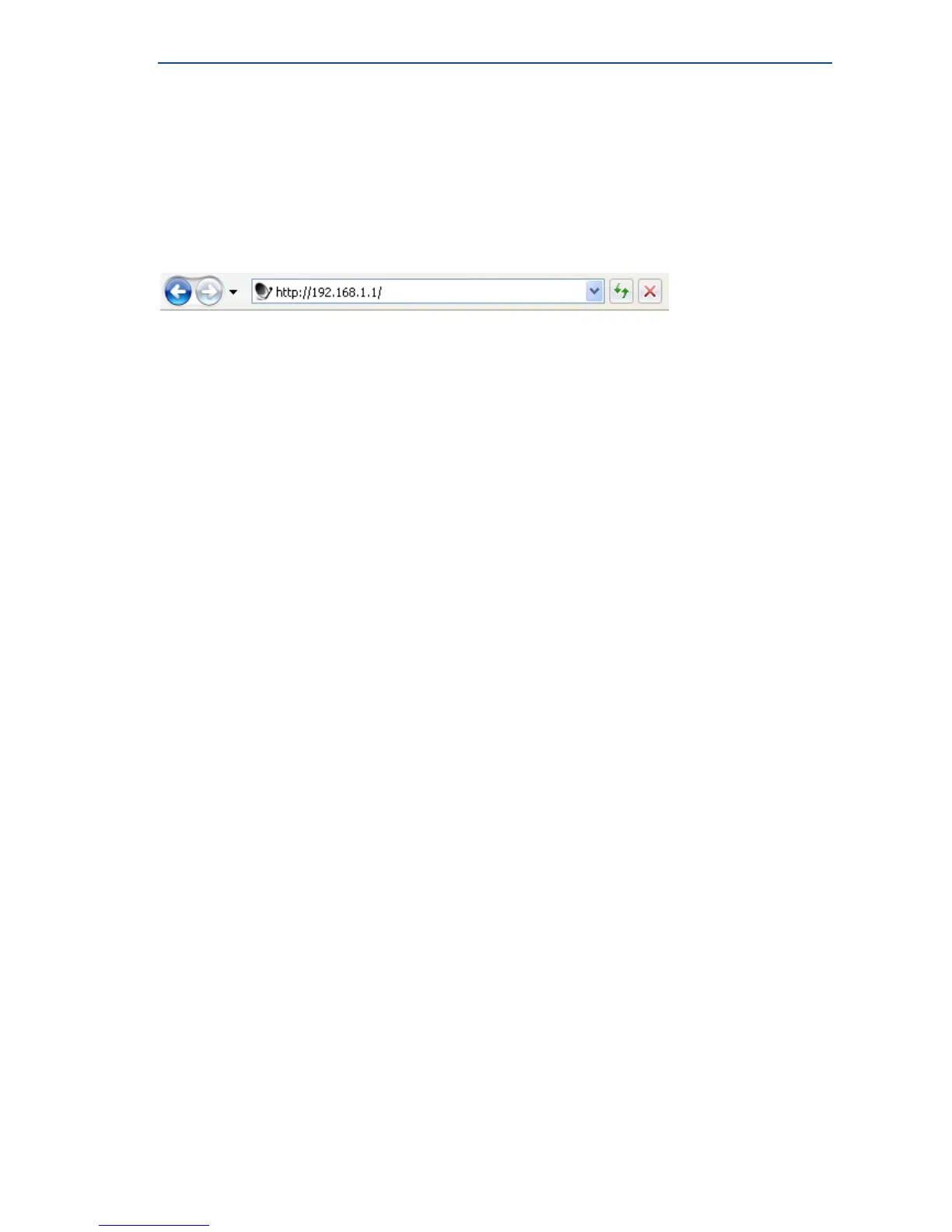
» Type the modem's address in the address bar of the browser: 192.168.1.1.
The first time your modem starts up, you are prompted for the Expert password in order to start the
installation procedure.
If your modem has already been installed before, you are re-directed to the Status page of the
terminal.
When the terminal is not linked to the satellite network, after three minutes, the computer will
automatically receive its IP address, via DHCP, from the modem and you will then be able to browse
the web interface.
If no DHCP address is assigned to your terminal: remove the Ethernet cable from your computer,
wait a few seconds, and plug the Ethernet cable back into your computer. If the problem remains,
you need to assign a static IP address to your computer.



 To Next Page